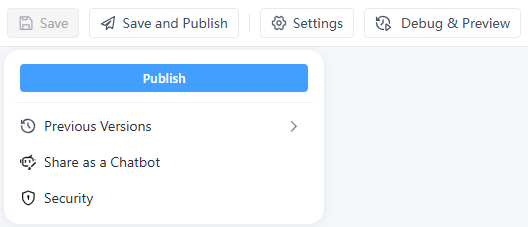
After you finish building and debugging an Interactive Flow, and confirm the logic and results meet your expectations, you can click Save and Publish in the top menu to publish the flow.
Publish for internal use
After publishing, your capability will be discoverable and usable by team members in GoInsight Workspace, mainly through:
- Triggering it in Collaboration Workspace via @ workflow / @ assistant
- Browsing, searching, and starting it from Explore AI
Share for external use
For an Interactive Flow, what you’re essentially building is a chatbot with an interactive UI. You can share this bot outside your organization and configure security settings.
- Share the bot:
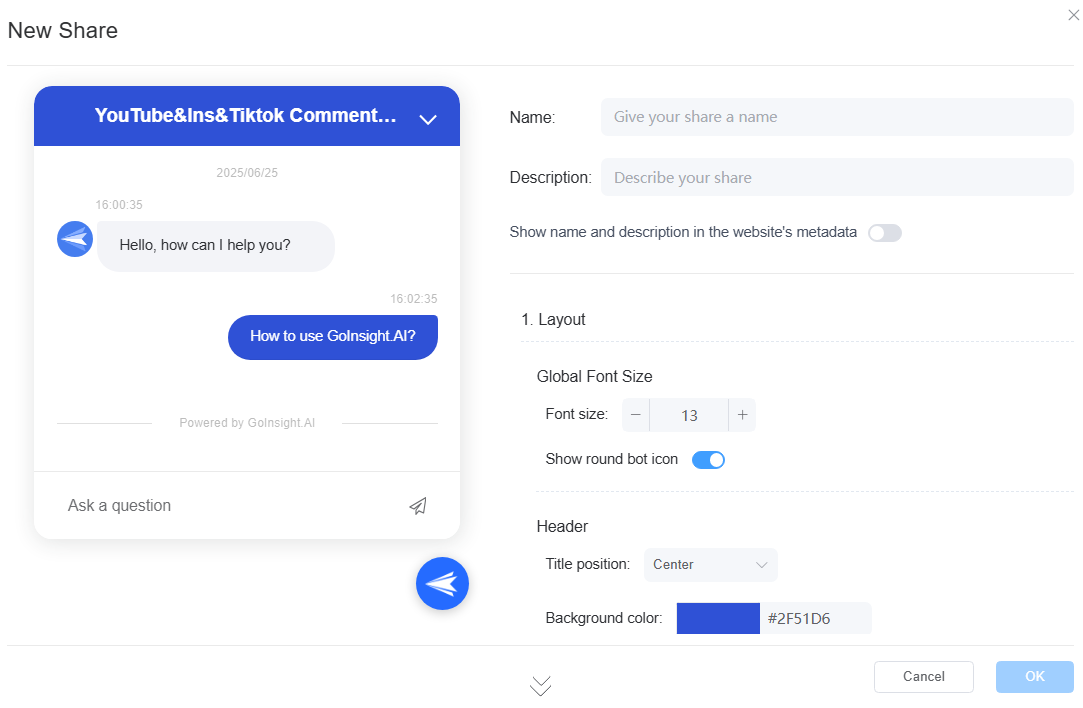
Edit the bot’s name, appearance, welcome message, behavior settings, and more.
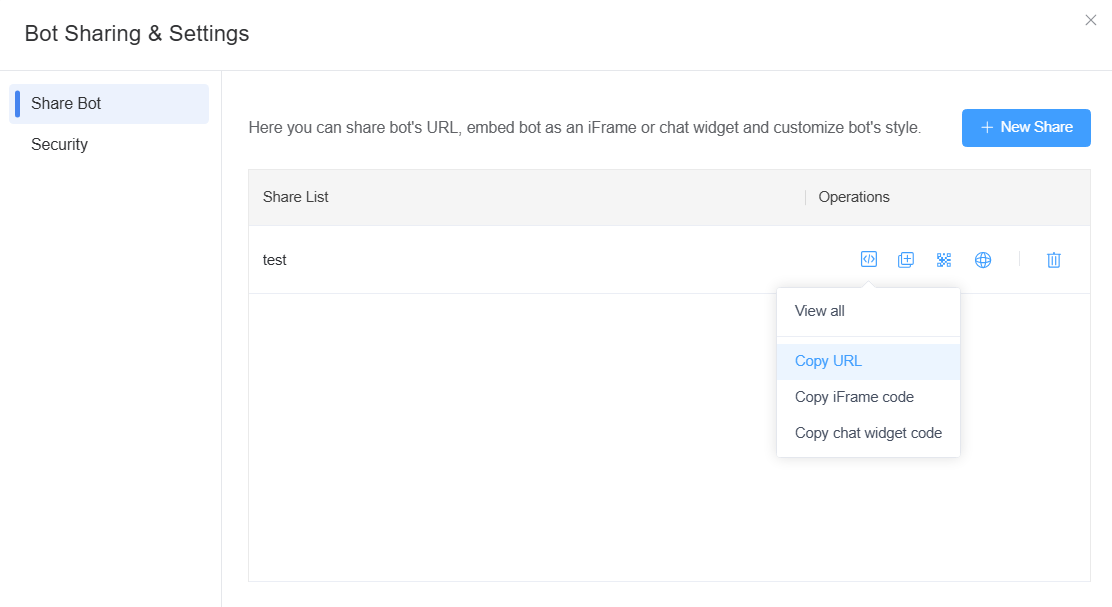
- After you finish creating the shared bot, you can share it via:
- URL link
- iFrame code
- floating widget code
- QR code
You can also configure the chatbot’s security settings. See: Security Settings for Interactive Flow


Leave a Reply.