Definition
The Audit Center lets you view active share links, API keys, designated access points, and members' operation records within the enterprise, giving administrators visibility into access and operations across the organization.
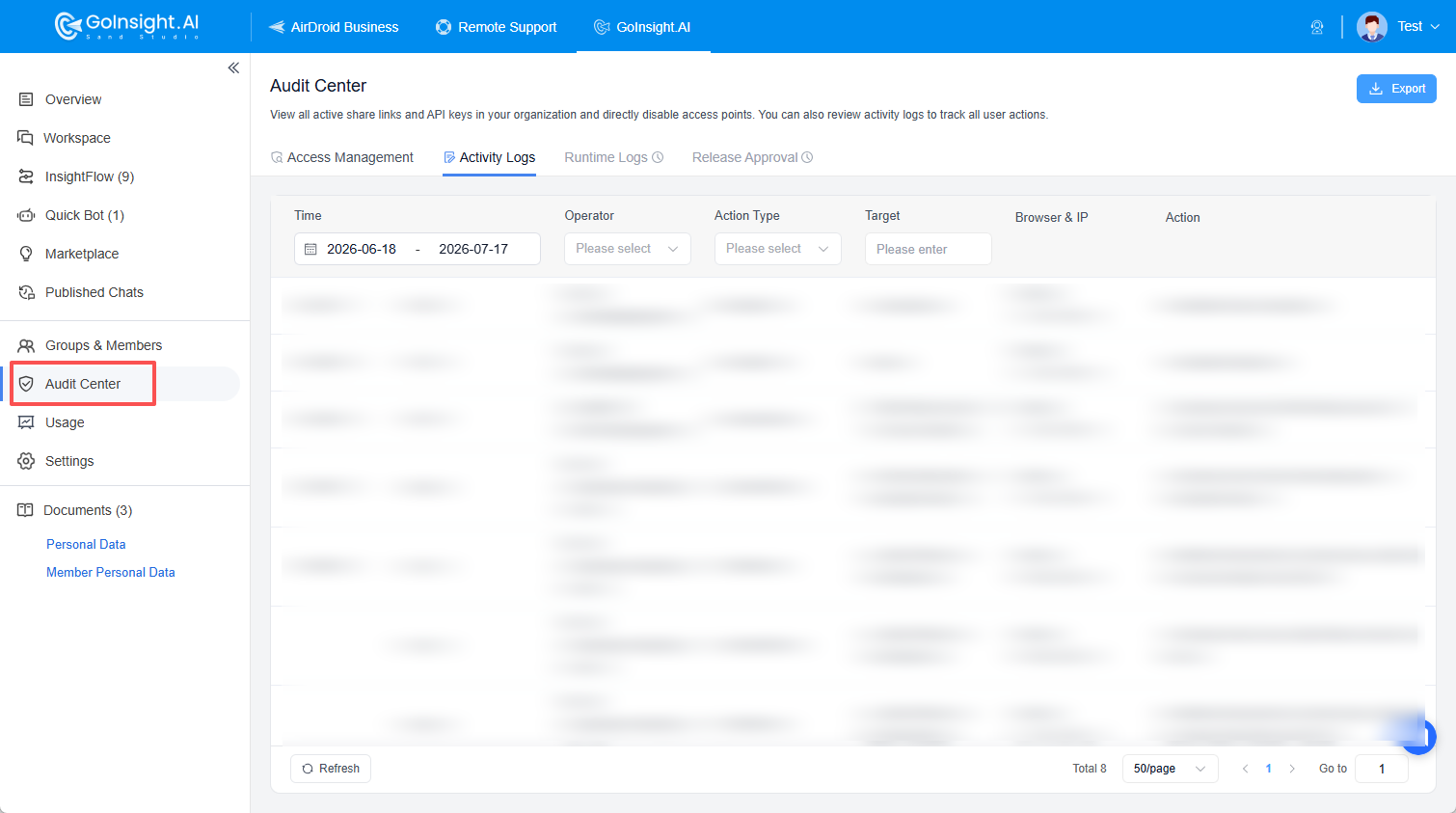
The following roles can view the Audit Center module:
- Group Manager
- Super Administrator
- Account Owner
- If you are a Group Manager, you can only see data within your own group.
- If you are a Super Administrator or Account Owner, you can see all data under the organization.
Audit Center Modules
The Audit Center currently includes 4 modules:
| Module | Description | Status |
|---|---|---|
| Access Management | View an overview of externally shared Chatbot or API data under the organization or group, and enable or disable sharing with a single click. | Online |
| Activity Logs | View operation records of members within the account. | Online |
| Runtime Logs | View Workflow Runtime Logs. | Not Online |
| Release Approval | Approve Chatbot or API published by members. | Not Online |
Access Management
Access Management is used to view and manage shared access points under the organization or group, including externally shared Chatbot and API.
On the Access Management page, you can view an overall summary of the current access points, such as:
- Number of active access points
- Number of shared Chatbots
- Number of published APIs
- High-frequency call statistics for the past 30 days
The list below displays detailed information about each access point, including name, associated Workflow/Bot, owner and group, creation time, validity period, last run time, and current enabled status.
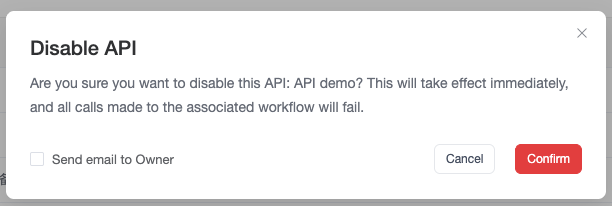
Administrators can use the status toggle in the list to directly enable or disable the corresponding Chatbot sharing or API.
When enabling or disabling API or Chatbot sharing, you can choose whether to notify the corresponding creator.
The Access Management page also supports filtering by search, group, status (enabled/disabled), etc., to help you quickly locate the access points you want to view or manage.
Activity Logs
Activity Logs are used to view operation records of members within the account, helping administrators track key member actions in the system. Through Activity Logs, administrators can see:
- Who performed the operation and when
- Which module the operation occurred in
- What the operation's target object was
- What the specific Action was
- The Browser & IP information used during the operation
This helps administrators quickly trace related operation records when configuration changes, permission changes, member changes, document changes, or Workflow changes occur.
Activity Logs display the following information:
| Field | Description |
|---|---|
| Time | Time when the operation occurred |
| Operator | Member name and account performing the operation |
| Action Type | Action Type corresponding to the record (e.g., create Tool) |
| Target | Object being operated on |
| Browser & IP | Browser & IP information used during the operation |
| Action | Specific description of the action |
Activity Logs support filtering by time, operator, Action Type, Target, etc. The top right corner of the page provides an Export button to export Activity Logs as an Excel file to your local computer.
Action Type
Activity Logs support filtering by Action Type to view different categories of operation records.
Currently, the filterable Action Type include but are not limited to the following categories:
| Operation Category | Example Operations |
|---|---|
| Agent Strategy Management | Create agent strategy, delete agent strategy, edit agent strategy, edit agent strategy permissions |
| Quick Bot Management | Create Bot, delete Bot, edit Bot, edit Bot permissions |
| Credential Management | Create credential, delete credential, edit credential, edit credential permissions |
| Credential Type Management | Create credential type, delete credential type, edit credential type |
| Document Management | Create folder, delete folder, edit document, edit folder, edit folder permissions |
| Member Management | Delete member, invite member, edit member information |
| Tool Management | Create Tool, delete Tool, edit Tool, edit Tool permissions |
| Workflow Management | Create Workflow, delete Workflow, edit Workflow, edit Workflow permissions |


Leave a Reply.