
Overview
Managing customer data across multiple Airtable bases and tables without a consistent interface leads to fragmentation and slows down workflows. This workflow eliminates that friction by unifying create, read, update, and delete operations into a single parameter-driven process, enabling seamless integration and reliable data handling.
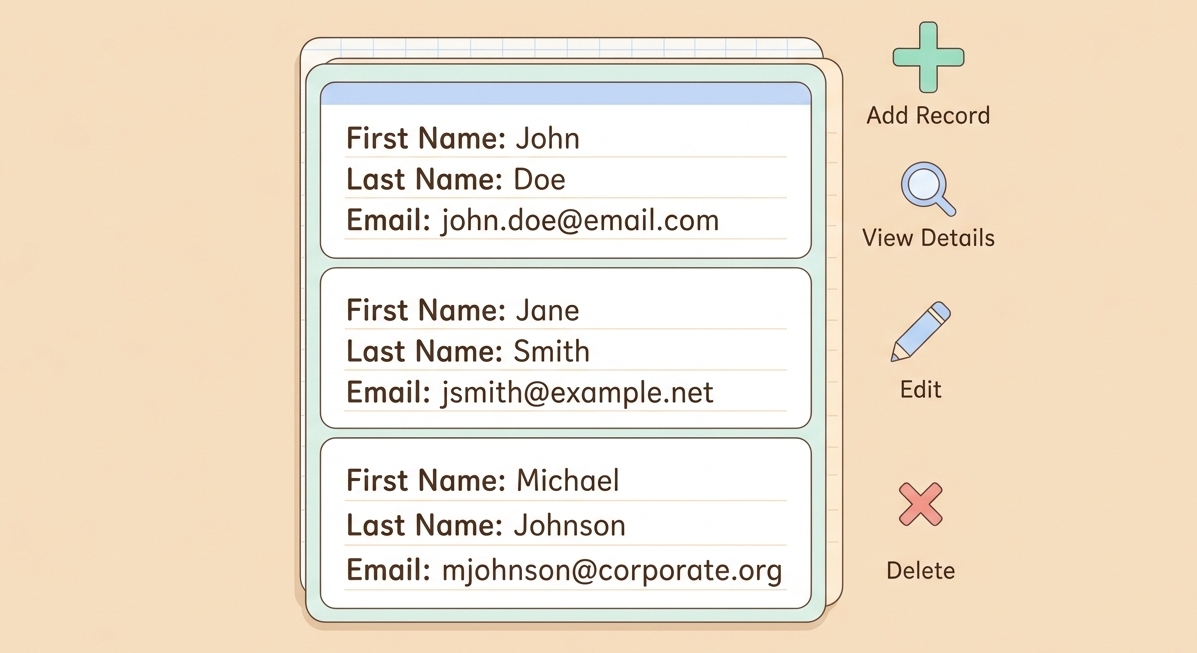
Generated by AI
The Impact
- Unify CRUD actions. Control all customer record operations via one streamlined workflow.
- Reduce redundant coding. Avoid building separate APIs for each database action.
- Ensure data consistency. Use a single source of truth for customer info updates and retrievals.
- Speed up integrations. Easily connect Airtable with external systems without custom development.
Who This Is For
- Developers exposing a unified Airtable CRUD API backend.
- Customer Support teams needing fast customer detail lookups by ID.
- Data Engineers syncing external user lists into Airtable with deduplication.
- Operations staff cleaning up test or stale customer data efficiently.
How It Works
- Route Action
- Decide the operation branch (create, get, get_all, update, delete) based on the Action parameter.
- Prepare and Execute
- Format input fields into Airtable record structures and invoke corresponding Airtable API calls for the chosen operation.
- Handle Retrievals
- Query Airtable by customer_id for get and delete operations, or fetch all records if requested.
- Perform Updates and Deletes
- Merge updates on matching customer_id fields or delete records by extracted Airtable record IDs.
- Return Results
- Output the created, retrieved, updated, deleted records or full record lists back to the caller.
What You'll Need
Before using this template, make sure you have:
- An Airtable base and table prepared with fields: first_name, last_name, email, and customer_id for unique identification.
- Valid Airtable API credentials authorized for all workflow nodes interacting with Airtable.
- The BaseId and TableId identifiers from your Airtable setup to direct operations correctly.
How to Use
- Step 1. Prepare Airtable Structure
- Step 2. Configure Credentials
- Step 3. Set Parameters
- Step 4. Execute Workflow
- Step 5. Verify Results
Create or confirm your Airtable base and table with the required customer fields.
Set up Airtable API credentials for the workflow to authenticate all database calls.
Fill in Action (create, get, get_all, update, delete), BaseId, TableId, and relevant customer fields.
Run the workflow to perform the desired CRUD operation on Airtable customer data.
Check the returned records or status to confirm your operation succeeded as intended.


