
Overview
Extracting meaningful summaries from ArXiv papers involves working through dense and highly technical material. This automation fetches the paper HTML by ID, cleans raw content by stripping HTML and citations, then generates a structured four-part summary—abstract overview, introduction, results, and conclusion—enabling rapid comprehension and streamlined archiving.
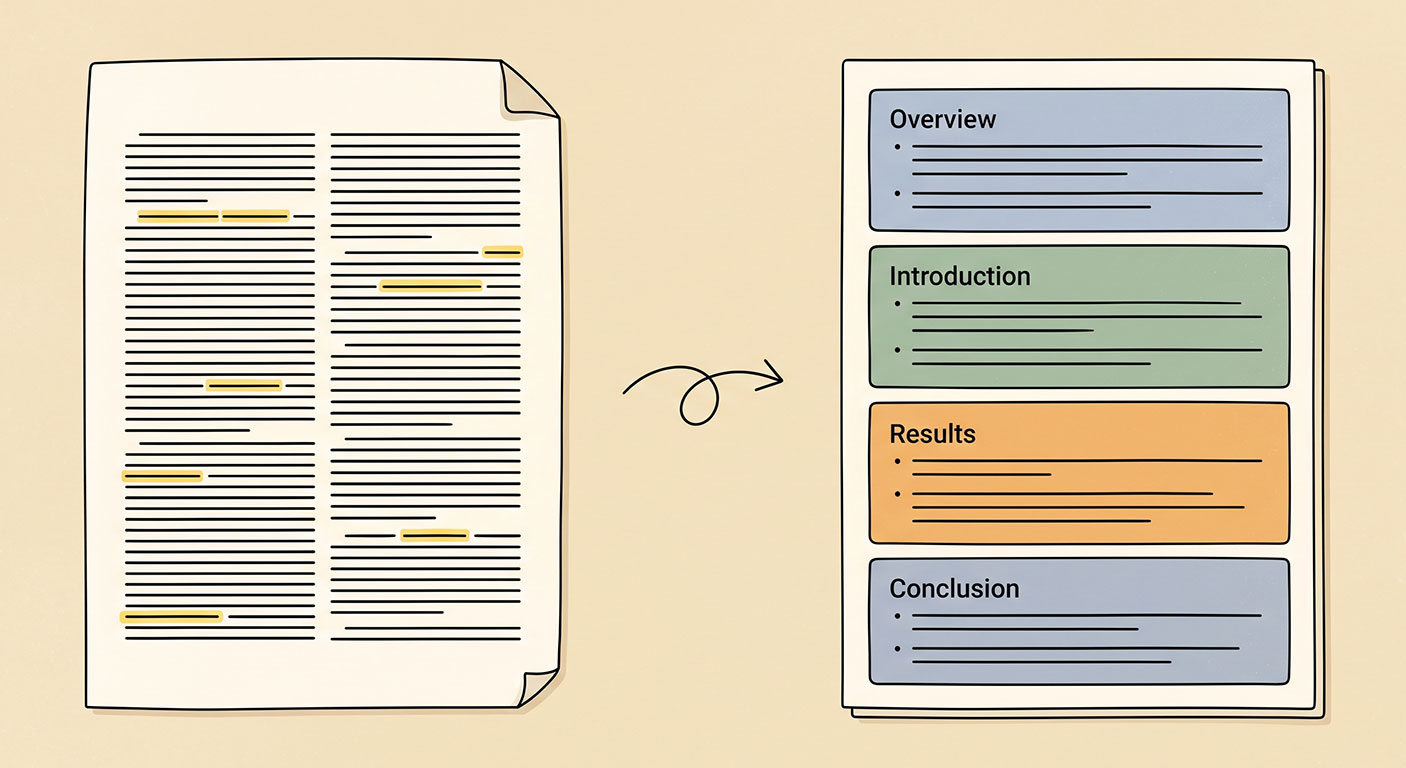
Generated by AI
The Impact
- Slash reading time. Get concise summaries that highlight core research points instantly.
- Automate data extraction. No manual scraping or cleaning of paper HTML required.
- Standardize summaries. Output structured JSON for easy indexing and batch processing.
- Accelerate screening. Help editors and reviewers quickly assess submissions.
Who This Is For
- Researchers who need fast, reliable paper summaries for literature reviews.
- Research assistants managing large sets of ArXiv papers for archiving.
- Journal editors requiring quick content overviews to screen submissions.
- Conference committees conducting preliminary article assessments.
How It Works
- Fetch Paper HTML
- Send a GET request to https://arxiv.org/html/{PaperId} to retrieve the paper's raw HTML.
- Clean Content
- Use Python code to extract the abstract and body sections by targeting divs with class "ltx_abstract" and "ltx_para", remove HTML tags and citation links, and merge the cleaned text.
- Generate Structured Summary
- Invoke the LLM to create a JSON-formatted four-part summary: abstract overview, introduction, results, and conclusion.
- Extract Semantic Parameters
- Parse the JSON output from the LLM into separate fields for easy consumption and output.
- Output Final Result
- Deliver the structured summary fields as the workflow’s final output for use in reading, archiving, or analysis.
What You'll Need
Before using this template, make sure you have:
- Access to the internet to fetch ArXiv paper HTML pages.
- ArXiv paper identifiers (PaperId) extracted from URLs (e.g., 2305.16300).
- A platform that supports executing Python code and calling large language models.
How to Use
- Step 1. Provide PaperId
- Step 2. Fetch Paper HTML
- Step 3. Clean and Extract Content
- Step 4. Generate Structured Summary
- Step 5. Verify Output
Enter the ArXiv paper identifier (e.g., 2305.16300) extracted from the paper URL.
Run the workflow to request the paper's HTML page from ArXiv.
The workflow will automatically clean the HTML, removing tags and citations, extracting abstracts and sections.
The large language model generates a JSON summary with distinct sections.
Check the final output fields: Abstract, Introduction, Results, and Conclusion for completeness and accuracy.


