
Overview
Managing Airtable records manually slows down operations and increases coordination overhead. This workflow automates reading table schemas, querying records, and handling batch creates, updates, or deletes, and returns structured summaries that eliminate tedious maintenance and speed up data operations.
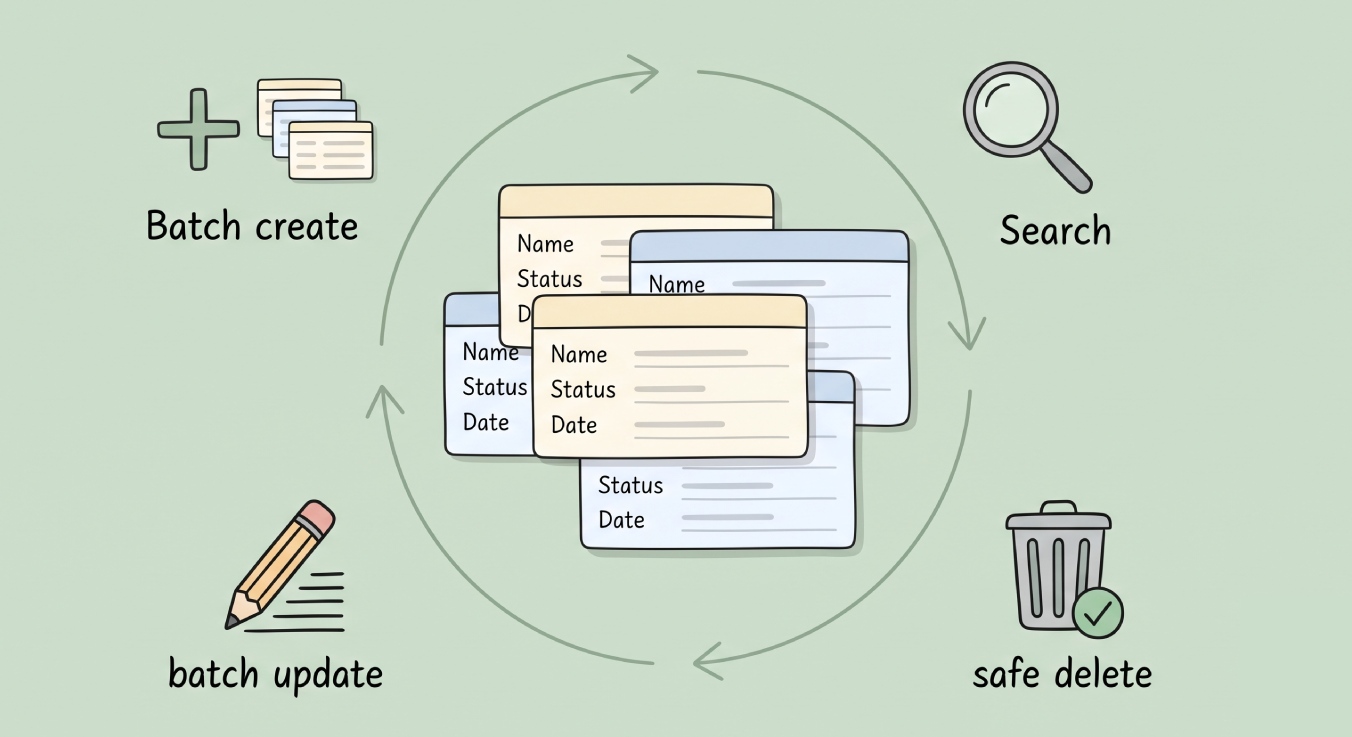
Generated by AI
The Impact
- Slash manual updates. Batch modify records efficiently with zero coding.
- Eliminate data errors. Strict read-modify-write flow preserves data integrity.
- Accelerate queries. Filter and retrieve records instantly using dynamic formulas.
- Clarify results. Receive natural language summaries of all actions performed.
Who This Is For
- Product Managers automating task status updates and dashboard exports.
- Data Analysts cleaning and completing customer records in bulk.
- Editorial Teams managing content pipelines with template-based record creation.
- Operations Leads streamlining team workflows via precise record controls.
- Developers needing a reliable Airtable agent for integration and automation.
How It Works
- Acquire Table Schema
- Use the Airtable Agent to retrieve the base's table and field structure to build precise queries and updates.
- Retrieve or Search Records
- Filter and fetch single or multiple records based on user-defined conditions using Airtable’s filterByFormula syntax.
- Create or Update Records
- Batch create new entries or update existing ones following a strict read-modify-write cycle to prevent data loss.
- Delete Records Safely
- Confirm destructive deletions before removing records in bulk to avoid accidental data loss.
- Deliver Clear Results
- Summarize all performed operations into readable feedback, highlighting key changes and statuses.
What You'll Need
Before using this template, make sure you have:
- Airtable Base with tables set up, containing identifiable fields (primary name/title, status, dates, business attributes).
- Valid Airtable API credentials authorized for the target base and tables.
- BaseId and TableId or table name extracted from the Airtable URL to specify your data scope.
How to Use
- Step 1. Prepare Your Airtable Base and Table
- Step 2. Configure Credentials and Parameters
- Step 3. Define Your Record Operations
- Step 4. Execute Actions via the Airtable Agent
- Step 5. Review the Operation Summary
Ensure your Airtable setup includes the necessary fields for filtering and identification.
Input your Airtable API credentials, BaseId, and TableId to establish connection.
Specify whether to search, retrieve, create, update, or delete records with appropriate filters or record IDs.
The agent will perform the requested operations following strict update workflows and safety checks.
Check the natural language reply for confirmation and details of the executed tasks.


