
Overview
Sales reps often draft emails from scratch or search across systems for customer details before responding. This workflow automates email creation by extracting the latest customer email from input or chat history, fetching rich profiles and notes from HubSpot, then generating concise, personalized sales emails with AI—cutting manual effort and boosting follow-up speed.
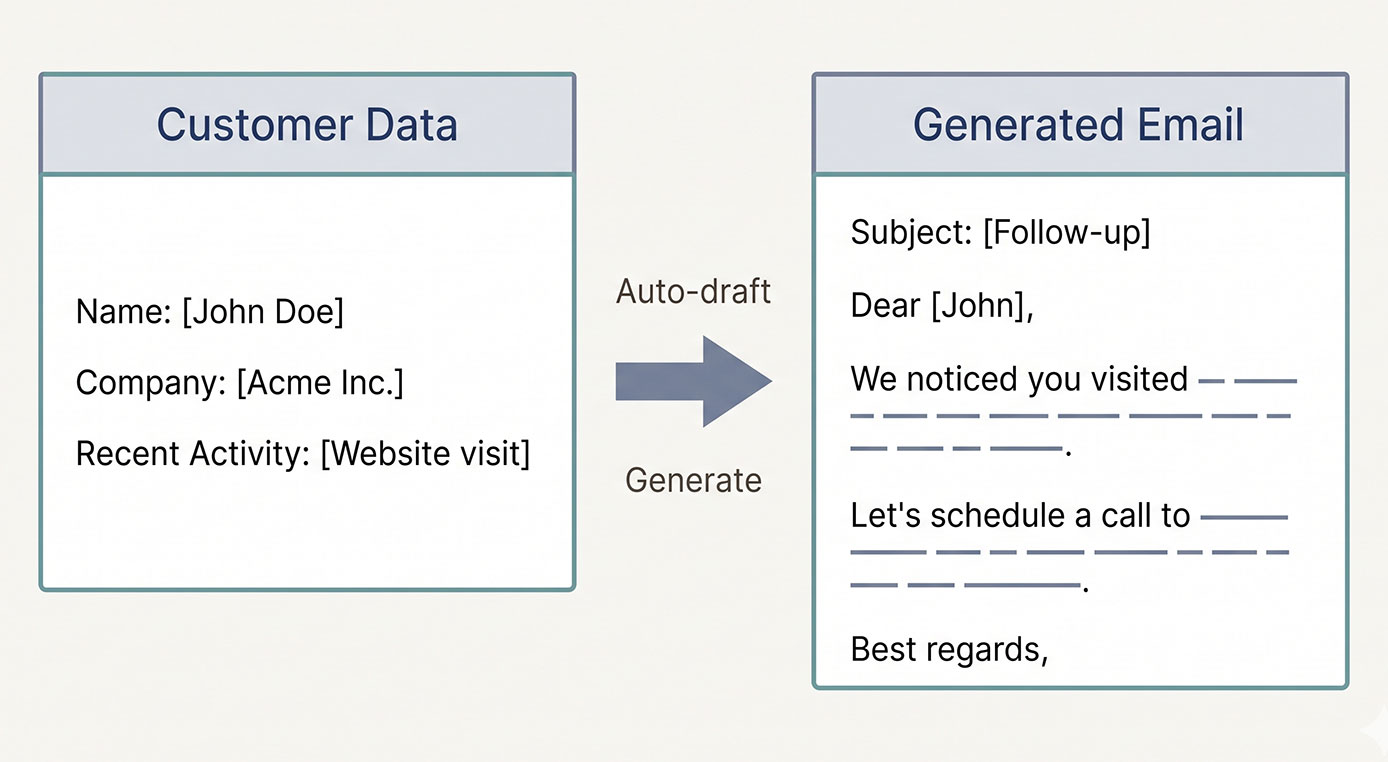
Generated by AI
The Impact
- Slash Email Draft Time. Auto-generate tailored sales emails in seconds, freeing reps for selling.
- Boost Follow-up Consistency. Keep tone and style aligned with past conversations and customer context.
- Improve Personalization. Pull live HubSpot data and notes to craft relevant messages that resonate.
- Speed Deal Closure. Faster outreach means quicker engagement and higher conversion rates.
Who This Is For
- Sales Representatives who need rapid first-contact emails for new leads.
- Account Managers refining follow-ups based on historical interactions.
- Customer Success Teams automating upgrade or upsell outreach from support chats.
- Sales Operations wanting to standardize email generation across teams.
How It Works
- Identify Customer Email
- Extract the customer email from direct input or parse recent conversation history using regex and logic nodes.
- Fetch Customer Data
- Call HubSpot API to retrieve customer profile, notes, and activity records enriching the background.
- Generate Sales Email
- Use AI with the collected data and sales instructions to draft a polite, concise, and personalized email subject and body.
- Translate Email for Review
- Translate the generated email into English internally for review without altering the original output language.
- Deliver Output
- Return the generated email text as a reply for sales to copy, modify, or send directly.
What You'll Need
Before using this template, make sure you have:
- HubSpot API Bearer Token with permissions to access contacts, notes, and activities.
- Existing contacts with associated notes and activity records in HubSpot.
- Access to historical sales conversation logs or chat records for email extraction.
- Optionally, the customer's email address; if unknown, the workflow attempts auto-extraction.
How to Use
- Step 1. Input Customer Email or Leave Blank
- Step 2. Run Workflow to Fetch Customer Data
- Step 3. Generate Sales Email
- Step 4. Review Translated Email
- Step 5. Verify Output and Copy Email
Provide the customer's email address if known; otherwise, leave empty to trigger auto-extraction from conversation history.
The system pulls customer profile, notes, and email activity from HubSpot to build context.
AI drafts a personalized, polite, and concise sales email based on retrieved data and your guidance.
Check the English translation for internal validation; the original email language remains as generated.
Confirm the generated email content is appropriate, then copy it for sending or further editing.


