


Why AI Workflows Still Need Human Control
Risky Decisions Need Review
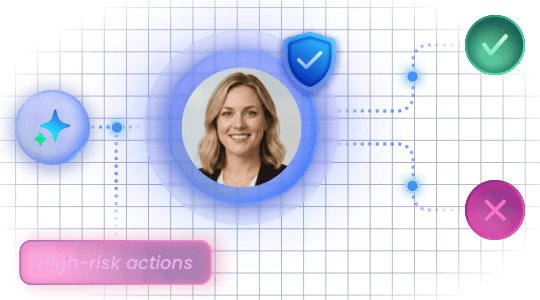
Not every business decision should be left to AI. Approvals, compliance checks, and high-impact actions still require human judgment before the workflow moves forward.
Missing Inputs Break Flow
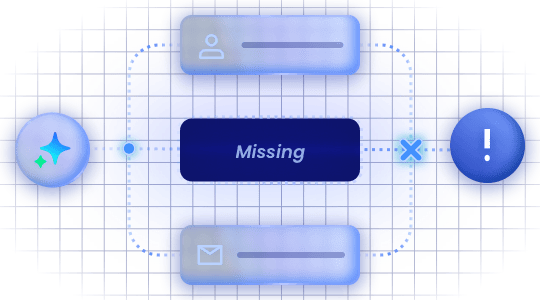
AI workflows often depend on missing or unclear inputs. Without a structured way to collect the right information, the process can stall, loop, or produce unreliable results.
Human Work Happens Asynchronously
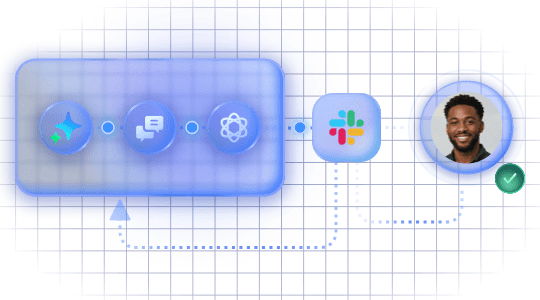
Key reviewers are not always in the current conversation. Managers, finance teams, or operators may need to respond later, from another channel, before the workflow can continue.
A Controlled Loop Between AI and Human Judgment
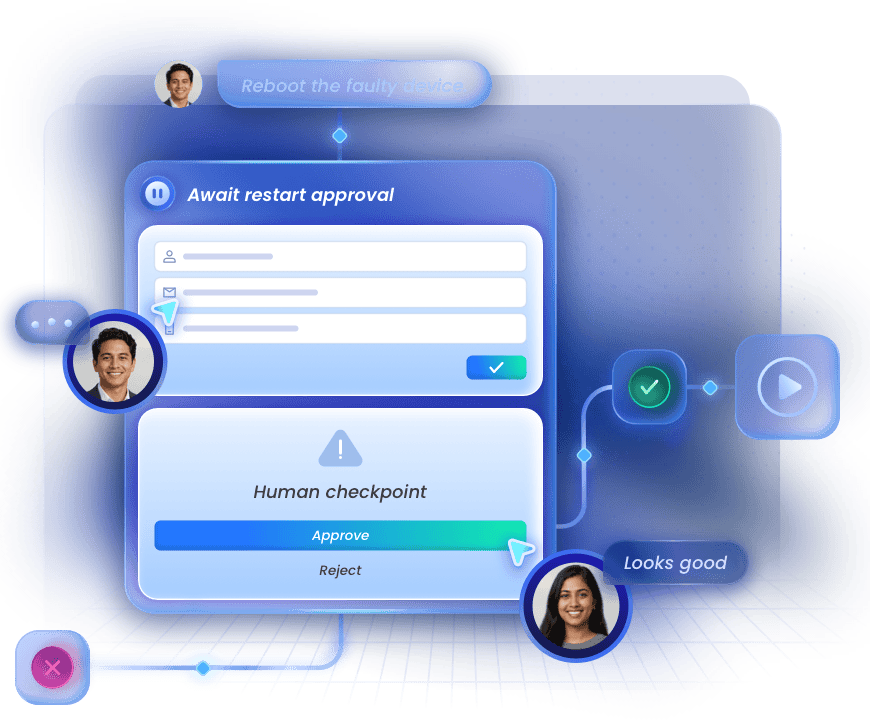
GoInsight.AI adds human checkpoints directly into AI workflows. When human judgment is required, the workflow pauses, collects input through an interactive form, and resumes automatically with the submitted response.
Pause at Critical Steps
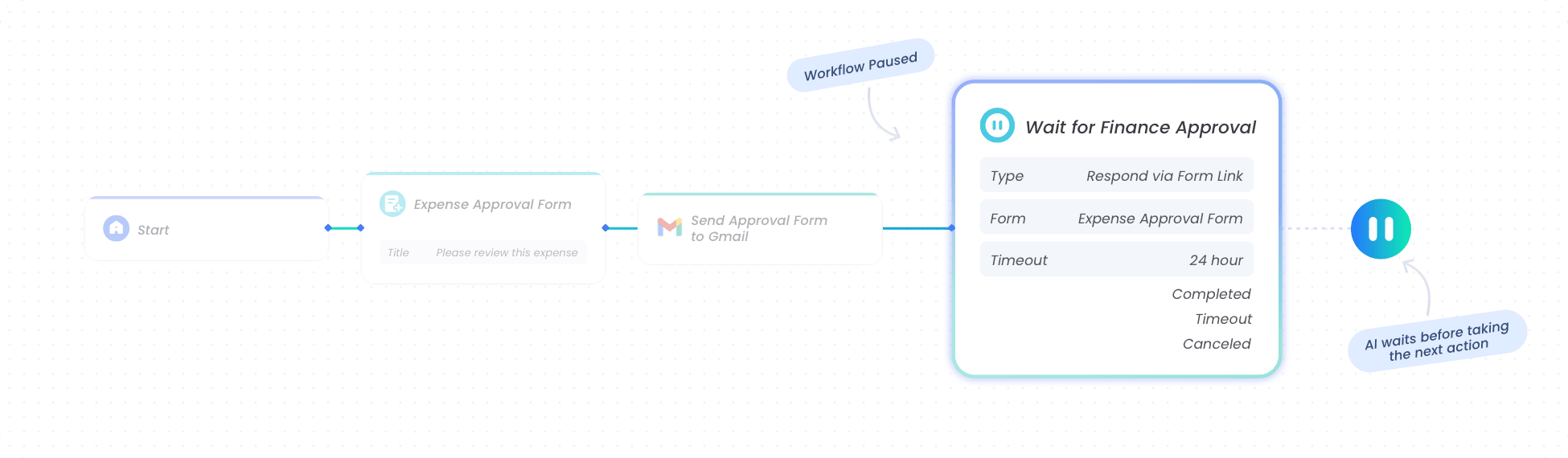
When a workflow reaches a step that requires human judgment, it pauses execution instead of letting AI continue unchecked.
Collect Human Input
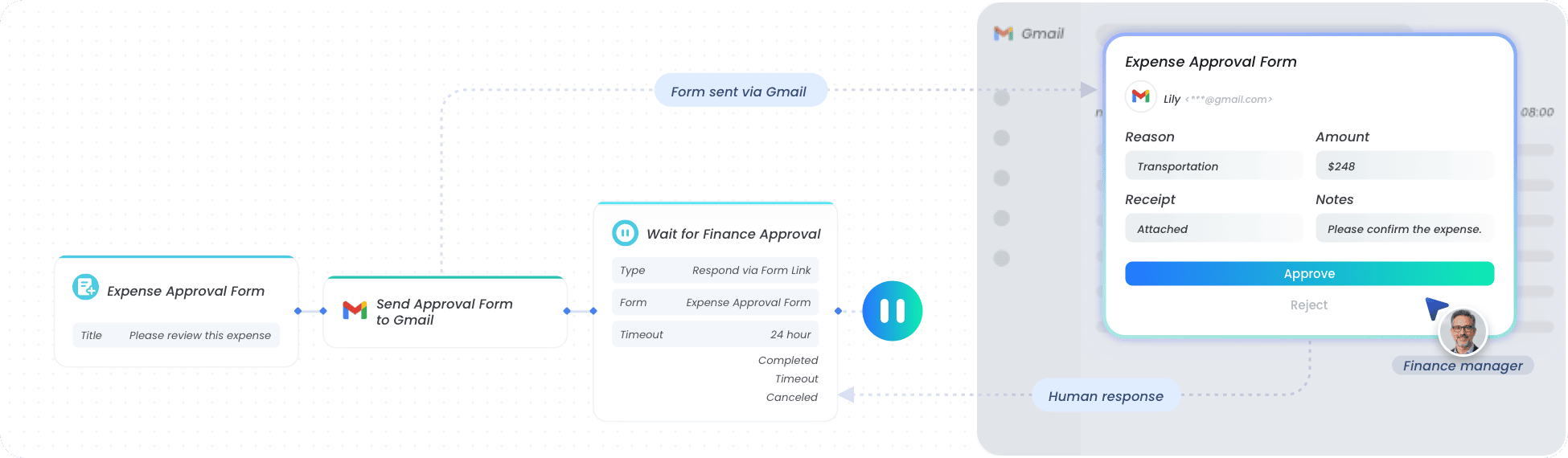
Interactive forms let reviewers approve, reject, edit, or add missing information in a structured way.
Resume Automatically
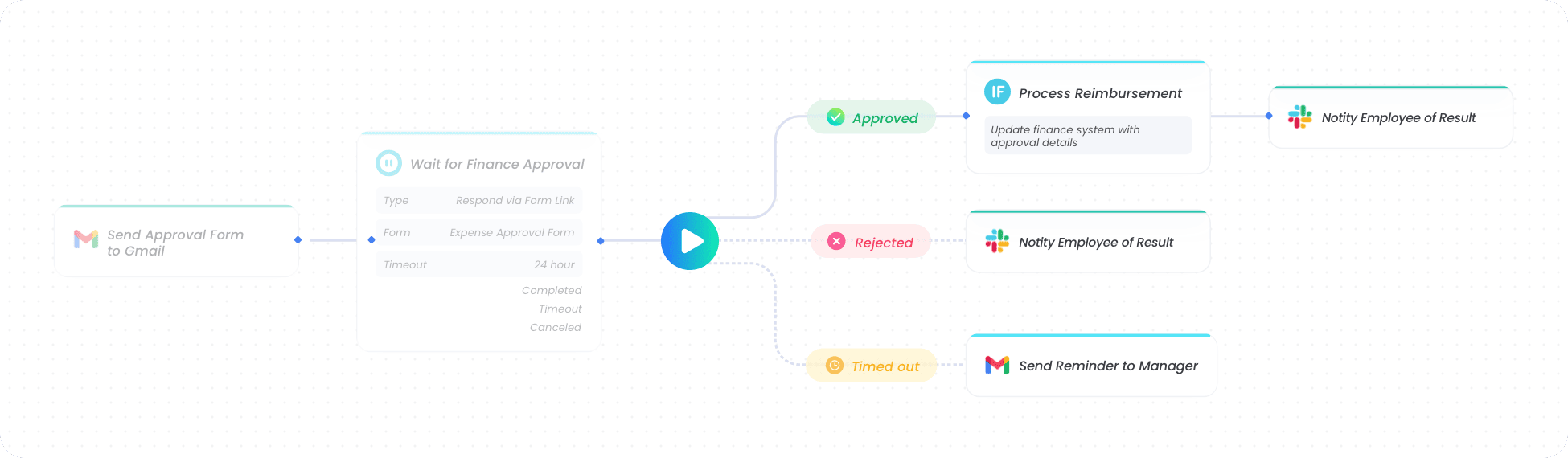
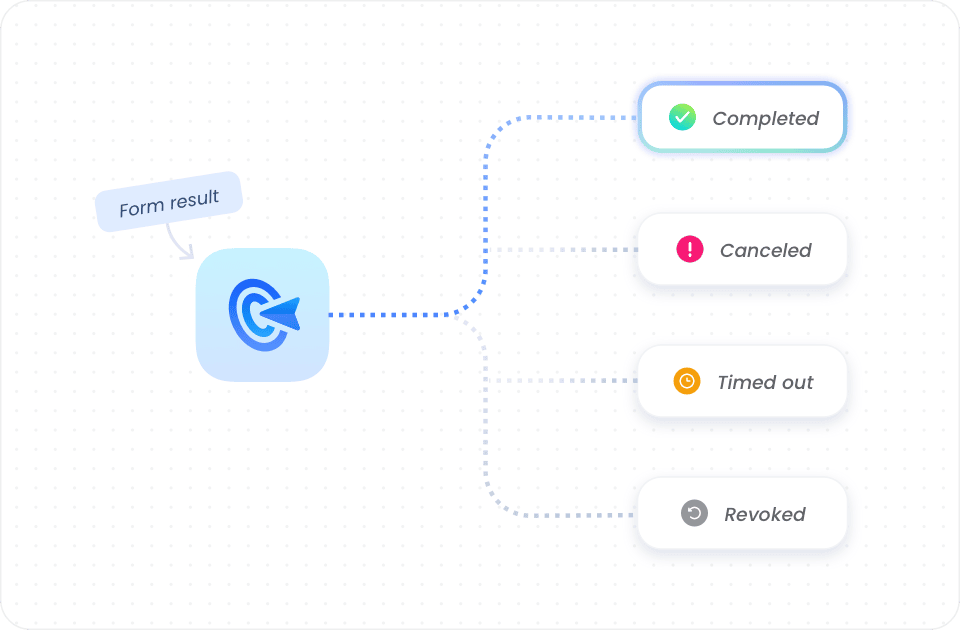
Once the form is submitted, cancelled, timed out, or revoked, the workflow continues through the right branch.
Interactive Forms for Human Decisions
Turn human input into structured, validated, and workflow-ready data. With interactive forms, teams can review AI outputs, add missing context, approve critical actions, and send decisions back into the automation flow.
Collect Structured Input
Capture human feedback through predefined fields, required inputs, and validation rules. Instead of relying on free-form replies, teams can collect complete, standardized data that AI workflows can reliably use.
Provide Decision Context
Display AI-generated summaries, workflow variables, instructions, images, or reference details directly in the form. Reviewers can understand the full context before making a decision.
Enable Human Review
Let people approve, reject, correct, or enrich AI-generated results before the workflow continues. Critical actions can be reviewed by the right person at the right step.
Feed Workflows Forward
Convert submitted form responses into variables that downstream nodes can use. Human decisions become part of the workflow logic, driving the next action automatically.


Pause and Resume for Controlled Workflow Execution
Keep AI workflows from breaking when human input, external approval, or delayed execution is required. GoInsight.AI pauses the workflow, waits for the right signal, and resumes through the appropriate path.
Pause Critical Steps
Suspend AI execution when a task requires human judgment, approval, missing information, or an external response. Workflows stay active without moving forward unchecked.
Coordinate Across Channels
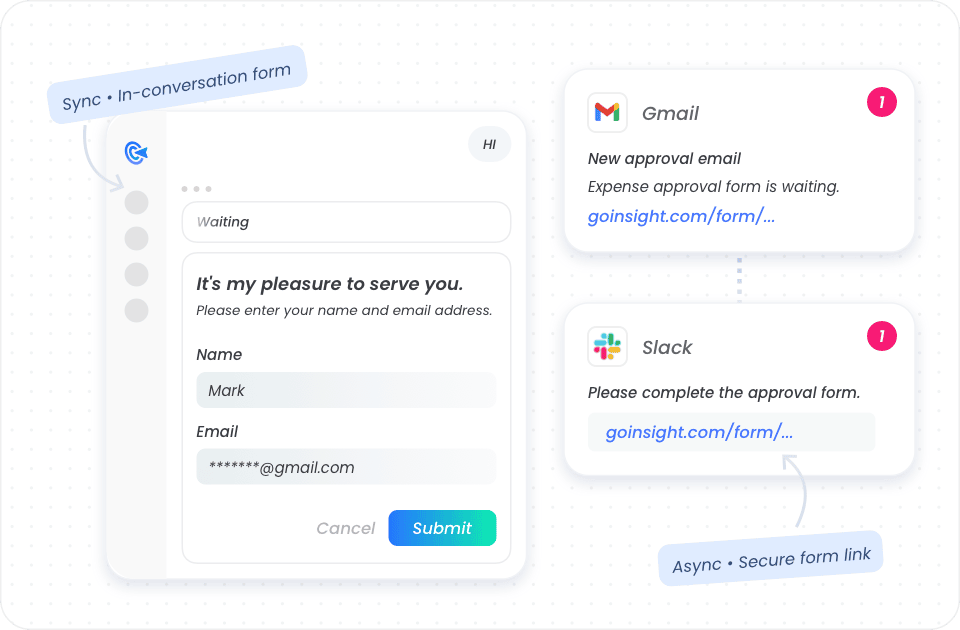
Collect input in the current conversation or send form links to reviewers through external channels. Teams can handle approvals and responses asynchronously without blocking the workflow.
Support Long-Running Tasks
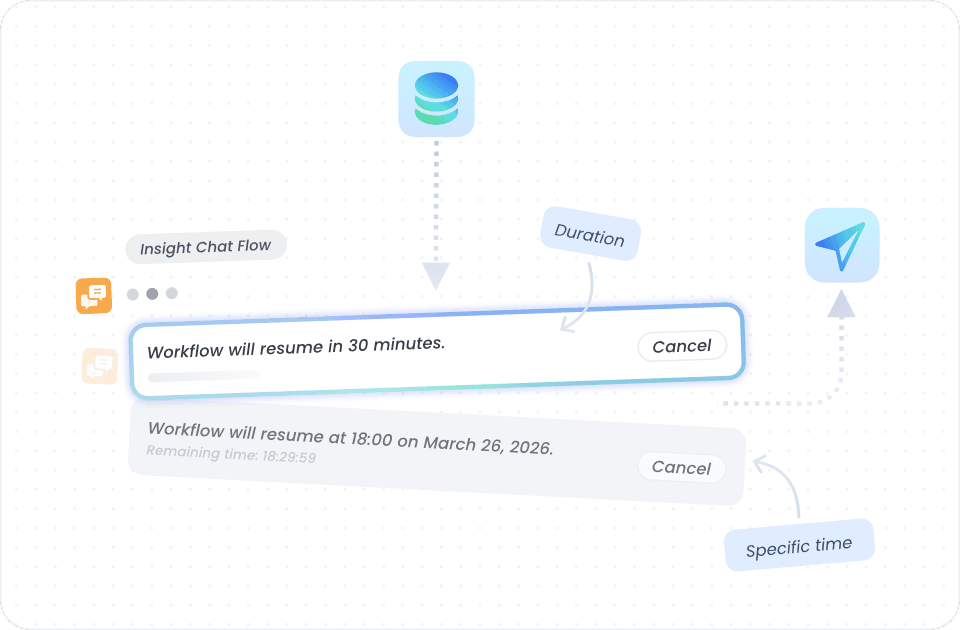
Pause workflows for a set duration or until a specific time, then resume automatically. Long-running processes can stay in one continuous workflow instead of being split across multiple runs.
Resume Through Branches
Continue the workflow based on what happens next: submitted, cancelled, timed out, or revoked. Each outcome can trigger a different path for follow-up actions.


Strengthen AI Governance
Build human oversight into sensitive workflows so every critical action remains accountable, reviewable, and aligned with enterprise policies.

Lower Collaboration Barriers
Allow business teams, approvers, and operators to participate through simple forms, without needing to understand the underlying workflow logic.

Preserve Process Continuity
Keep business processes moving even when decisions, approvals, or external responses take time, instead of forcing teams to restart or rebuild workflows.

Complete Automation Loops
Turn human decisions into part of the automated process, so AI workflows can move from request to review, execution, and system update in one closed loop.
Use Case
Where Human-in-the-Loop Fits Into Real Workflows
See how teams use human-in-the-loop to standardize inputs, coordinate approvals, confirm risky actions, and review customer-facing outputs before automation continues.
Collect Missing Details with Structured Form
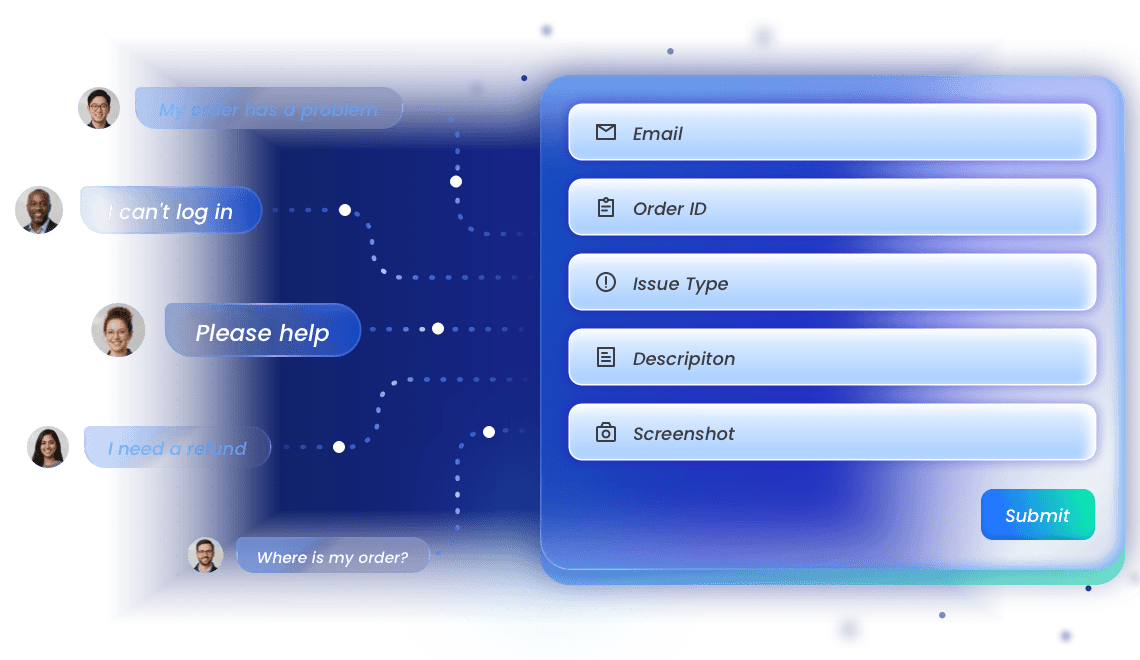
When AI detects missing information in a customer support request, the workflow pauses and sends a structured form to collect the required details.
Fields such as email, order number, issue type, screenshot, or preferred contact time help AI continue with complete and validated data.
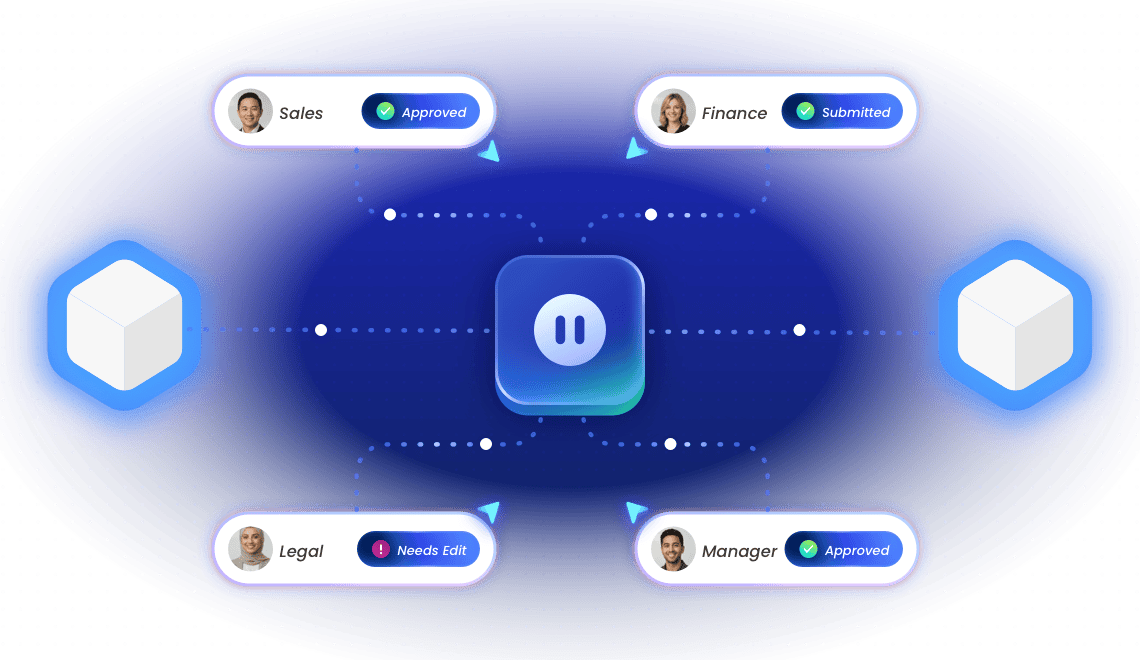
Coordinate Proposal Reviews Across Teams
Before AI sends a proposal, contract, or customer email, sales, finance, legal, and managers may need to review key details.
GoInsight.AI pauses the workflow, routes review forms to the right people, collects their feedback, and resumes only after approvals are complete.
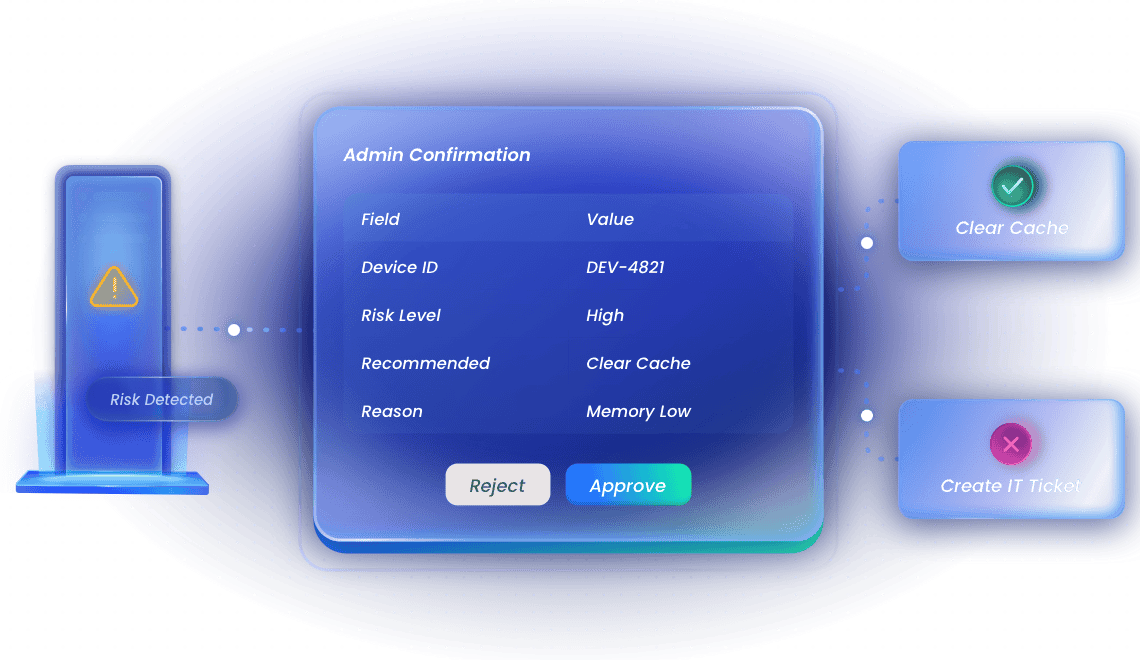
Prevent AI from Acting on High-Risk Operations
When AI detects a sensitive IT action, such as clearing device cache, the workflow pauses before execution.
An administrator receives a form with device details, AI’s recommendation, and action options, then approves, rejects, or modifies the next step.
Keep Long-Running Tasks in One Workflow
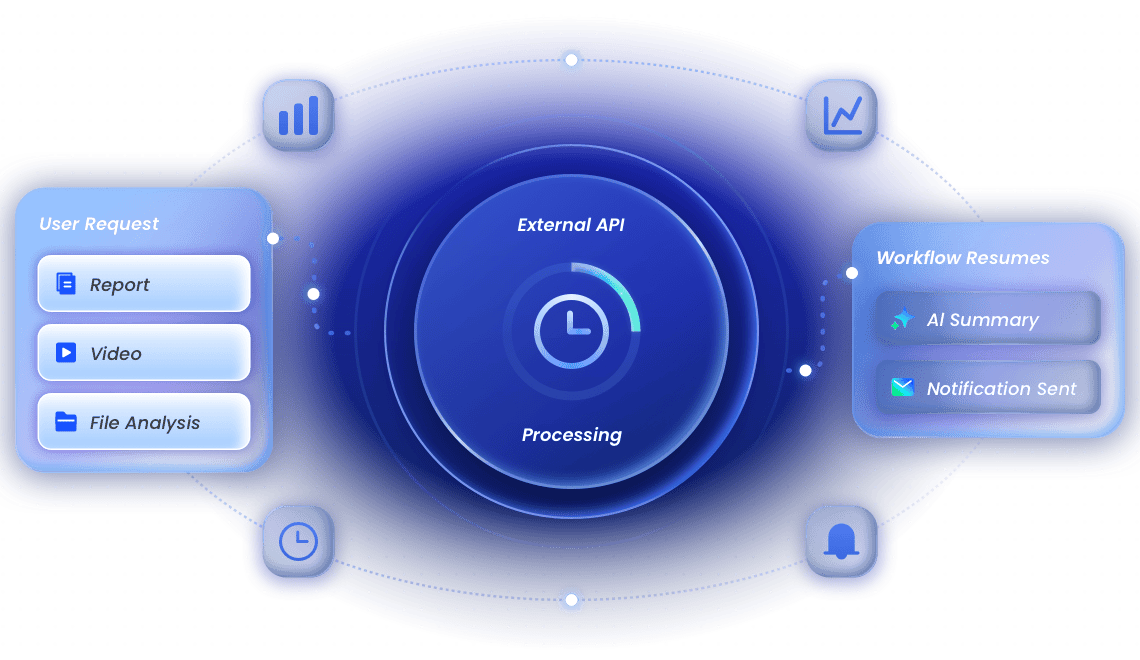
Some tasks take time to complete, such as generating reports, processing files, syncing data, or waiting for third-party API results.
GoInsight.AI pauses the workflow while the external process runs, then resumes to fetch results, summarize output, update records, or notify the team.