
GoInsight.AI vs. ChatGPT
AI-Powered Collaboration Workbench vs. AI Language Assistant
- Both GoInsight.AI and ChatGPT apply LLMs to understand natural language and assist you in your daily work.
- ChatGPT is a powerful AI assistant good at responding to questions, generating written content, and reasoning.
- GoInsight.AI is designed to revolutionize productivity, turning AI from a personal tool into an organization-wide driver of success.
- You need workflows and automation rather than answers.
- You want to package repeatable tasks with AIs as reusable apps and actions for the whole team.
- You need to connect AI to business systems like CRM, ticketing, databases, internal APIs, etc.
- You want to track AI usage and cost, and your AI apps and workflows run under governance.
- You need a general-purpose conversational assistant for your team.
- You only use AI for fast and ad-hoc drafting and ideation, such as writing, rewriting, and brainstorming.
- You need a lightweight chat experience in learning and exploration, where you don't need connectors or organization-wide execution controls.
GoInsight.AI vs. ChatGPT: Core Differences
 |  | |
|---|---|---|
| Product positioning | AI-powered automation and collaboration workbench | General-purpose conversational AI assistant |
| Main interface | Collaboration Workspace + visual workflow editor | Chat interface |
| Core usage model | Process-driven execution | Prompt-driven interaction |
| Group chat | Yes, teams can discuss, call AIs, execute workflows, and get results in a shared workspace. | Yes, teams can collaborate through shared projects, chats, and custom GPTs inside a workspace with Enterprise plans. |
| AI capability delivery | Packaged as published and reusable tools, actions, or bots that can be launched without designing prompts. | Accessed directly through prompts, users typically need to formulate their own instructions. |
| Process logic | Visual workflow orchestration with conditions, branches, loops, variables, and integrations across systems. | Instruction-based reasoning. |
| LLM integration | Multi-model support, including most mainstream series models, like Azure, GPT, Claude, and Gemini. | Mainly use GPT-series models. |
| Tools | Structured and built-in tools inside workflows (AI tasks, RAG, system actions, APIs, and more) for real business actions. | Skills used inside chat for conversation-based tasks, such as browsing, file analysis, and code execution. |
| RAG/Knowledge grounding | Enterprise knowledge integrated into workflows and can be reused across tasks and processes. | ChatGPT Enterprise allows users to connect internal knowledge sources with ChatGPT to generate answers using company data. |
| Integration | Connectors that allow AIs to interact with enterprise infrastructure, such as CRM, ticketing systems, and databases. | Integrations depend on optional connectors or tools, mainly to enhance responses in conversations. |
| Governance & control | Built-in enterprise-grade governance with RBAC/ACL permissions, audit logs, cost tracking, etc., and policy control over models and data. | Mainly platform-level controls by accounts, usage limits, and permissions. |
| Operational visibility | Execution logs, usage analytics, cost visibility by user, workflow, or department. | ChatGPT Enterprise provides analytics dashboards for tracking message usage and monitoring activity. |
| Typical outcome | Repeatable and governed operational processes across teams and systems with AI abilities. | AI assistance for tasks like writing, analysis, research, or coding through conversational interaction. |
Turn AI's Answers into Organizational Assets
GoInsight.AI assists organizations in transforming AI capabilities into business infrastructure rather than a one-off conversation.
In GoInsight.AI, AI outputs can directly trigger downstream actions, such as system updates or data processing, through workflows.
In ChatGPT, AI primarily produces answers, drafts, or analyses. You still need to perform follow-up actions manually.
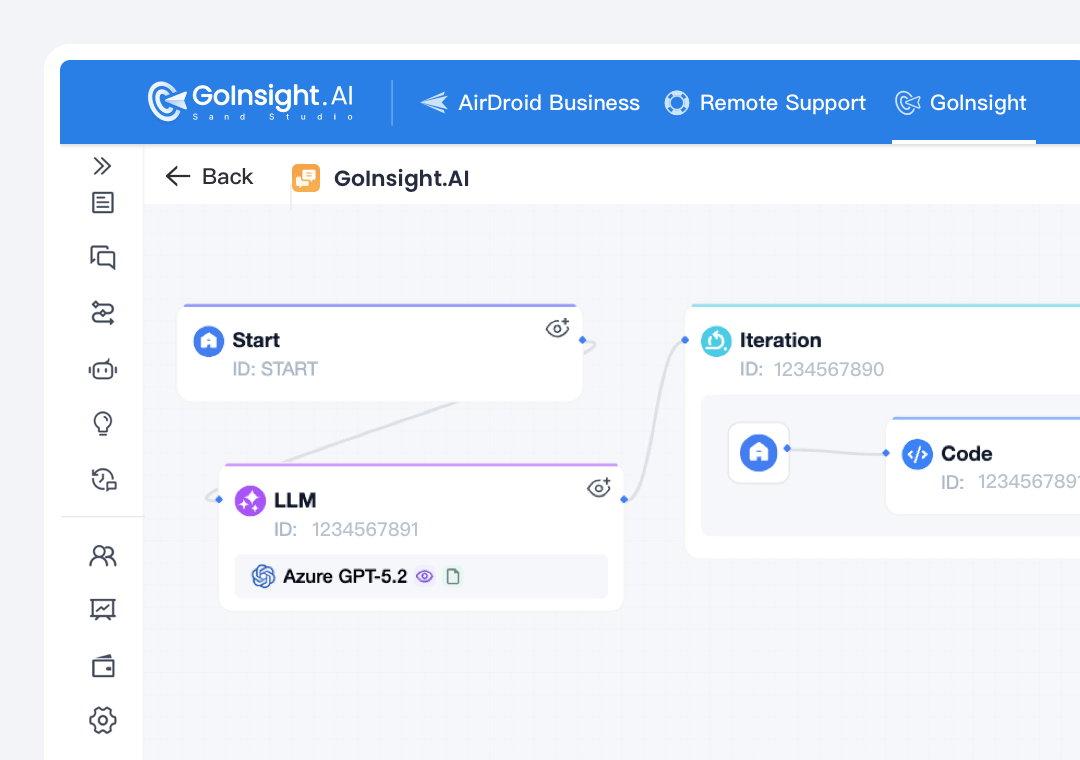
GoInsight.AI allows you to design AI workflows that integrate LLM tasks, enterprise knowledge retrieval, system integrations, and logic, and then publish them as tools or actions that members across the organization can invoke without understanding the underlying logic.
In ChatGPT, users usually complete tasks via prompts during a chat session. The outcome can help them in finishing a task, but the process does not automatically turn into repeatable workflows.
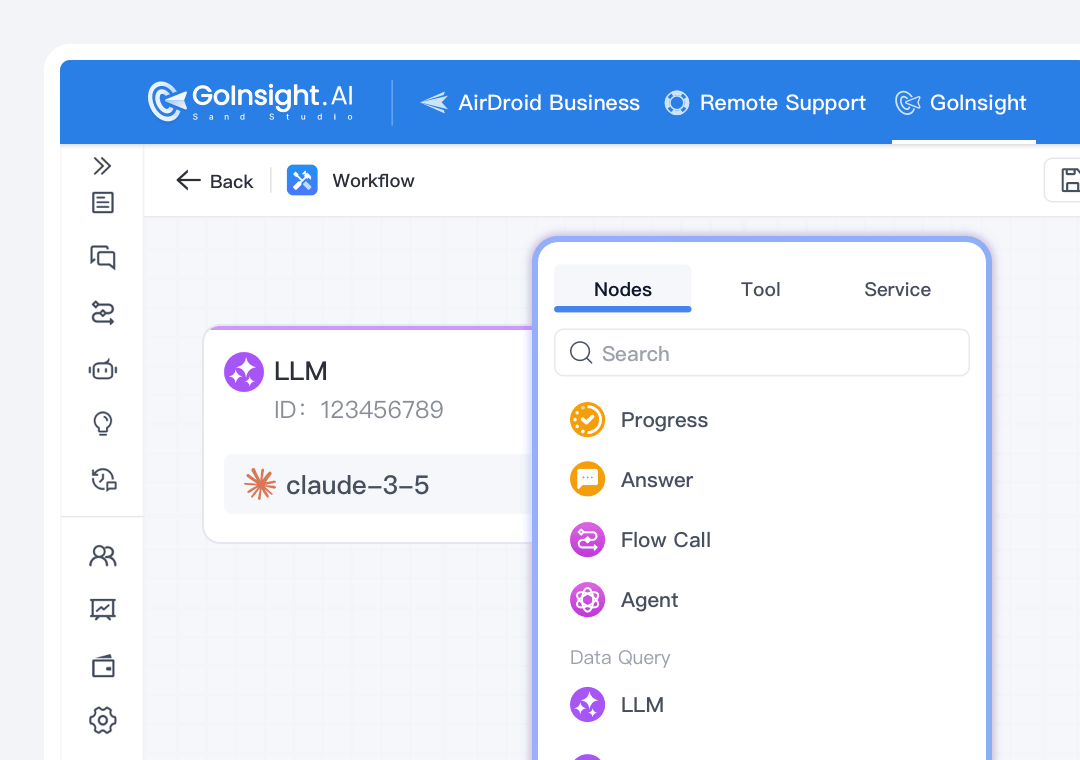
With GoInsight.AI, you can embed AI tasks in workflows with conditions, branching, loops, and nodes, so that organizations can operationalize AI into repeatable processes.
In ChatGPT, users need to guide the AI step-by-step to complete tasks through prompts inside a conversation, which means the process and workflow are not inherently persistent enough.
Designed for Team Collaboration Around Work
GoInsight.AI embeds AI into team execution environments, whereas ChatGPT collaboration primarily occurs through shared chats.
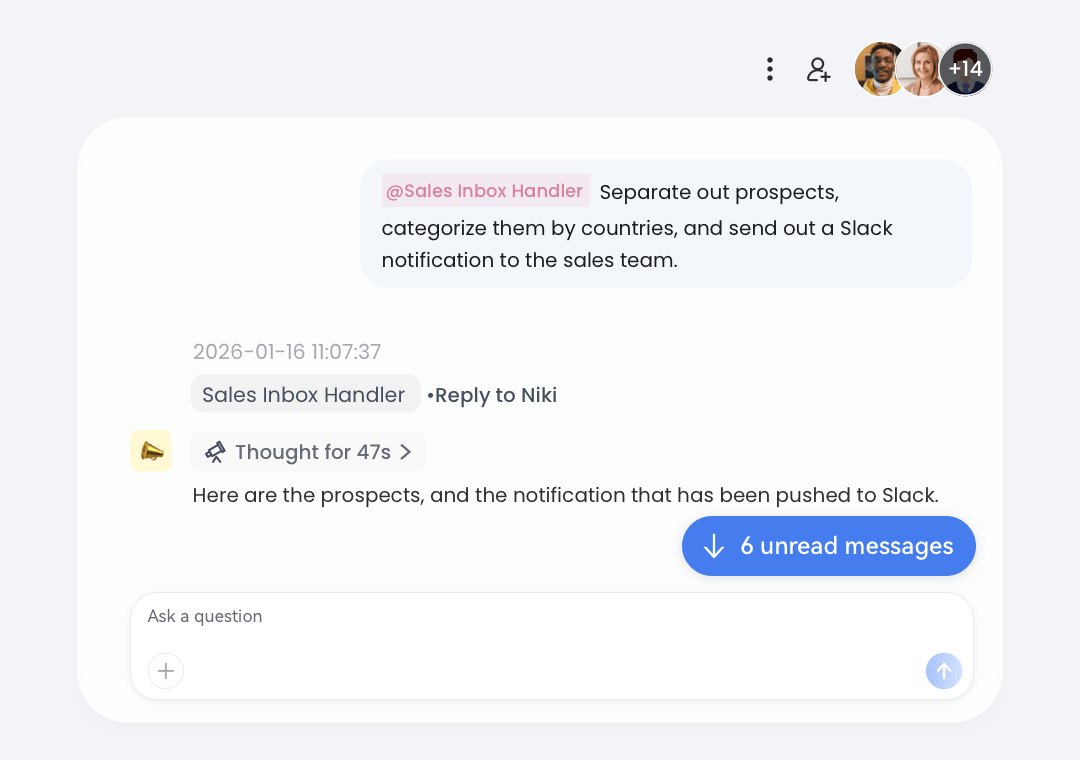
Collaboration Workspace in GoInsight.AI allows teams to collaborate, where discussions, workflow execution, outputs, and decisions can remain in the same thread, creating a persistent work context tied to the task or process.
In ChatGPT, teams can collaborate through Project and Group Chat. They can contribute prompts, files, and instructions to guide AI responses, but it still outputs conversation results only.
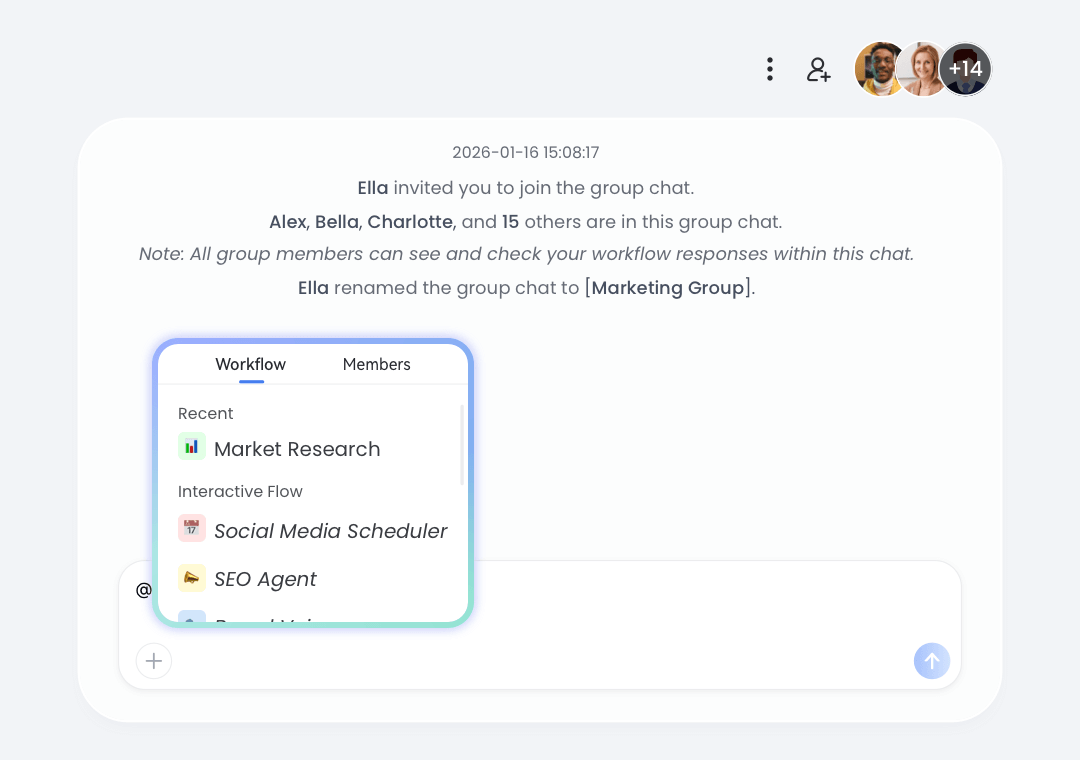
In GoInsight.AI, team members can trigger workflows or AI actions directly in the Collaboration Workspace. Within collaboration threads, your teammates and you can execute processes, such as analysis, automation, and integrations, as part of ongoing work.
In ChatGPT, AI interactions mainly occur through prompts within chats. The team can ask the AI to generate responses or analysis, but for follow-up actions, members still need to trigger them outside the chat interface.
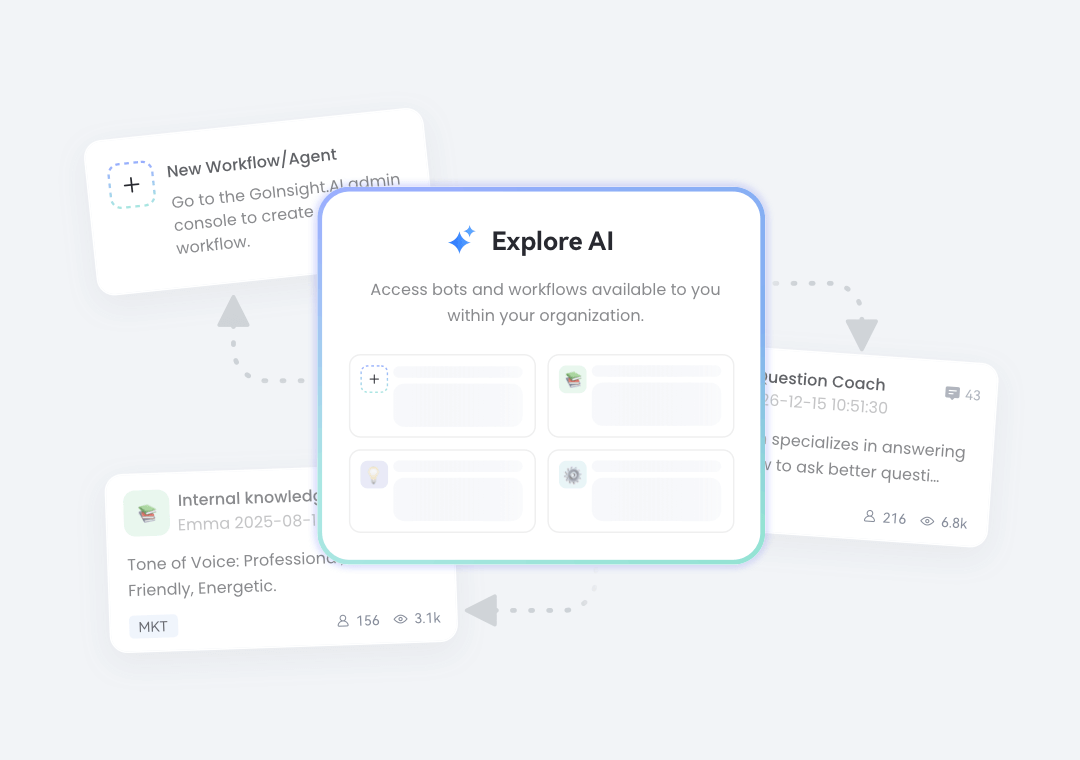
GoInsight.AI allows organizations to separate workflow designers from business users who execute workflows in daily work. After clearing roles, scalable AI adoption across departments can be more feasible and efficient.
In ChatGPT, most users both design prompts and execute them within the same interface. Users' knowledge of prompt engineering may influence the efficiency of working with AI.
Provide Enterprise Governance and Control
ROI and governance are important for businesses when AI drives decisions. That's why GoInsight.AI emphasizes the ability to measure and monitor AI use.
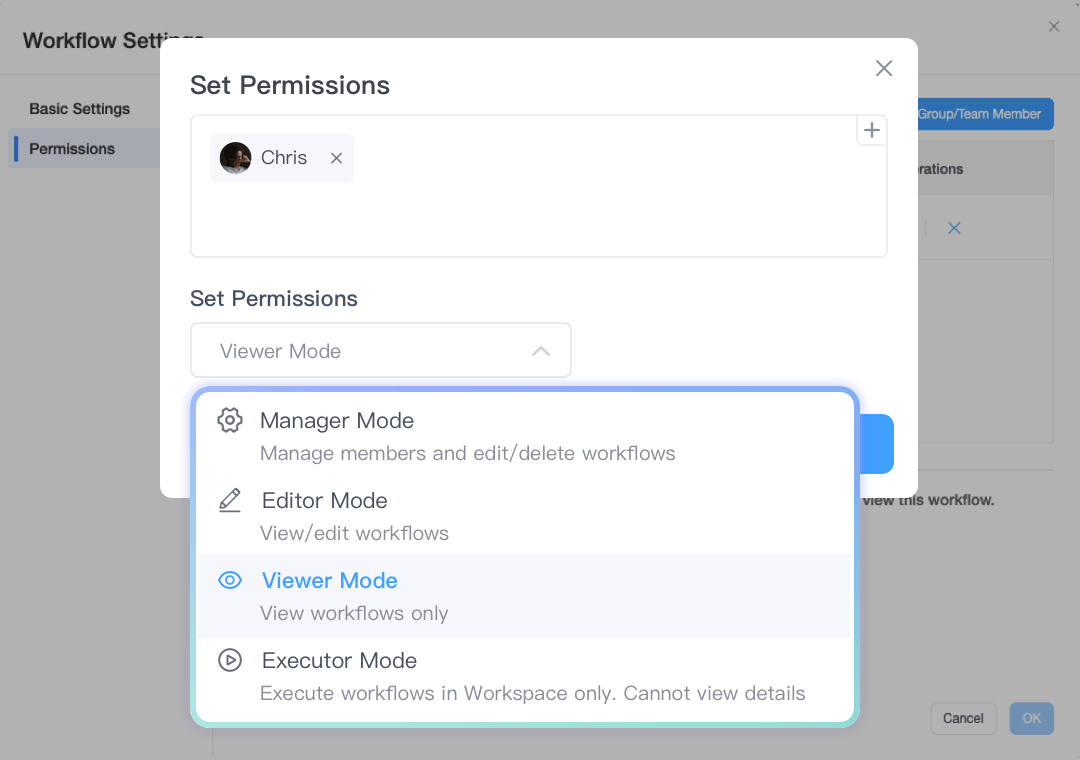
GoInsight.AI provides role-based permissions across users, departments, and resources. You can set global policies and enforce resource-level ACLs for workflows, tools, agents, knowledge bases, etc., and check the full audit log to ensure accountability and compliance of AI usage.
In ChatGPT, access control generally operates at the account or workspace level, with admins able to enable or restrict connectors and apps.
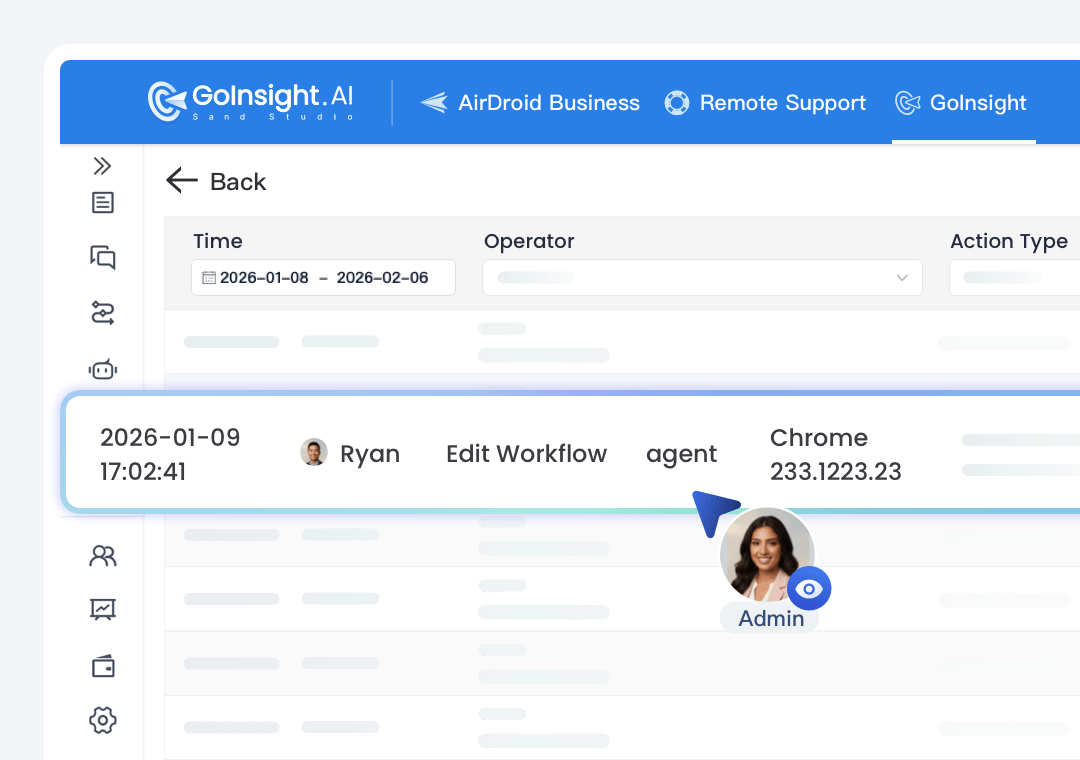
In GoInsight.AI, workflow runs, actions, and outputs from AI are all tracked as part of the execution history, allowing teams to see how a result was created and how AIs were used within the business.
Conversations and outputs in ChatGPT exist primarily as chat histories, rather than operational execution records that can reveal how businesses and actions were conducted.
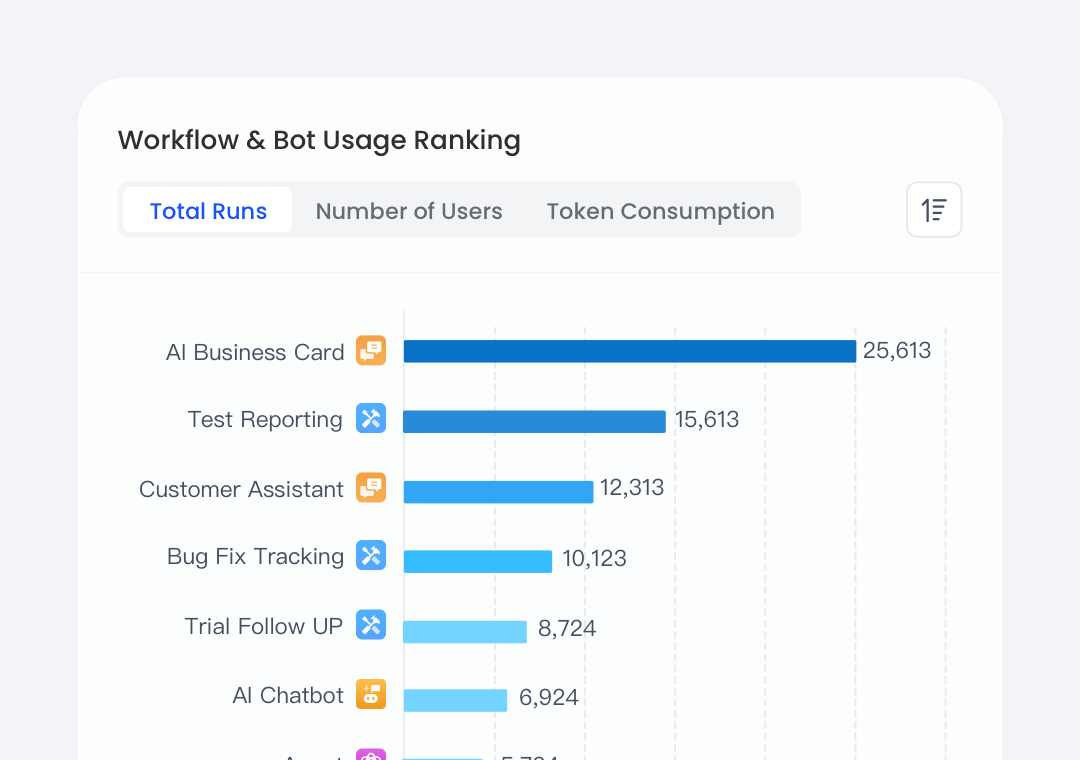
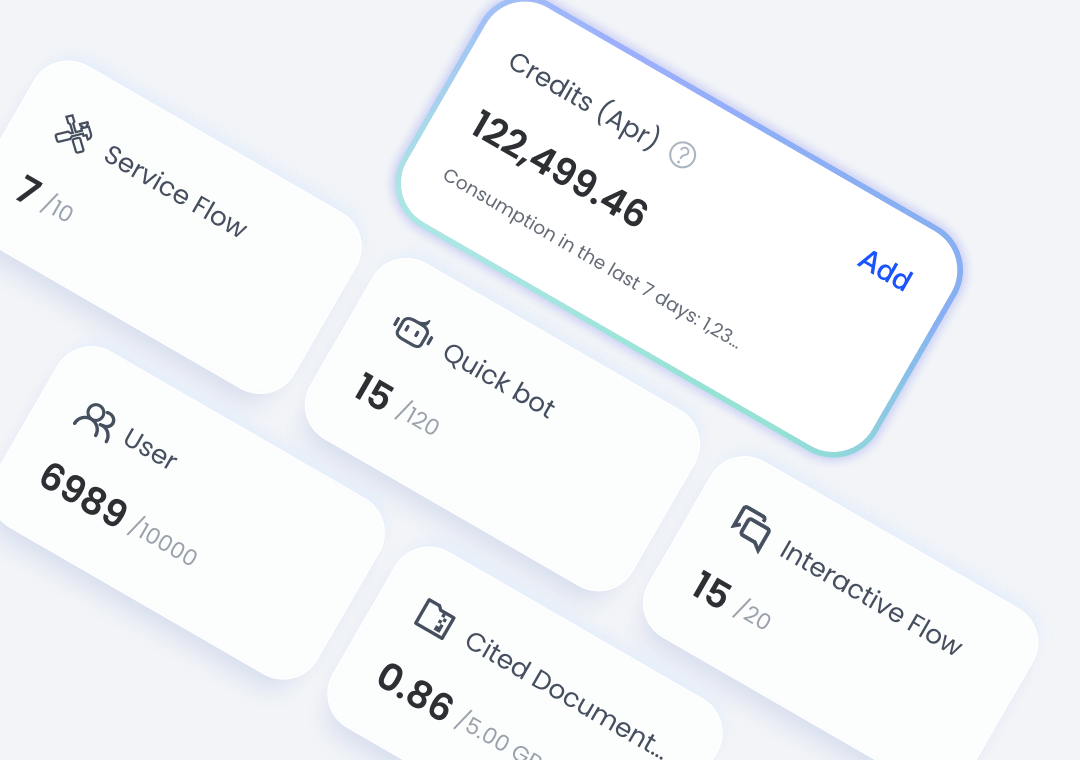
With GoInsight.AI, you can track AI consumption across your entire organization with detailed breakdowns by workflow and team. It supports budgets, alerts, and usage caps, allowing you to align AI expenses with business values and adjust strategies proactively.
ChatGPT Enterprise also provides an analytics dashboard for usage insights, but more focused on basic usage and actions, like total messages sent and active users.
How teams work using GoInsight.AI
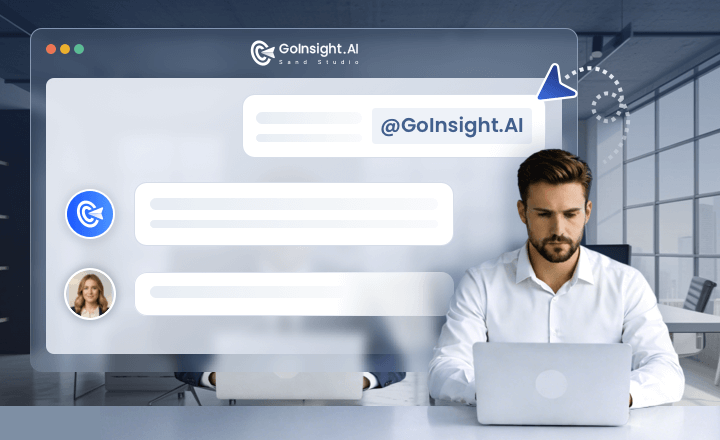
In the Collaboration Workspace, the customer support team @AI pulls context from CRM, ticketing, and logs, and triggers diagnostics or remediation workflows.
Then, product and engineering can join the conversation to solve the problem on the same thread with actions and decisions captured in an auditable timeline.
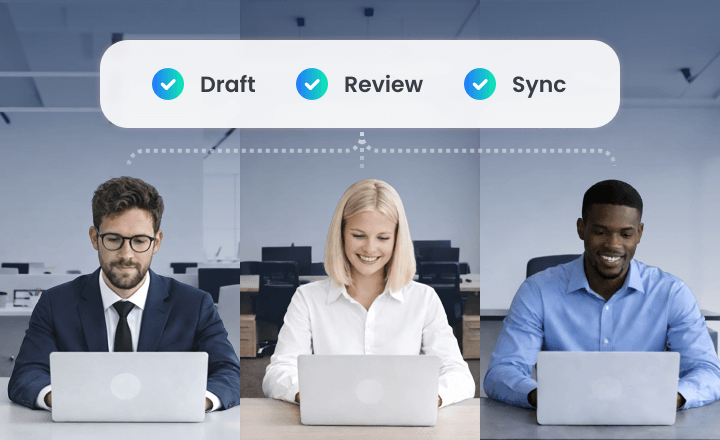
In the Workspace for each project, the PM can ask AI to draft milestones, risks, and owners for the project, and let the team refine during the conversation.
After that, trigger a workflow to sync the plan to Jira/PM tools and mirror status updates back into the Workspace as cards for further review and follow-up.
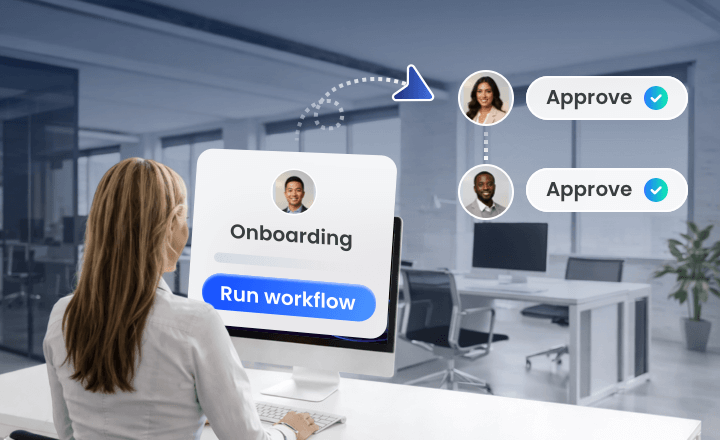
HR initiates onboarding with basic info, and triggers the workflow to create required accounts and tickets across HR and IT systems. Then, in the same Workspace, managers and IT confirm items in the same thread.
After that, the workflow updates information in the backend systems and the Workspace for auditing.
Try GoInsight.AI, Level Up Your Team
Bring your team, systems, and AI into one place—then turn ideas into governed work.