
GoInsight.AI vs. Coze
AI-Powered Collaboration Workbench vs. AI App Developing Platform
- Coze is designed for building AI agents for specific business use cases.
- GoInsight.AI aims to turn AI into a capability for the enterprise through collaboration.
- Coze: assist with lead qualification conversations, respond to messages, and generate sales content.
- GoInsight.AI: automate the full chain of lead workflows from scoring to CRM updates and follow-ups.
- Coze: help with FAQs, intent detection, and stuff reply assistance.
- GoInsight.AI: execute and close the loop of ticket workflows, such as from classification to resolution.
- Coze: a tool for drafting documents and guidelines, as well as summarizing internal information.
- GoInsight.AI: manage and execute multi-step workflows with approvals, human reviews, and system updates.
- Coze: best for IT knowledge queries, troubleshooting guidance, and operating instructions.
- GoInsight.AI: perform cross-system executions, such as incident triage and IT asset management.
GoInsight.AI vs. Coze: Core Differences
 |  | |
|---|---|---|
| Product positioning | AI-powered automation and collaboration workbench | No-code AI application development platform |
| Operating range | Organization-wide | Project-based |
| Adoption | A few to build and publish workflows, others across the organization to operate with permissions. | Primarily builder-centric. |
| Main interface | Collaboration Workspace + visual workflow editor | Agent-centric interface with visual builder |
| Reusable capability | Workflows, apps, and tools can be published as organizational assets for reuse. | Agents and skills are reusable at the app level. |
| Human-in-the-loop (HITL) | Native support for human oversight and checkpoints at the workflow layer. | Limited to the interaction layer. |
| Permission control | Resource-level control across workflows, tools, agents, and knowledge bases. | Bot-level access and configuration control. |
| Auditability | Full traceability of workflow runs, actions, executions, AI outputs, etc. | Focus on interaction logs. |
| Cost & ROI management | Built-in analytics provide granular tracking of token consumption by workflow, department, and user. | Usage analytics and performance insights for bots, but with limited cost governance. |
| Execution | End-to-end loop: trigger - execute - write back - track outcomes. | Primarily generate responses or trigger isolated actions. |
| Workflow complexity | More comprehensive workflows for higher system complexity. | Agent-level task flows with limited support for complex process orchestration. |
| Collaboration pattern | Team-based collaboration around workflows, data, and operations. | Centers on bot building. |
| Ecosystem | As an upper-layer operating system that integrates existing tools and systems. | As an application layer for building AI agents and bots. |
Turn AI Outputs into Real Business Actions
With AI deeply bonded into workflows, GoInsight.AI turns AI insights into automated actions across systems.
GoInsight.AI positions AI as part of an enterprise execution pattern. With built-in AI nodes, you can build business workflows for systems to process data, make decisions, and trigger actions.
Coze treats AI as the primary interaction method, such as an agent, enabling tool, and workflow calls.
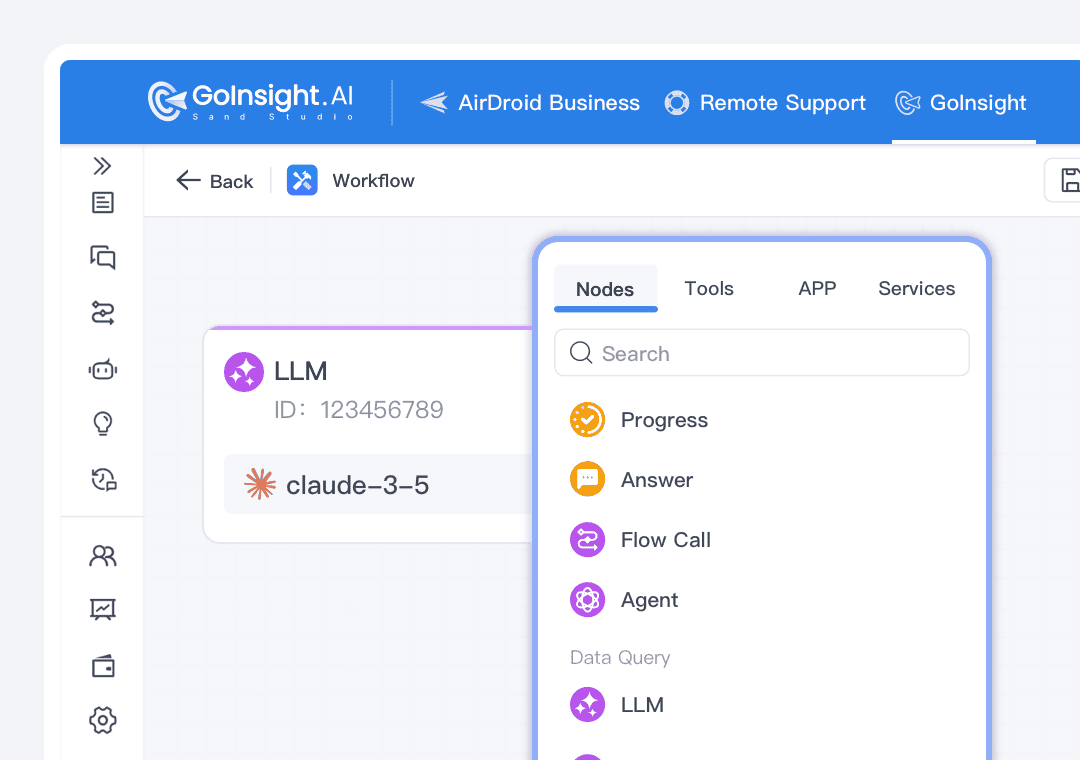
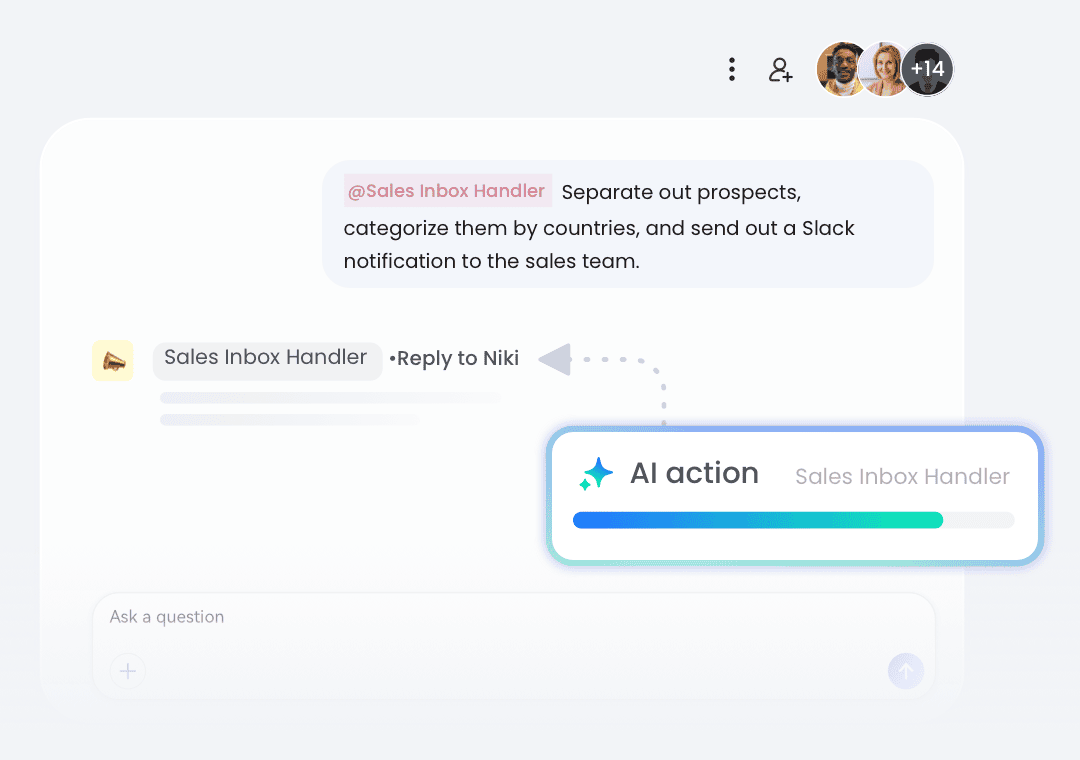
GoInsight.AI is designed for users to go through the process of "discussion - execution - write-back - records" inside a shared workspace where AI outputs can trigger downstream business actions directly.
In Coze, AI outputs are primarily delivered through agent conversations, where workflows and plugins play a role in the strategy to complete tasks.
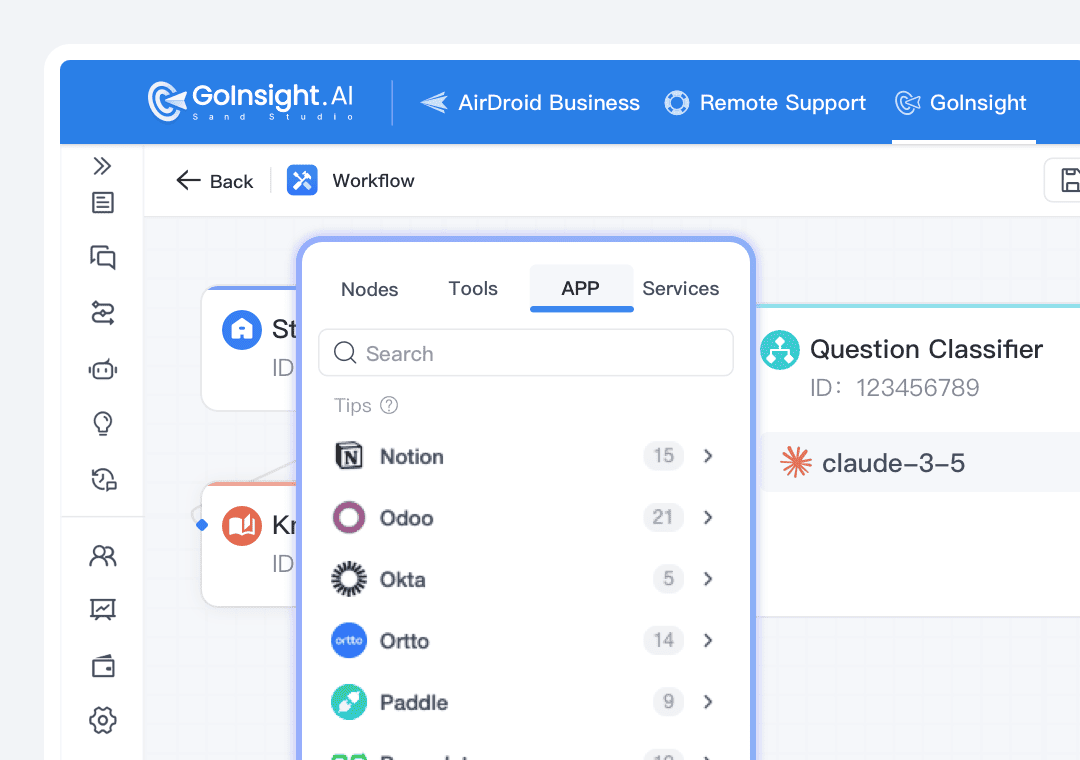
GoInsight.AI offers rich connectors, HTTP, and AIP support that enable workflows to incorporate AI reasoning and execute concrete business actions across various systems, including CRM, ERP, ticketing, and databases.
Coze supports external integrations via plugins and workflows, but execution remains within the agent runtime rather than operating within an organization-wide loop.
Measure and Govern AI as an Enterprise Resource
GoInsight.AI sets AI and workflow usage under governance at the enterprise level, rather than just individual agents.
GoInsight.AI centralizes governance across workflows, teams, and AI usage. With role-based permissions and policies, you can ensure that AI and workflows run consistently across the company.
Coze manages configuration at the individual bot level, where control is scoped to each agent.
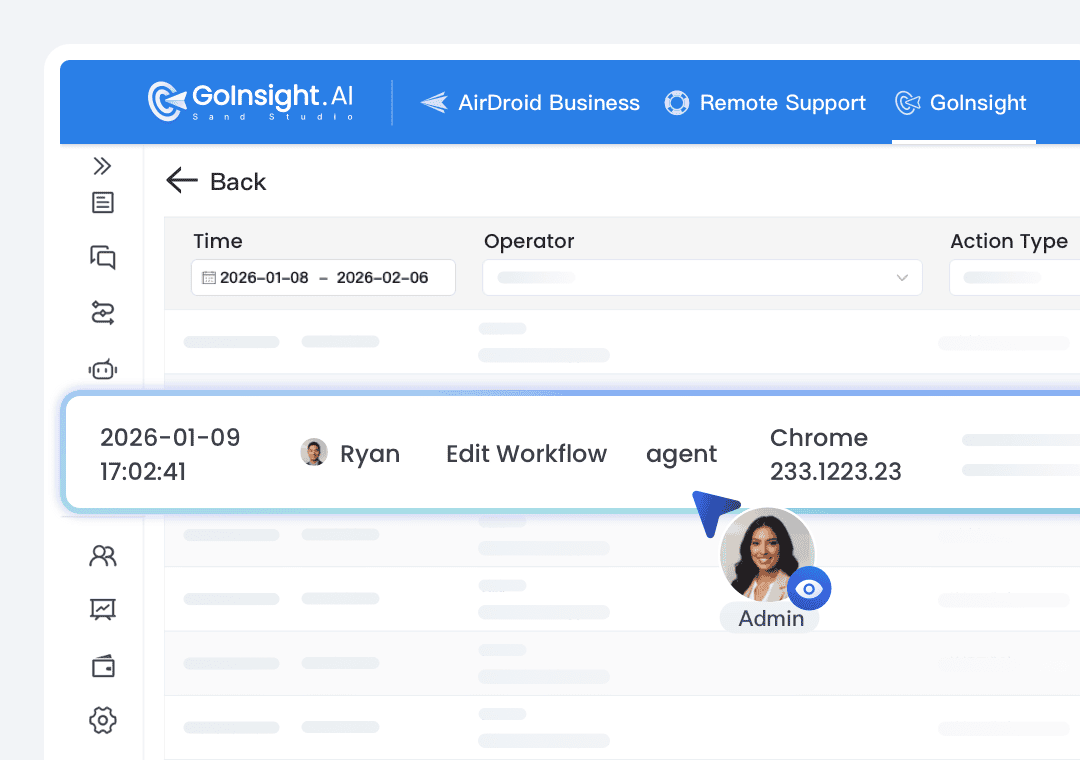
In GoInsight.AI, you can set global policies and enforce resource-level ACLs for workflows, tools, agents, knowledge bases, etc., and check the full audit log to ensure end-to-end accountability and compliance of AI usage.
Coze focuses on output within agents but lacks traceability across multi-step business processes.
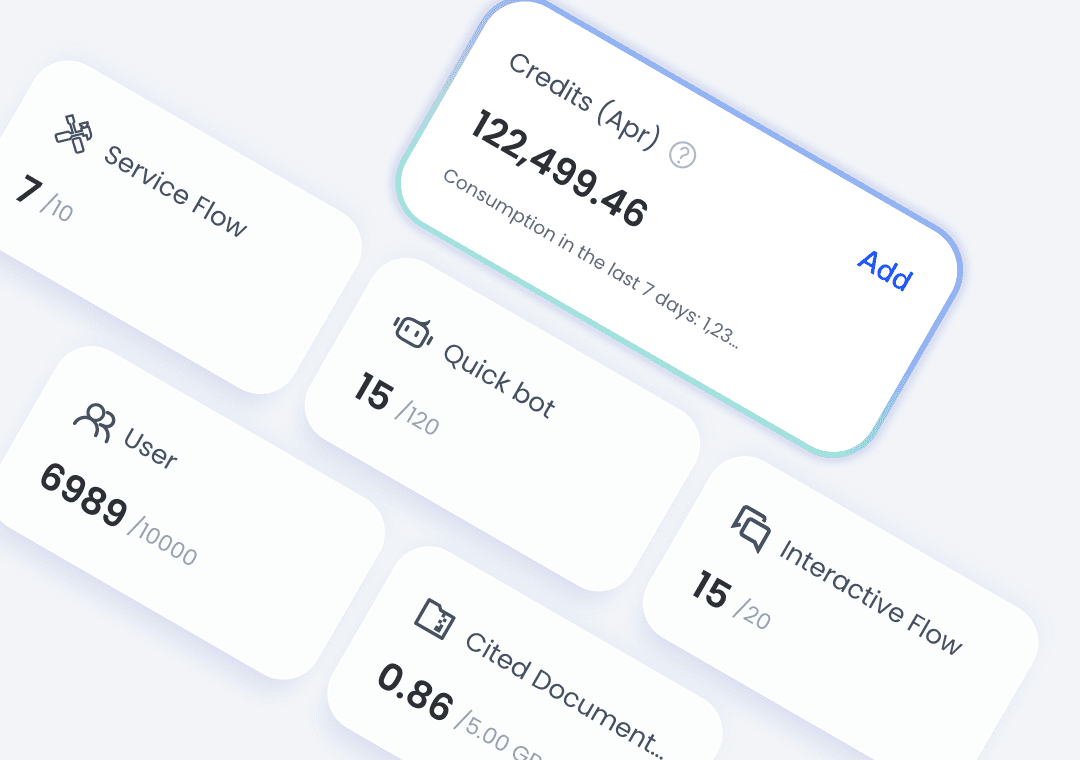
GoInsight.AI provides organization-level analytics on AI usage and token spend across workflows, departments, and users, telling what outcomes AI is driving across your teams and business.
Coze offers basic usage insights, such as interactions and token consumption, at the agent level.
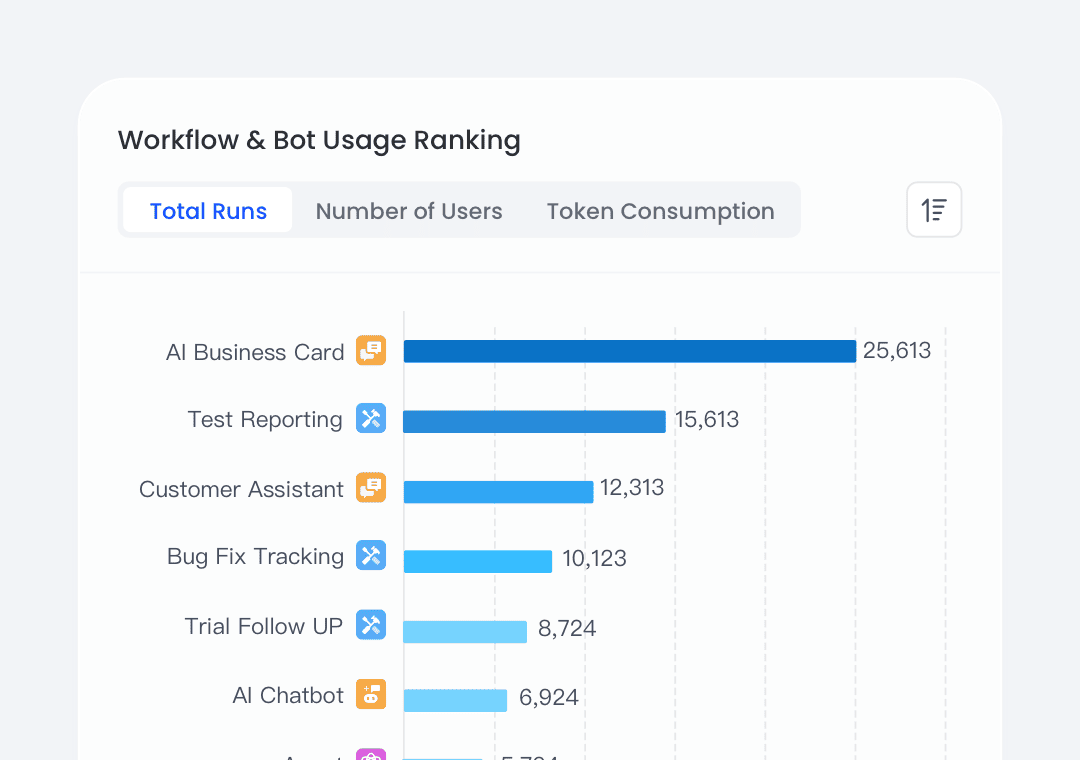
From Personal Agents to Organizational Productivity
GoInsight.AI makes AI capabilities accessible to anyone throughout the enterprise with Collaboration Workspace.
In the Collaboration Workspace of GoInsight.AI, teams can discuss and refine ideas with shared context, and invoke workflows directly from chat, turning conversation into real-time execution.
Collaboration in Coze primarily around building agents. Follow-ups and discussions typically happen in separate tools.
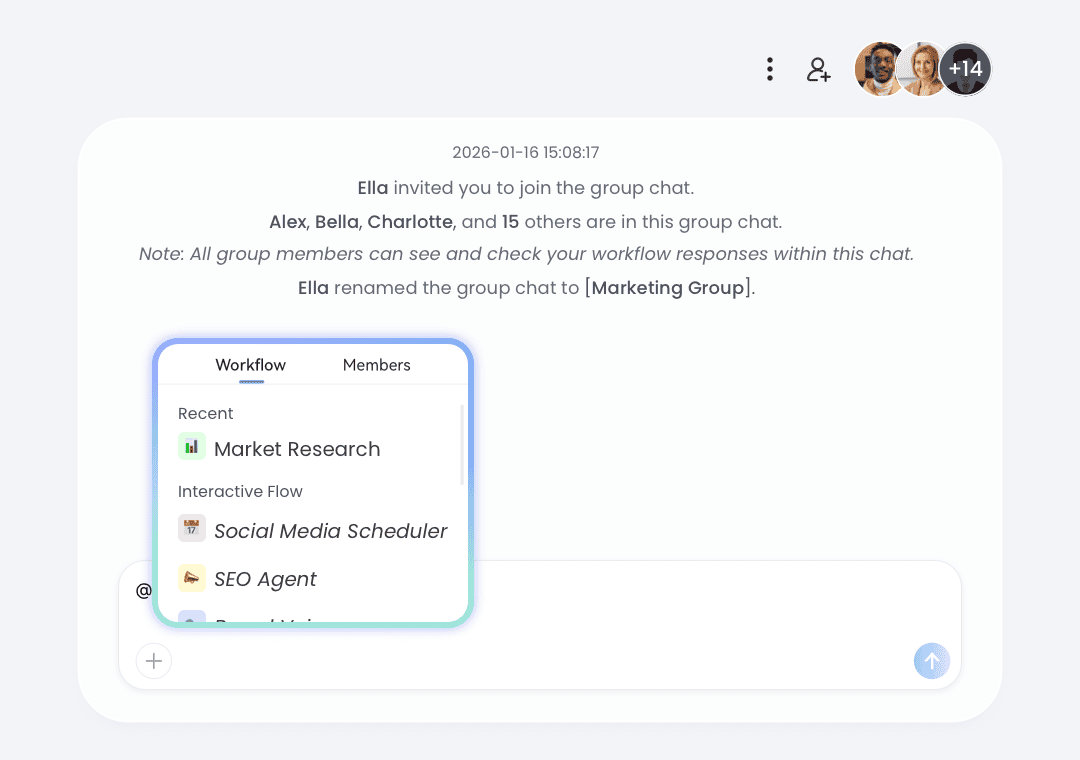
In GoInsight.AI, workflows and AI apps created by a few can be published as usable cards and commands within the enterprise. Most teammates can then launch them to complete tasks via @ mentions in chat.
Coze users can package reusable skills and agents, but these are mostly for specific use cases or personal productivity.
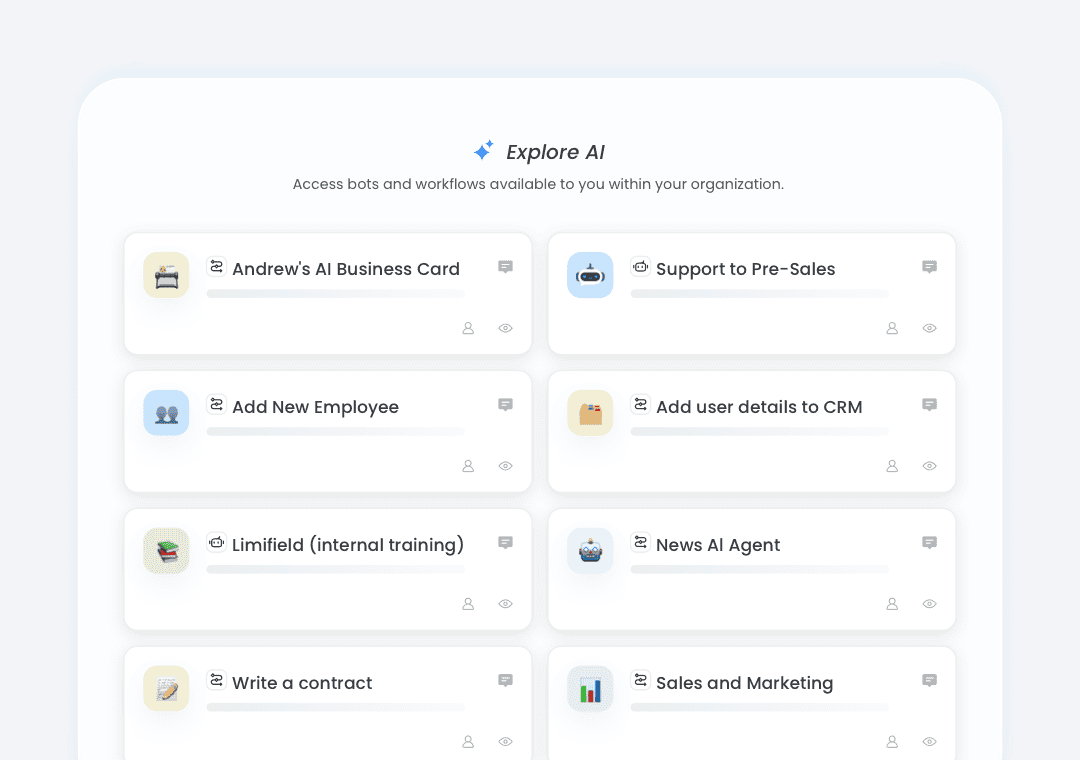
In GoInsight.AI, data, AI outputs, workflow execution, and human decisions live in the same shared workspace, preserving full business context from discussion to action.
Context in Coze is often scoped to individual agent tasks or sessions, rather than shared across teams and business processes.
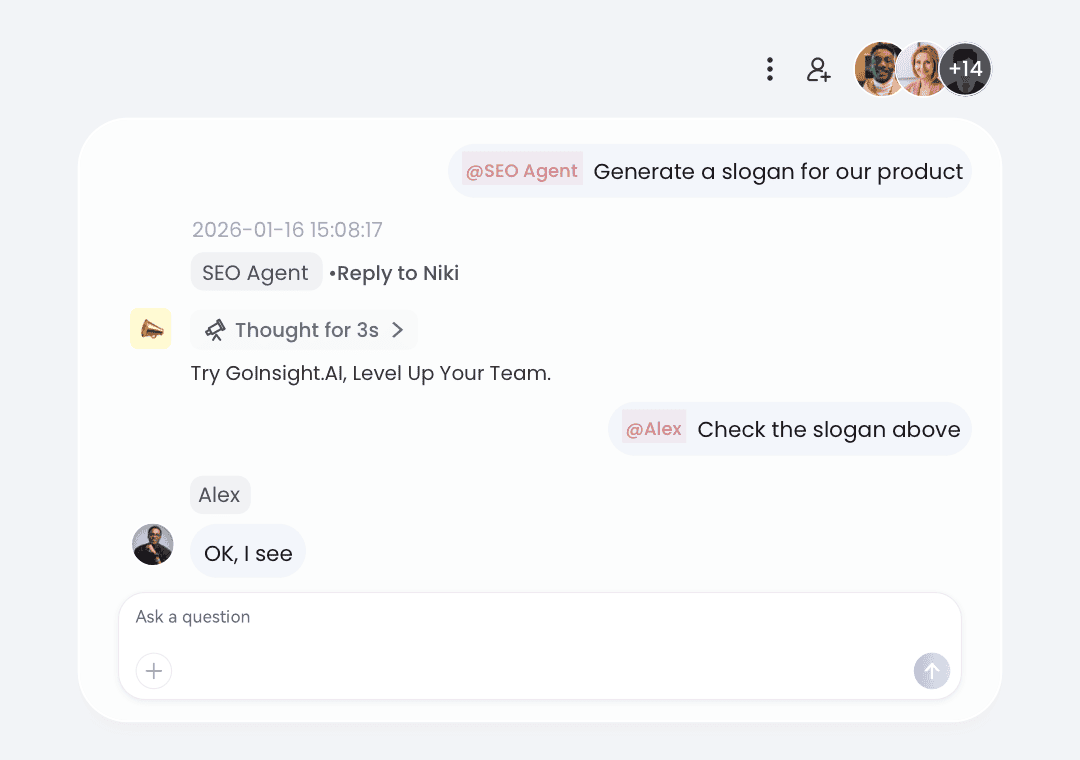
How teams work using GoInsight.AI
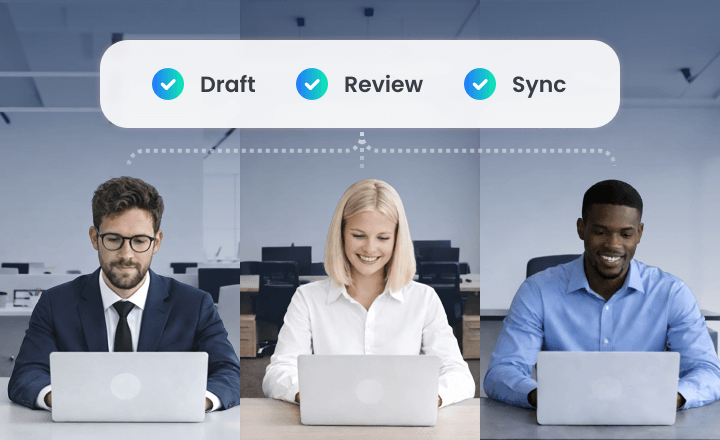
In the Workspace for each project, the PM can ask AI to draft milestones, risks, and owners for the project, and let the team refine during the conversation.
After that, trigger a workflow to sync the plan to Jira/PM tools and mirror status updates back into the Workspace as cards for further review and follow-up.
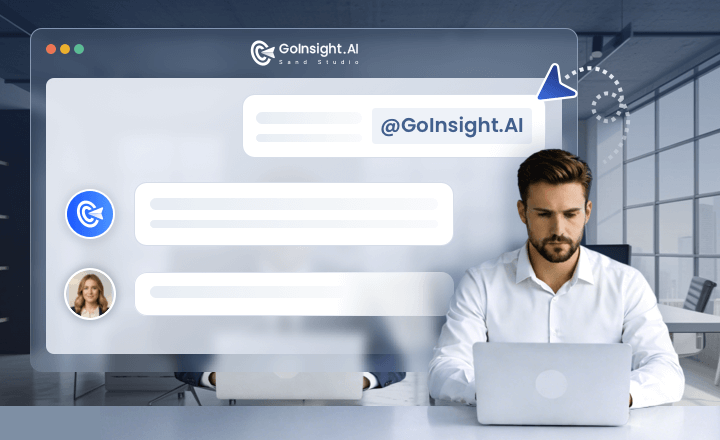
In the Collaboration Workspace, the customer support team @AI pulls context from CRM, ticketing, and logs, and triggers diagnostics or remediation workflows.
Then, product and engineering can join the conversation to solve the problem on the same thread with actions and decisions captured in an auditable timeline.
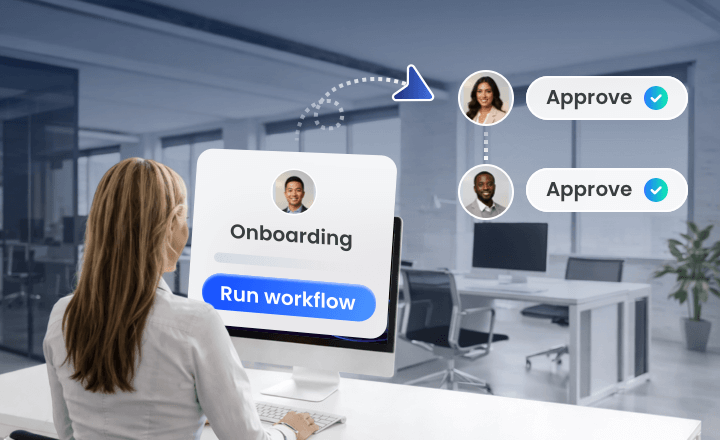
HR initiates onboarding with basic info, and triggers the workflow to create required accounts and tickets across HR and IT systems. Then, in the same Workspace, managers and IT confirm items in the same thread.
After that, the workflow updates information in the backend systems and the Workspace for auditing.
Try GoInsight.AI, Level Up Your Team
Bring your team, systems, and AI into one place—then turn ideas into governed work.