
Overview
Tracking Hollywood’s weekly pulse is a grind: hunting new releases, box office stats, insider news, and current hits from multiple sources. This workflow cuts the noise by automating data fetches, then uses AI to distill and format a concise, ready-to-send email briefing. It turns scattered info into a streamlined update, saving hours each week.
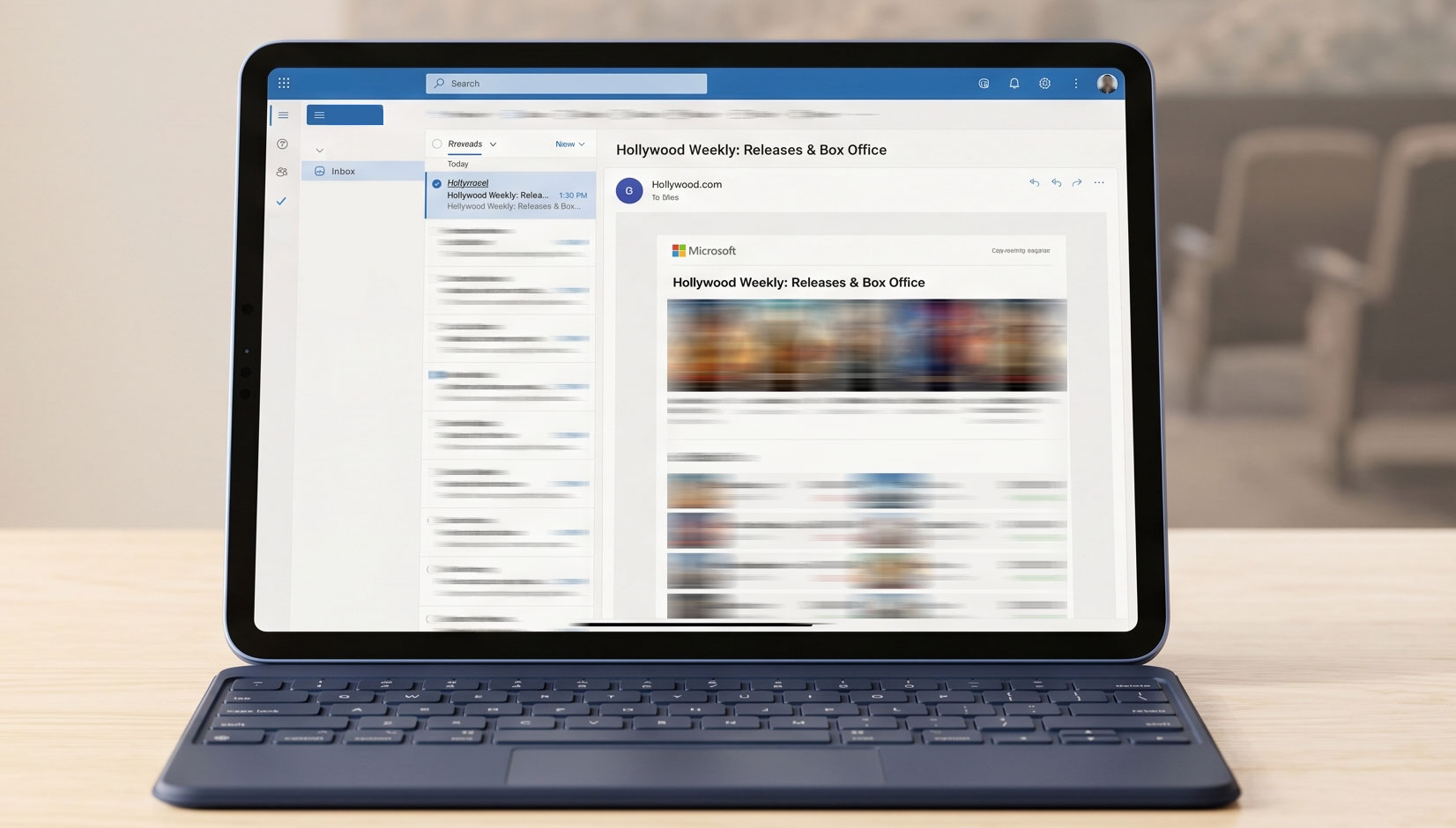
Generated by AI
The Impact
- Eliminate manual research. Automate data gathering from multiple Hollywood info streams.
- Condense cluttered data. AI filters and synthesizes key insights into clear sections.
- Speed up distribution. Auto-generate and email polished industry briefings weekly.
- Boost content efficiency. Deliver fresh, actionable Hollywood updates without lifting a finger.
Who This Is For
- Media & Content Creators needing fresh weekly Hollywood topics and market intel.
- Film Industry Professionals requiring quick insights on releases, box office, and news.
- Senior Film Fans & Enthusiasts wanting a curated one-stop update on Hollywood trends.
- Market Research & Data Analysts automating entertainment trend tracking and reports.
How It Works
- Data Collection
- Sequentially call Tavily API for new releases, box office, industry news, and top current movies.
- AI Aggregation
- Send raw data to the LLM node to filter, deduplicate, and extract key points per category.
- Report Generation
- LLM formats content into JSON with subject and HTML body structured by sections.
- Content Parsing
- Extract email subject and HTML body from JSON for downstream use.
- Email Dispatch
- Use configured Gmail credentials to send the briefing to the specified recipient automatically.
What You'll Need
Before using this template, make sure you have:
- A valid Tavily API key for accessing real-time Hollywood data.
- Configured Gmail credentials authorized to send emails via your workflow platform.
- An email address to receive the weekly report.
How to Use
- Step 1. Configure Gmail Credentials
- Step 2. Input API Key and Recipient
- Step 3. Run the Workflow
- Step 4. Automatic Email Delivery
- Step 5. Verify Delivery
Set up your Gmail account authorization in the workflow platform to enable email sending.
Enter your Tavily API key and the recipient’s email address in the "Start" node.
Trigger the workflow to automatically fetch, process, and prepare the weekly briefing.
The workflow sends the generated HTML report directly to the specified email address.
Check the email status output to confirm successful sending and review the received briefing.


