
Overview
Manually tracking stock news sentiment is slow and error-prone. This workflow automates fetching latest stock news, applies AI-driven sentiment scoring from -1 to 1, and writes structured results back to Google Sheets—turning raw news into actionable, quantifiable market signals instantly.
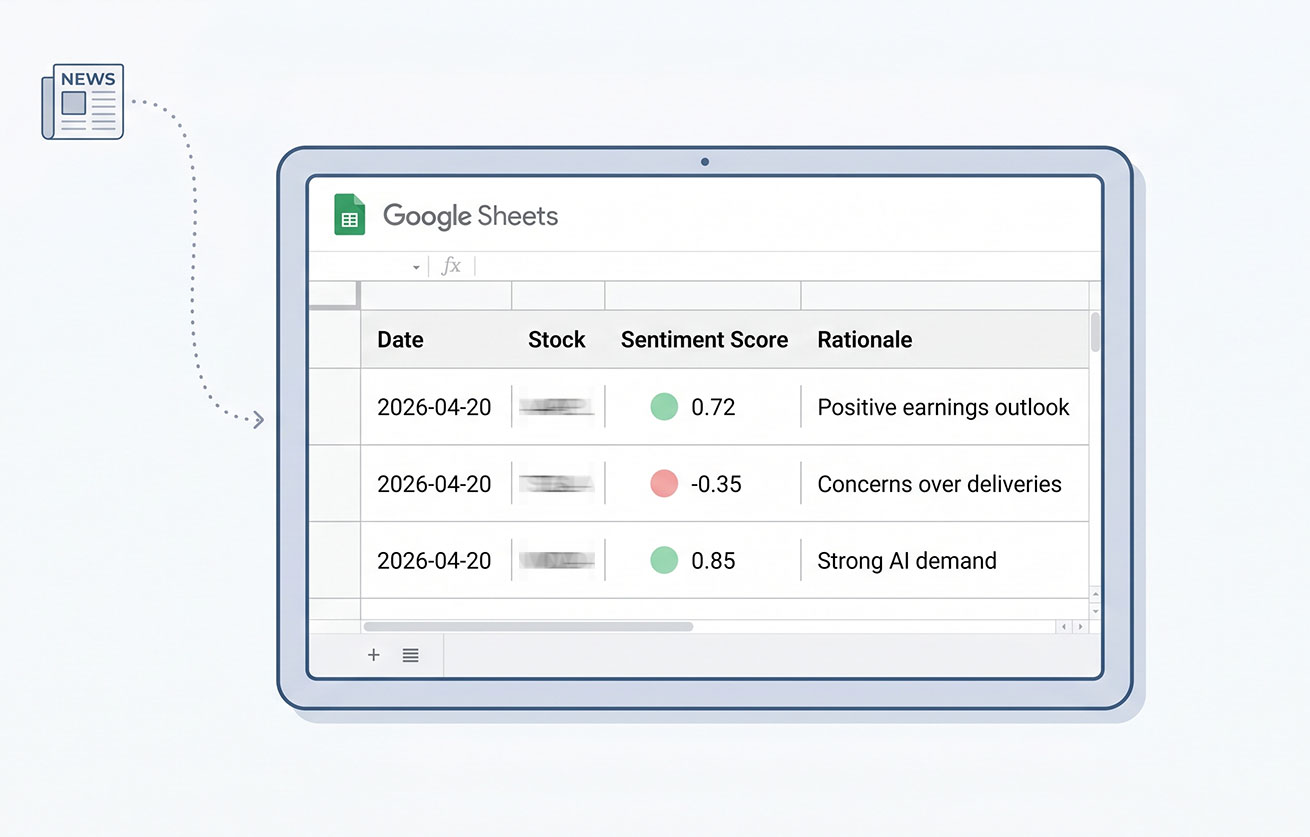
Generated by AI
The Impact
- Automate data collection. Eliminate manual news gathering and parsing for multiple stock tickers.
- Quantify sentiment. Generate precise sentiment scores with clear rationales for every news item.
- Integrate seamlessly. Write results directly into Google Sheets for immediate access and analysis.
- Accelerate decisions. Provide timely insights to support trading signals, research, and risk alerts.
Who This Is For
- Quantitative Traders automating sentiment inputs for intraday or end-of-day signals.
- Investment Researchers monitoring news impact to flag significant sentiment shifts.
- Asset Managers triggering risk warnings based on real-time sentiment changes.
- Financial Journalists rapidly compiling sentiment summaries and rationales for editorial use.
How It Works
- Read and Parse Tickers
- Load stock tickers from Google Sheets and parse them into a list.
- Fetch News for Each Ticker
- Loop through tickers, call EODHD API to retrieve the latest news articles per stock.
- Validate API Response
- Ensure the news data is valid and extract article content.
- Analyze Sentiment
- Send news text and ticker to AI model, receive sentiment score (-1 to 1) and rationale in JSON format.
- Write Results to Sheet
- Parse AI output, format rows, and append sentiment data back into the designated Google Sheets range.
What You'll Need
Before using this template, make sure you have:
- Google Sheets OAuth2 credentials authorized to read and write your target spreadsheet.
- A valid EODHD API key for fetching stock-related news data.
- Google Sheets spreadsheet with one sheet listing stock tickers and another sheet or range to store sentiment results.
How to Use
- Step 1. Prepare Ticker Sheet
- Step 2. Setup Output Sheet
- Step 3. Configure Credentials and Parameters
- Step 4. Run the Workflow
- Step 5. Verify Results
Create a Google Sheet with a "ticker" column header and list your stock tickers starting from the second row.
Prepare another sheet or range with headers: date, stock, sentimentScore, rationale to receive results.
Provide your Google Sheets OAuth2 credentials, enter your SpreadsheetId, TickersSheetName, OutputRangeName, and EODHD API key in the workflow inputs.
Execute the automation to fetch news, analyze sentiment, and write results automatically.
Check the output range in your Google Sheet to confirm sentiment scores and rationales have been appended properly.


