
Overview
Manually tracking intraday stock technicals is tedious and error-prone. This automation pulls live market data during US trading hours, computes RSI and MACD indicators, then uses AI to generate a clear, professional analysis report and emails it automatically. It transforms manual chart-checking into instant, actionable insights.
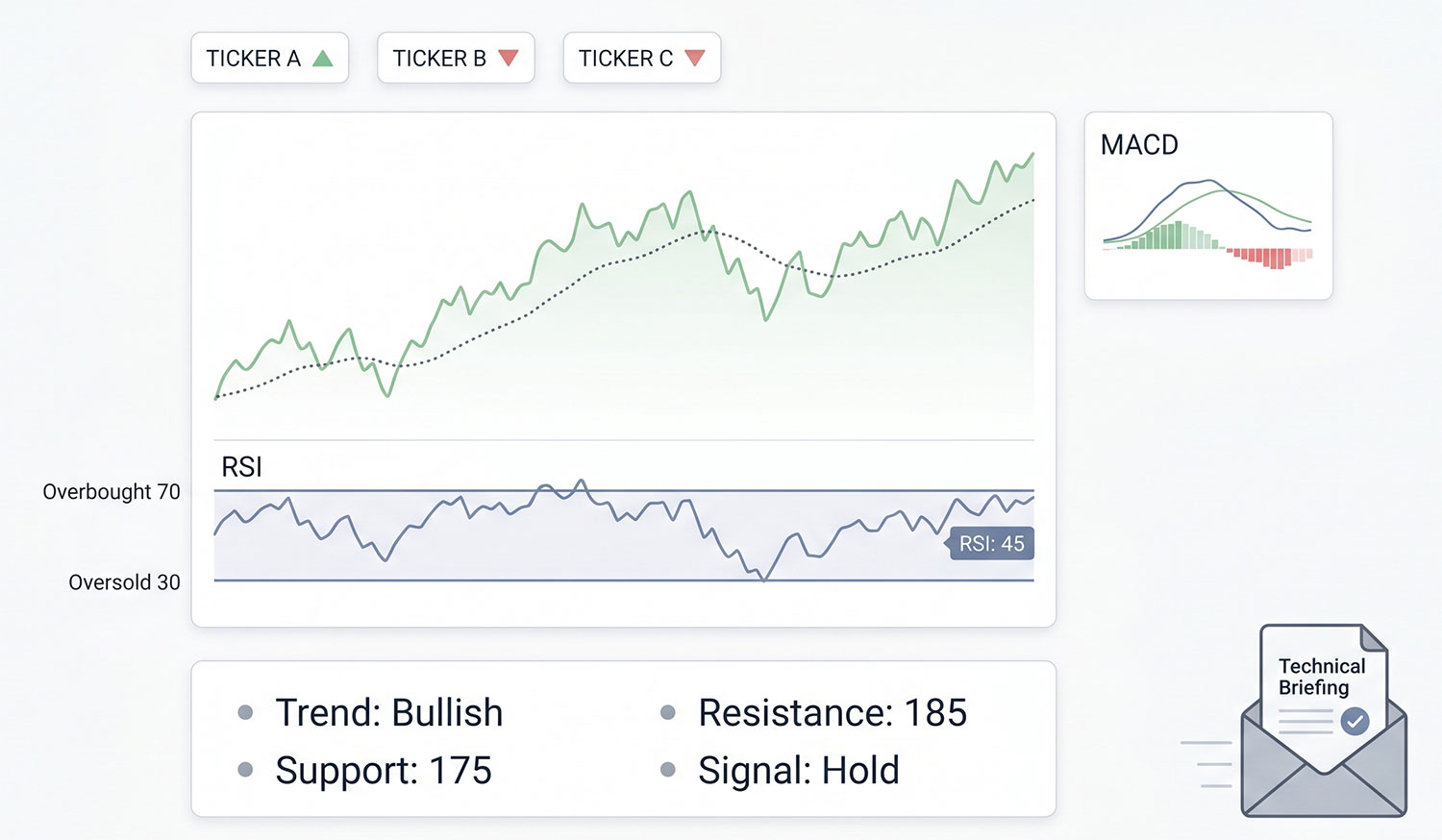
Generated by AI
The Impact
- Stop manual data crunching. Automatically fetches and processes 100 days of stock data in real-time.
- Kill guesswork. AI interprets technical indicators into a professional analysis report.
- Skip delays. Runs only when the market is open, ensuring fresh, relevant data.
- Audit effortlessly. Sends detailed reports via email for timely decision-making.
Who This Is For
- Individual Investors seeking automated daily stock technical summaries.
- Financial Analysts needing quick drafts of market technical briefs.
- Quantitative Traders requiring reliable indicator data for strategy signals.
- Content Creators producing daily market analysis for blogs or social media.
How It Works
- Market Status Check
- Verify if the US stock market is currently open to ensure live data relevance.
- Historical Data Retrieval
- Fetch the last 100 days of daily stock price data for specified symbols via Alpaca API.
- Technical Indicator Calculation
- Compute RSI and MACD indicators from the price data without external libraries.
- AI Report Generation
- Pass indicator results to a large language model to generate a professional, insightful analysis report.
- Automated Email Delivery
- Send the AI-generated report in Markdown format to the configured email address automatically.
What You'll Need
Before using this template, make sure you have:
- An Alpaca API key and secret with access to historical stock data.A list of stock symbols (e.g., AAPL, TSLA) you want to analyze.Configured Gmail sender credentials in the Send Mail node for report delivery.A valid recipient email address to receive the analysis report.
How to Use
- Step 1. Configure Parameters
- Step 2. Set Up Credentials
- Step 3. Run or Schedule the Workflow
- Step 4. Monitor Execution
- Step 5. Verify Results
Enter your target stock symbols, Alpaca APIKey and APISecret, and recipient email address.
Ensure your Gmail sender credentials are correctly configured to enable email sending.
Run the workflow manually or publish it as a scheduled trigger (e.g., daily) to automate analysis.
The workflow checks market status, fetches data, calculates indicators, generates AI analysis, and emails the report.
Check the recipient email inbox for the Markdown-formatted stock technical analysis report.


