
Overview
This automation tackles the blind spot of AI search engines: pages that rely on JavaScript or lack structured data often go unseen. By fetching raw HTML without JS, extracting key SEO features, and applying an LLM-based readability score, it delivers actionable insights to ensure your content is fully accessible and indexable by tools like ChatGPT and Google AI.
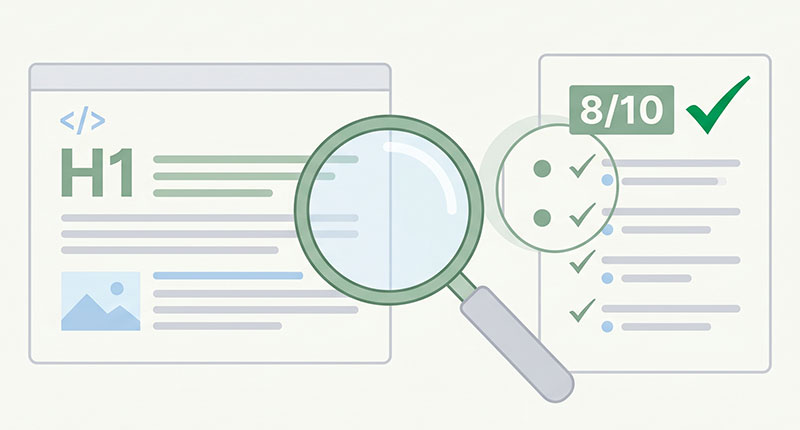
Generated by AI
The Impact
- Flag AI Accessibility Issues. Detect JavaScript dependencies and missing metadata that block LLM scraping.
- Audit Content Visibility. Measure raw visible text length and preview to assess AI-readable content.
- Recommend Fixes. Provide targeted actions to improve structured data, headings, and noscript fallbacks.
- Spot Robots.txt Barriers. Remind users to verify AI bot permissions via robots.txt links.
Who This Is For
- SEO Experts conducting batch audits to identify AI indexing blockers caused by JS or missing metadata.
- Content Editors optimizing text and metadata to increase chances of AI summarization and citation.
- Frontend Developers validating SPA and JS-heavy pages before release to ensure AI accessibility.
- DevOps Teams checking server-side rendering and noscript fallbacks to support AI crawlers.
How It Works
- Fetch Raw HTML
- Send a GET request to the target URL without executing JavaScript to capture the base HTML content.
- Extract Features
- Strip scripts/styles, extract visible text preview and length, and detect headings, meta tags, Open Graph, JSON-LD, noscript, and JS-block warnings.
- Generate robots.txt Link
- Construct a clickable robots.txt URL for manual inspection of bot permissions.
- LLM Analysis
- Feed extracted data into an LLM to score AI readability (0–10), summarize current state, and list up to five improvement recommendations.
- Deliver Insights
- Highlight JavaScript dependencies or insufficient visible text as blockers and urge manual robots.txt checks to confirm AI bot access.
What You'll Need
Before using this template, make sure you have:
- The full URL of the target web page including protocol (e.g., https://example.com/page) for raw HTML fetching.
- Network access to the target site allowing HTTP GET requests without IP blocking.
- No special credentials or authentication is required since it fetches public HTML content.
- An environment capable of running Python code and calling LLM models like Azure GPT-4o.
How to Use
- Step 1. Input URL
- Step 2. Fetch HTML
- Step 3. Extract Features
- Step 4. Analyze & Score
- Step 5. Verify Results
Enter the full URL of the web page you want to audit, making sure to include the protocol (https://).
The workflow sends a request to retrieve the page's raw HTML without running JavaScript.
Scripts and styles are stripped, visible text and SEO-relevant tags are extracted for analysis.
An LLM interprets the extracted data to generate a readability score, summary, and actionable fixes.
Review the AI Readability Score and recommendations. Manually check the provided robots.txt link to ensure AI bots like GPTBot are not blocked.


