
Overview
Scraping book prices manually consumes a great deal of effort and risks errors. This workflow automates the entire process: it scrapes target book list pages, parses titles and prices, sorts them by price descending, generates CSV reports, and emails them directly to recipients—streamlining price monitoring and data sharing.
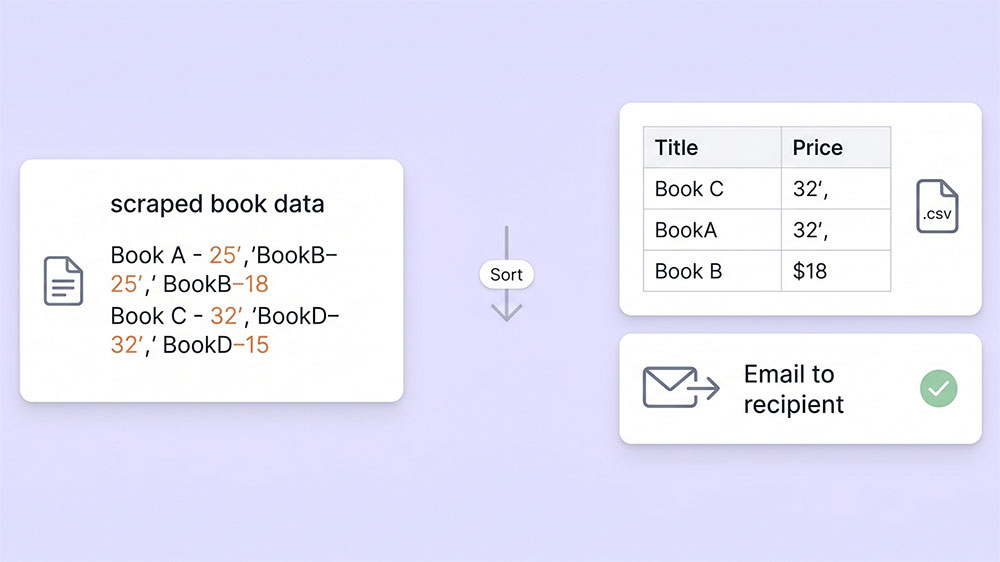
Generated by AI
The Impact
- Eliminate manual scraping. Automate fetching and parsing of book data with a single workflow.
- Accelerate decision-making. Receive price-sorted CSV reports by email for immediate analysis.
- Standardize data output. Generate consistent CSV files ready for integration or sharing.
- Reduce operational overhead. Cut down repetitive tasks for pricing and market teams.
Who This Is For
- Bookstore Operators monitoring competitor pricing to adjust strategies.
- Market Analysts gathering structured book price data for trend analysis.
- E-commerce Project Leads distributing updated pricing lists to partners automatically.
- Data Teams needing reliable, parsed book price datasets without manual effort.
How It Works
- Trigger Scraping
- Use TargetUrl and DumplingApiKey to send a POST request to Dumpling AI, retrieving structured HTML content of the book list.
- Parse HTML Content
- Extract each book block identified by <article class="product_pod"> and parse title and price fields.
- Sort and Generate CSV
- Sort the extracted books by numerical price descending and generate a CSV string containing titles and prices.
- Send Email
- Use the configured Gmail credentials to email the CSV content to the specified RecipientEmail with subject "Scraped Books Data CSV".
- Complete Workflow
- End the workflow after email dispatch, ensuring the entire process is fully automated from scraping to delivery.
What You'll Need
Before using this template, make sure you have:
- A publicly accessible book list webpage where each book is wrapped by <article class="product_pod"> for parsing.
- A valid API key for Dumpling AI scraping service to authorize the scraping request.
- Gmail account credentials configured for sending emails via the "Send Email" node.
- The recipient’s email address to receive the scraped book data CSV report.
How to Use
- Step 1. Set Target URL
- Step 2. Enter Dumpling API Key
- Step 3. Configure Recipient Email
- Step 4. Ensure Gmail Credentials
- Step 5. Run and Verify
Input the full URL of the book list page to scrape, ensuring the page contains parsable book entries wrapped by <article class="product_pod">.
Provide the API key from Dumpling AI to authorize the scraping request in the workflow.
Fill in the email address that will receive the CSV report generated from the scraped data.
Make sure Gmail account credentials are properly set up to enable the email sending node to dispatch the report.
Execute the workflow and verify that the recipient receives an email with a correctly formatted CSV listing book titles and prices sorted by descending price.


