
Overview
This workflow eliminates the manual hassle of searching through AirDroid Business MDM guides by automatically parsing user queries, identifying exact functional needs, and retrieving the most relevant official guides in a clean table format. It accelerates sales demos, standardizes customer service replies, and validates documentation coverage—saving time and ensuring consistent, traceable responses.
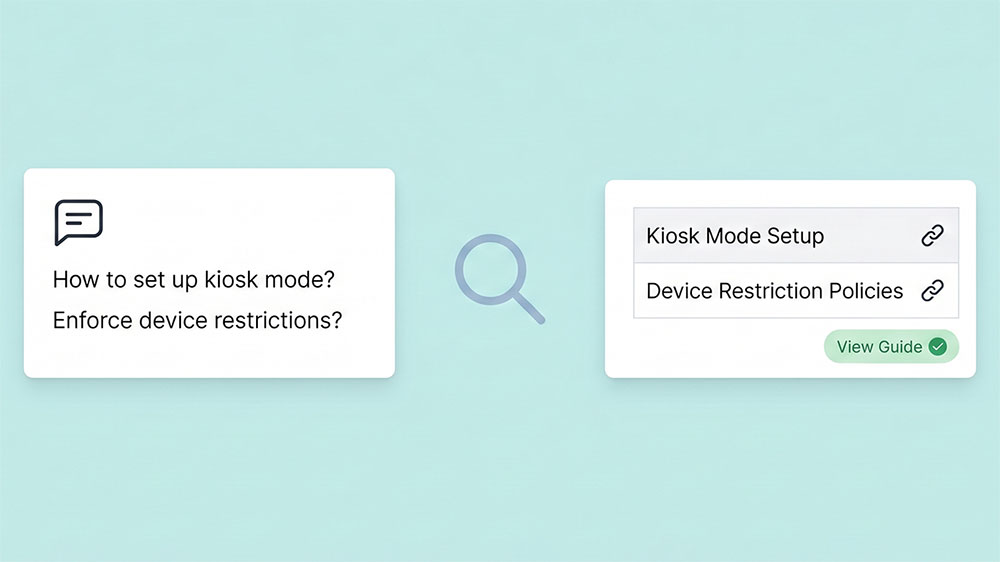
Generated by AI
The Impact
- Slash response time. Get relevant MDM guides instantly without manual lookup.
- Boost accuracy. Match user requirements precisely to official documentation.
- Ensure consistency. Standardize replies across sales and support teams.
- Spot gaps. Identify missing guides for documentation improvement.
Who This Is For
- Sales Personnel Quickly link customer MDM needs to official guides during demos.
- Customer Service Agents Provide standardized, fast replies to common MDM inquiries.
- Product Managers Verify documentation covers all customer functional demands.
- Technical Writers Identify missing or incomplete guides for content updates.
How It Works
- Receive Query
- Accept one or multiple user inputs containing MDM-related questions or requirements.
- Load Knowledge Base
- Load the pre-provided AirDroid Business MDM guide library as the knowledge source for matching.
- Identify Requirements
- Perform semantic analysis on queries to extract clear MDM functional requirements, filtering out non-functional use cases.
- Generate Guide Output
- Retrieve matching guides from the knowledge base for each requirement and format them into a standardized table or indicate if no match is found.
- Send Reply
- Return the formatted guide table to the user for immediate reference.
What You'll Need
Before using this template, make sure you have:
- A knowledge base file with AirDroid Business MDM guides in CSV, Excel, or Markdown format, including titles, links, descriptions, and keywords.Optional columns for product module or language classification to improve matching precision.Access permissions to upload and load the knowledge base file into the workflow.
How to Use
- Step 1. Prepare Knowledge Base
- Step 2. Input User Queries
- Step 3. Let the System Identify Requirements
- Step 4. Generate and Retrieve Guides
- Step 5. Verify Output
Compile or update your AirDroid Business MDM guides file with all necessary metadata and upload it to the workflow.
Enter one or multiple MDM-related questions or functional requirements into the "Receive Query" node.
The workflow semantically extracts clear MDM functional needs from the input, ignoring non-functional descriptions.
The system matches each requirement against the knowledge base and formats results in a neat table or reports no match.
Check the returned guide table for relevance and completeness to ensure accurate user support.


