
Overview
Tracking and interpreting financial news manually wastes time and risks missing key signals. This workflow automates retrieval and sentiment analysis of recent stock news, delivering structured reports and scores that reveal market sentiment, helping investors and IR professionals act fast and informed.
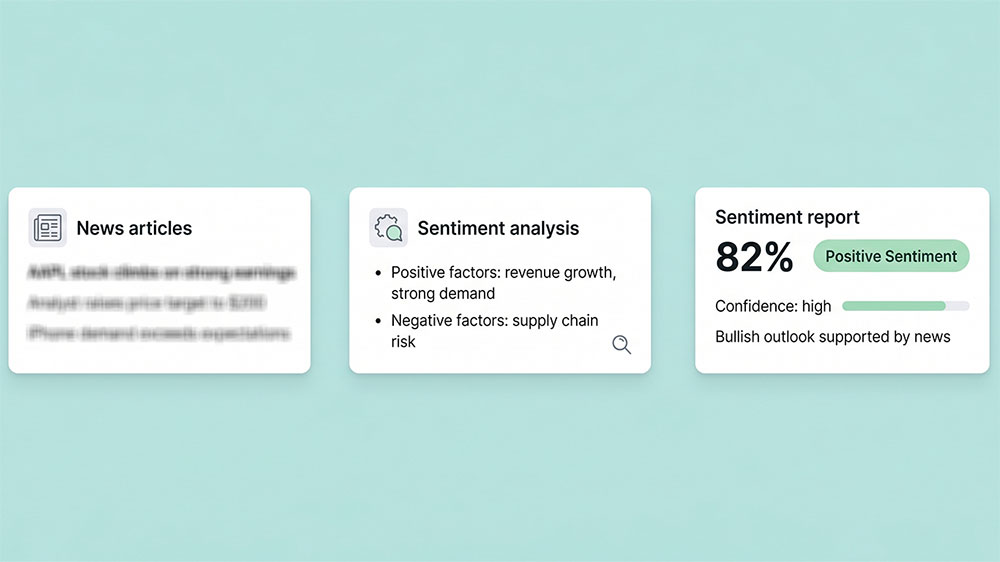
Generated by AI
The Impact
- Accelerate Insight. Instantly get a sentiment snapshot from multiple news angles.
- Cut Noise. Filter credible financial news and exclude unreliable chatter.
- Spot Risks & Opportunities. Highlight positive and negative factors for better decision-making.
- Quantify Sentiment. Assign weighted scores for objective evaluation.
Who This Is For
- Institutional Investors monitoring holdings’ media sentiment to adjust positions.
- Corporate IR Teams tracking public opinion to manage disclosures and responses.
- Quantitative Traders integrating sentiment scores into trading models.
- Financial Analysts seeking comprehensive news-based sentiment reports.
How It Works
- Compute Date Range
- Calculate start and end dates based on user-defined DaysBack for targeted news retrieval.
- Search Financial News
- Run multiple Google search queries to gather recent, credible news articles covering stock performance, announcements, and analyst opinions.
- Extract News Content
- Parse agent output to extract URLs and concise summaries of up to 10 key articles for analysis.
- Perform Sentiment Analysis
- Use LLM to classify sentiment, identify positive/negative factors, assess risks and opportunities, and generate a detailed report.
- Format Analysis Result
- Standardize the sentiment report into structured data with sentiment scores and confidence levels for easy integration or display.
What You'll Need
Before using this template, make sure you have:
- Access to Google Search API or equivalent for retrieving financial news.
- Stock ticker symbol or company name to specify the target for news search.
- Basic Python environment to execute code nodes if running locally.
- API credentials or permissions if required by your platform for web searches and LLM calls.
How to Use
- Step 1. Define Stock and Period
- Step 2. Run Date Computation
- Step 3. Launch News Search
- Step 4. Analyze Sentiment
- Step 5. Verify Results
Enter the stock ticker or company name and specify how many days back to search (default is 7).
Automatically calculate the date range for news retrieval.
Execute multiple search queries to gather relevant financial news articles.
Process the collected news to produce a sentiment report with actionable insights.
Review the sentiment report and news summary to confirm the analysis accuracy and completeness.


