
GoInsight.AI vs. n8n
GoInsight.AI vs. n8n: What Are the Differences?
- Both GoInsight.AI and n8n can help you automate complex workflows and connect systems.
- n8n is well-known as an open and flexible automation engine for technical teams.
- GoInsight.AI, as an AI collaboration and automation workbench, emphasizes AI-driven collaboration and productivity for everyday work.
- You want non-technical team members to trigger and collaborate on workflows in a familiar workspace.
- You need a single AI collaboration & execution hub across teams and systems.
- You care about roles/permissions, audit trails, model & cost governance, and usage analytics.
- You want AI to be embedded in everyday work rather than in the background.
- Your core users are developers or technical ops.
- You need maximum flexibility in building low-level integrations and flows.
- You're comfortable managing your own infrastructure and security policies.
- You mainly need backend automation and data pipes.
A glance at the features comparison
 |  | |
|---|---|---|
| Workflow engine | Visual workflow editor with conditions, branches, loops, variables, and error handling. | Node-based visual flows, strong logic & integration. |
| Pre-built connector | Growing library of App Connectors for CRM, ticketing, databases, HTTP, and common SaaS. | 1000+ integrations. |
| Custom connector | Yes, a framework to integrate internal systems, SaaS tools, and services via APIs/HTTP nodes. | Yes, developers can build custom nodes in TypeScript or JavaScript for API, DB, and internal services. |
| API | APIs for triggering flows, integrating systems, and registering external tools as capabilities. | Comprehensive REST API to manage, trigger, and monitor workflows as a backend automation service. |
| Export/import workflows | Versioned flows and AI apps, geared toward template reuse and controlled promotion to end users. | JSON export/import for workflows, suitable for backup, migration, and CI/CD for engineers. |
| Share workflows | An internal AI catalog and surface to share workflows as cards and commands for non-technical business users to reuse. | Workflows are shared via JSON/templates; exposing them to business users requires additional UI/bots. |
| AI capability | Native LLM/Agent nodes, RAG, AI apps, reusable AI apps/assistants, and full AI usage & Token analytics. | AI as nodes inside workflows with execution-level metrics but no organization-wide AI collaboration layer. |
| Error handling | Per-node error handling options (None, Default Value, Error Handling Branch) allow workflows continue with defaults or alternate branches instead of failing entirely when a node errors. | A separate Error Workflow pattern using an Error Trigger node to catch workflow failures, then handle them in another workflow. |
| Free trial | Yes, a 30-day free trial. | Yes, but only 14 days. |
Create more intelligent workflows, automate for impact
A unified engine for intelligent automation for anyone to create, deploy, and scale workflows regardless of coding experience.
GoInsight.AI provides a visual, drag-and-drop workflow builder that combines connectors, AI nodes, and logic into business workflows that are built around a unified workspace.
n8n provides a node-based visual workflow builder where users manually connect and configure steps for generating workflow structures.
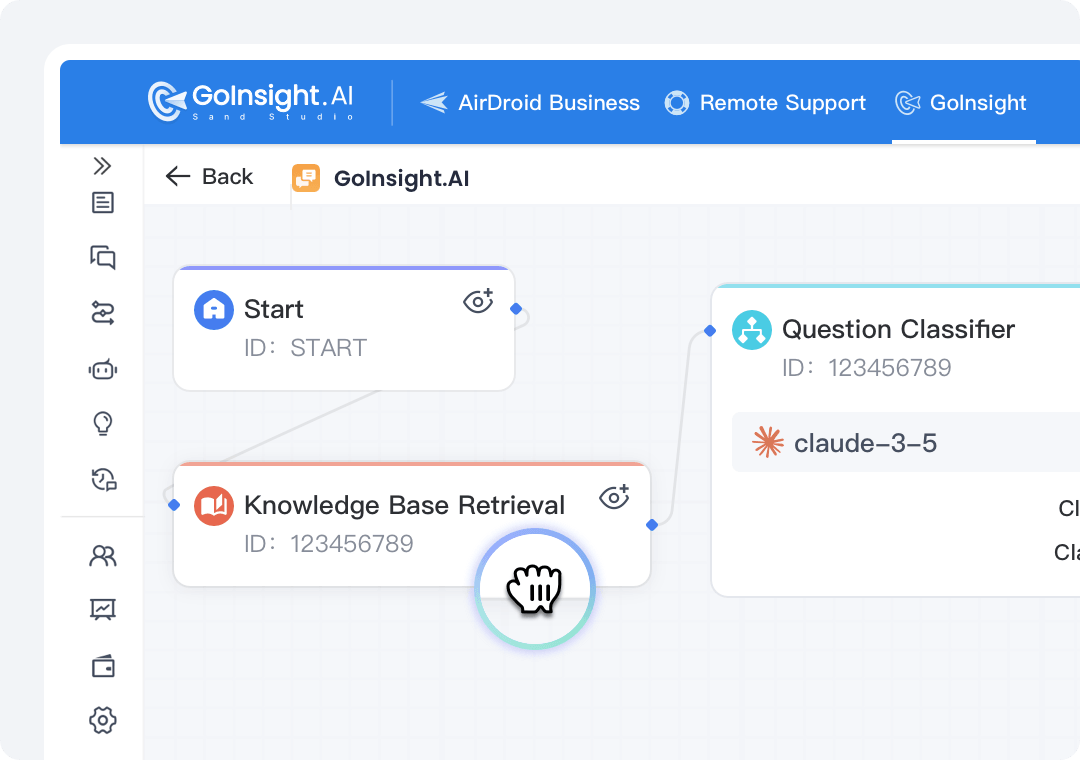
GoInsight.AI is AI-native, providing AI nodes for reasoning, extraction, collaboration, and knowledge base workflows.
In n8n, AI integration via external models and APIs. It has more flexibility but requires technical knowledge.
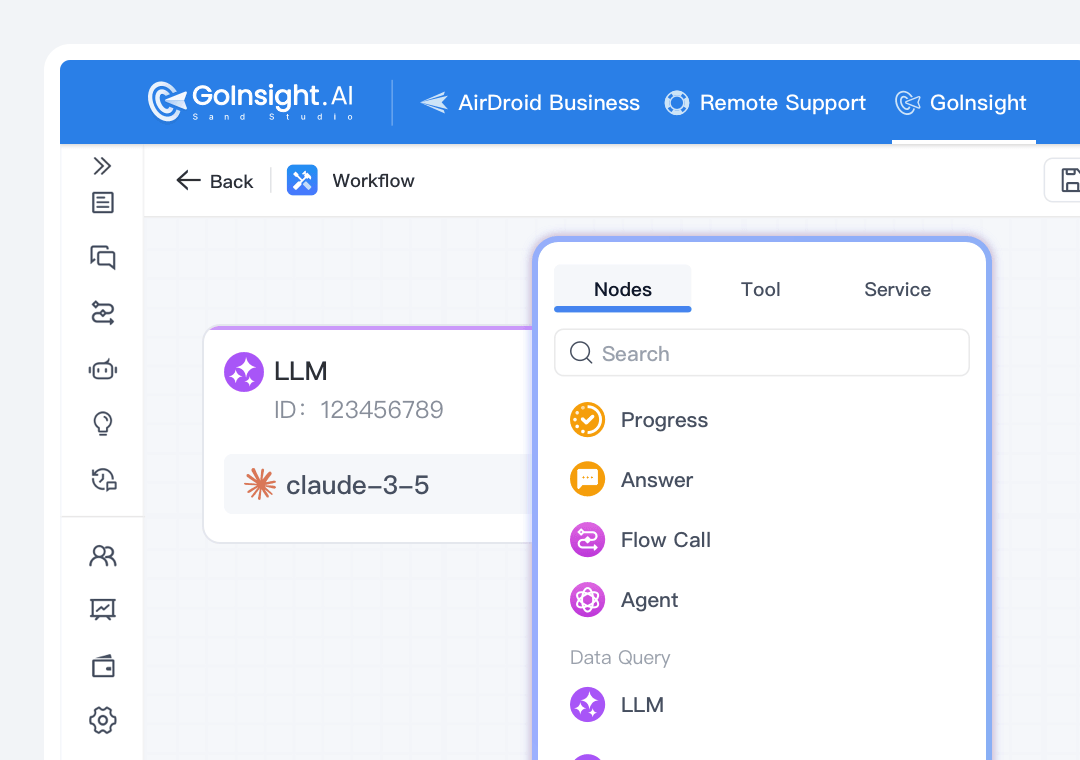
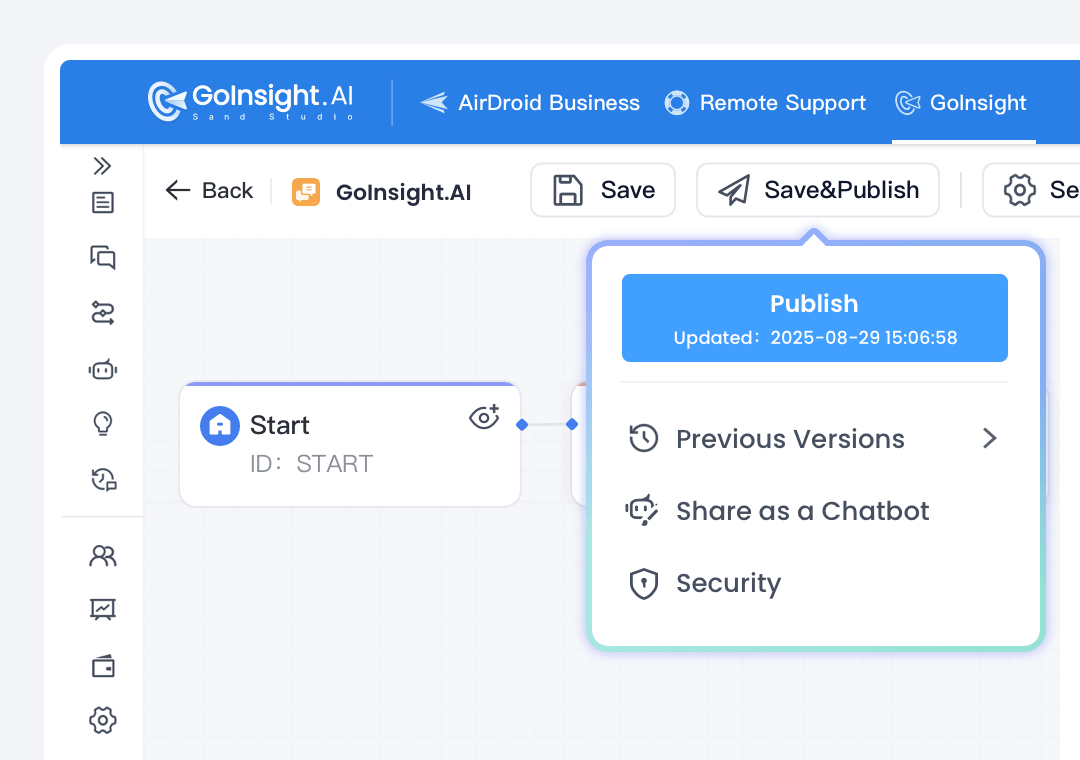
In GoInsight.AI, users can publish workflows as callable tasks or deploy the applications instantly in daily operations with just one click.
n8n allows builders to trigger them via cron, webhooks, polling, and APIs. And "one-click" UI for business users must be built separately or integrated via additional frontends.
Collaborate with team members + AI + workflows in a shared workplace
While n8n stands in the technical experts' shoes, GoInsight.AI stands from the perspective of the enterprise and real business, making AI and automation a part of everyday working habits.
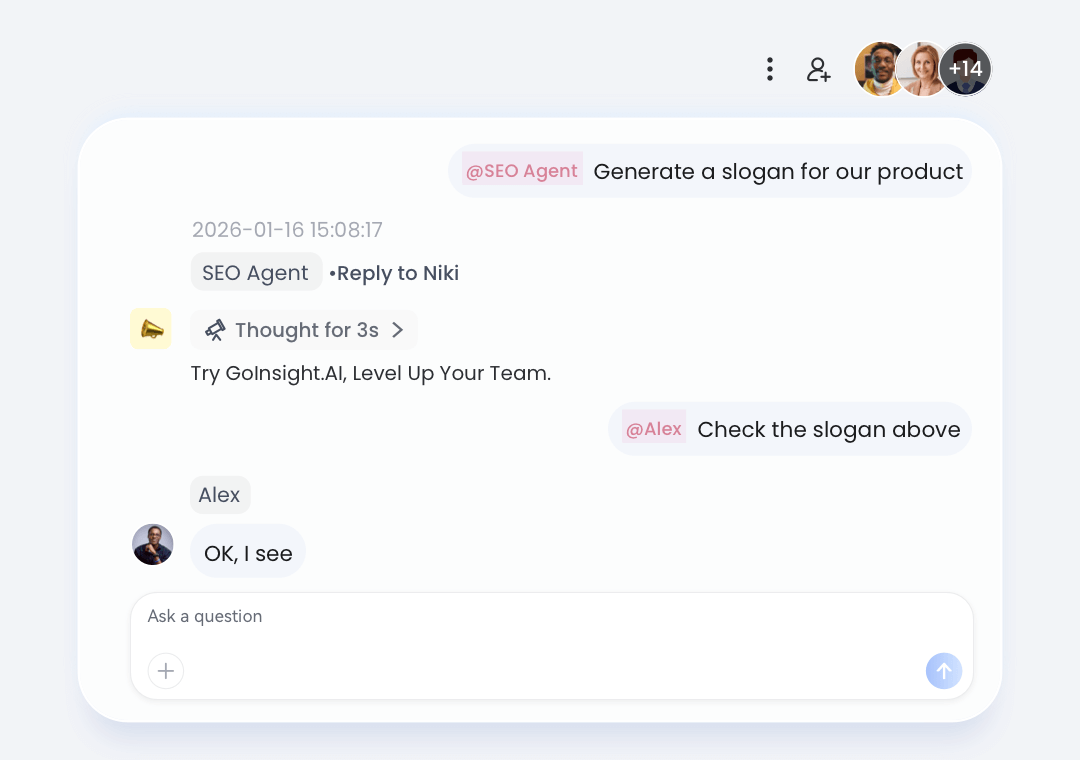
In GoInsight.AI, everyone participates in a shared Collaboration Workspace, working with team members, AI assistants, and workflows in the same conversation.
n8n provides a workflow editor for technical users only.
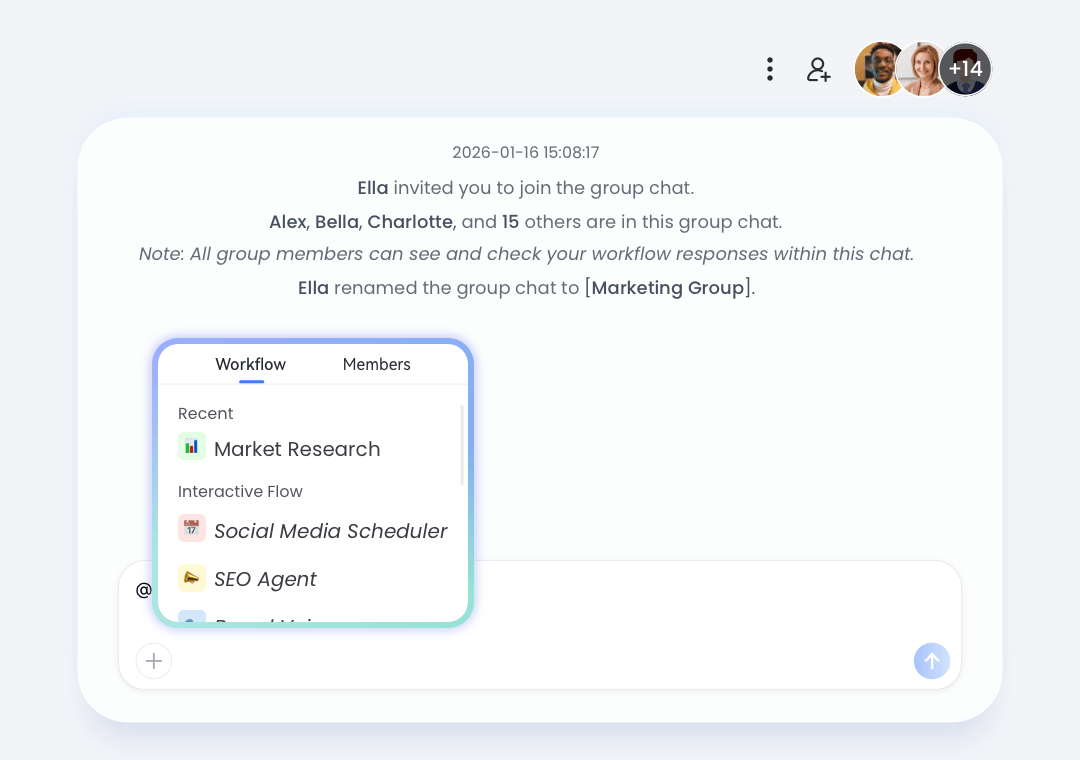
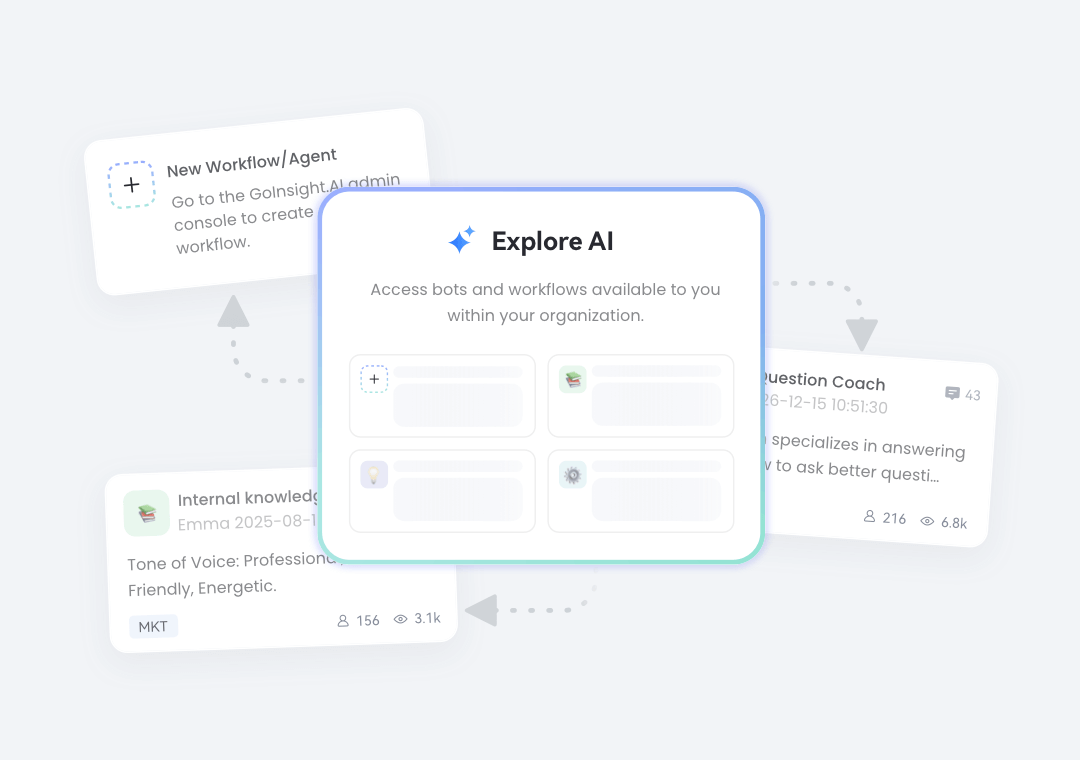
In GoInsight.AI, workflows created by a few builders can be published as cards and commands for operators (most regular employees) to launch workflows and complete tasks via @ mentions in chats.
In n8n, productivity is still confined to tech teams because only builders can interact with workflows.
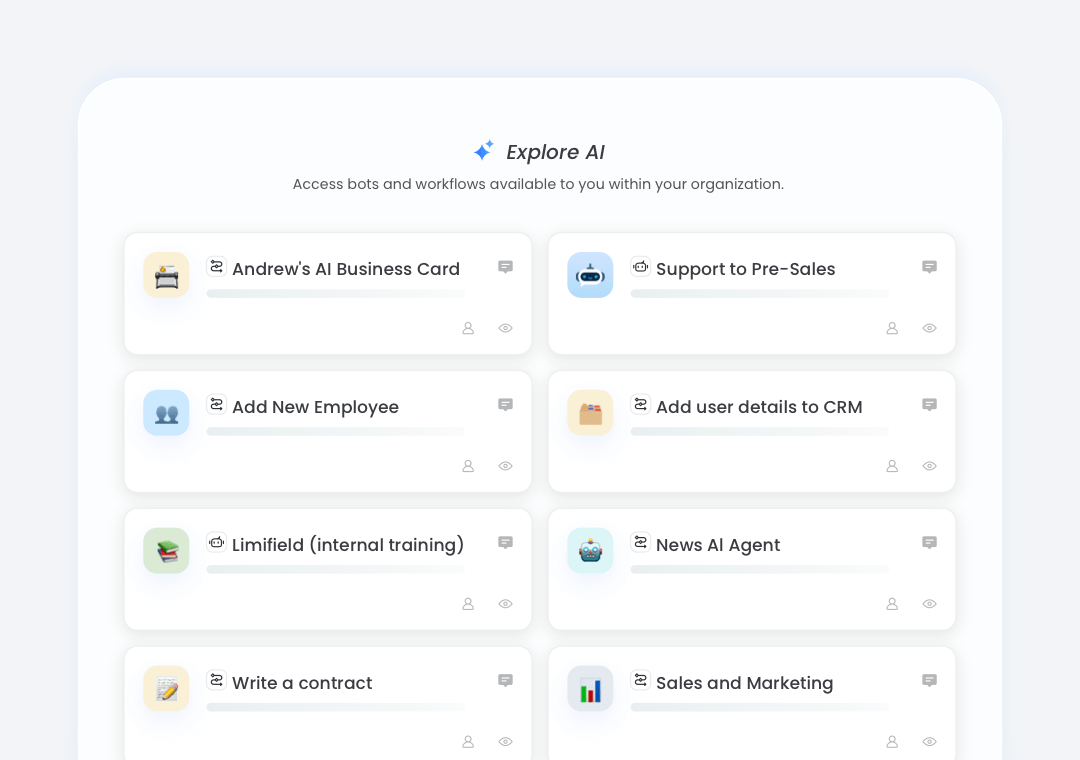
GoInsight.AI allows teams to discuss cases, fetch data, trigger workflows, and achieve real business results in one chat timeline with full context.
Users in n8n need to switch between diverse tools or systems to reach their team members.
Know how AI works and how much value AI creates
GoInsight.AI is being AI-native by design. It turns AI into assistants rather than nodes and sets AI and workflow usage under governance for enterprise needs.
In GoInsight.AI, AI is present at every layer, from conversational assistants in Workspace and LLM/RAG/Agent nodes in flows, to reusable AI apps that can be published to employees.
In n8n, AI is treated as isolated workflow nodes.
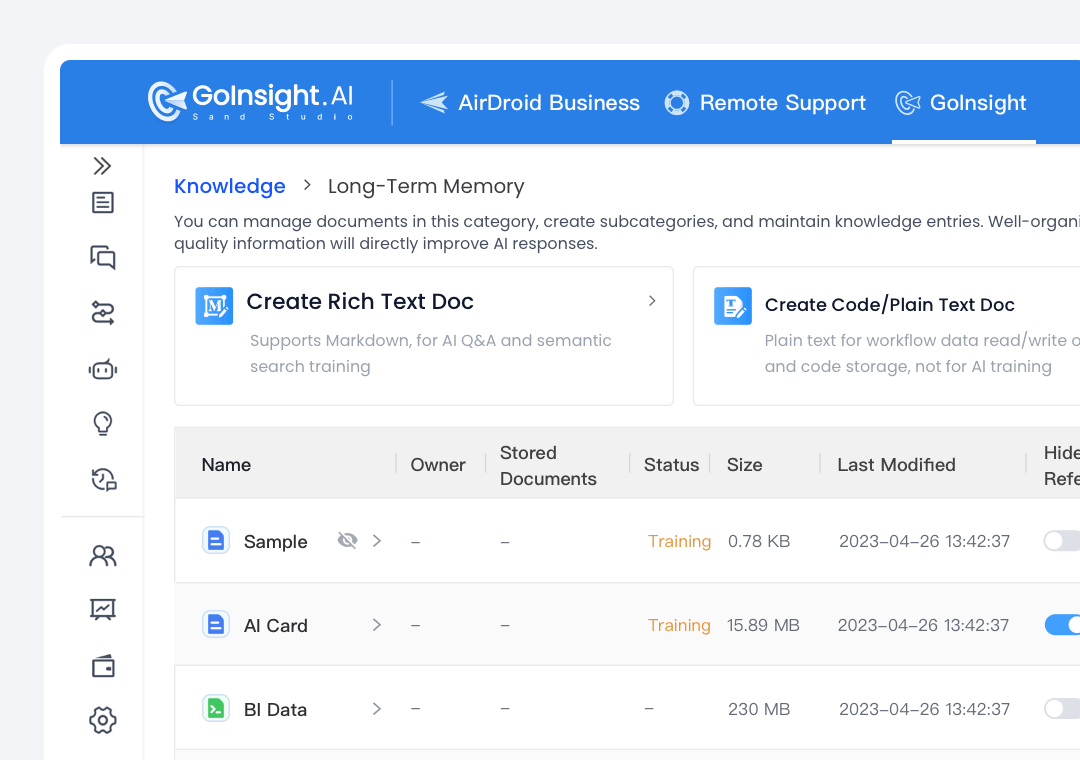
GoInsight.AI leverages integrated knowledge retrieval (RAG) and context-aware AI tied to internal data with governance.
n8n only integrates vector DBs and do RAG via nodes but lacks a dedicated and governed enterprise knowledge layer.
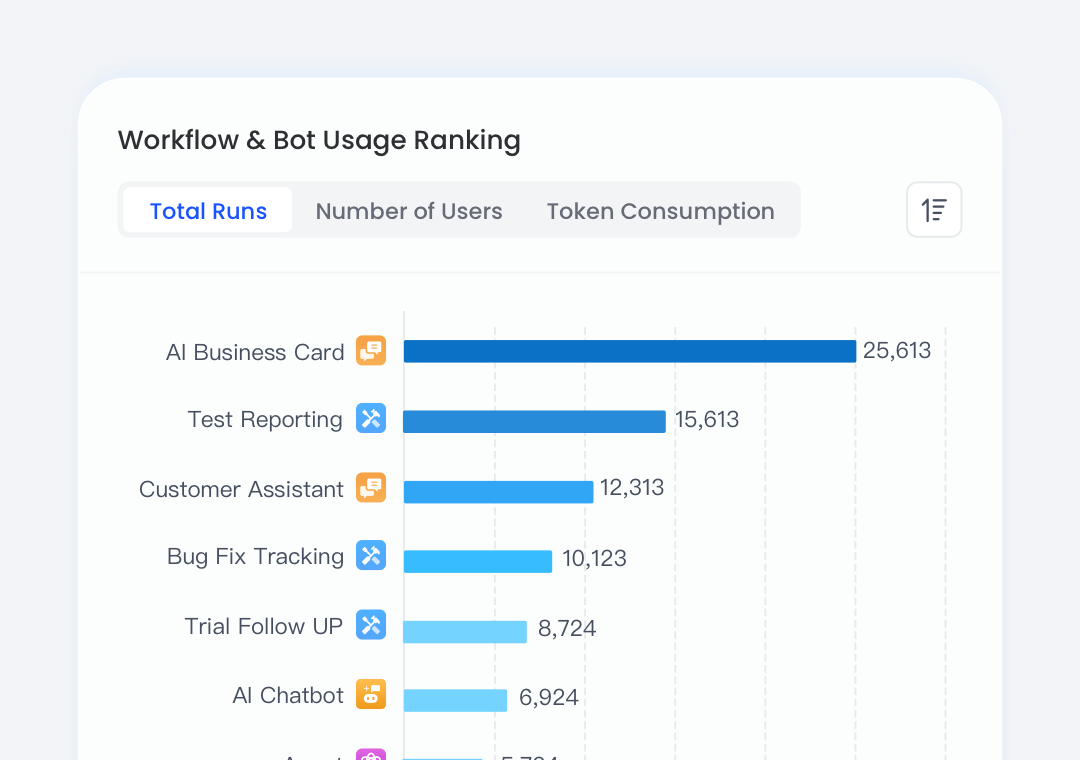
GoInsight.AI measures AI usage and tokens across models, flows, Workspace, and users, enabling quotas, budgets, and optimization of AI spend and design.
n8n monitors workflow executions and errors, but does not natively manage AI usage and cost from an organizational or token perspective.
GoInsight.AI applies role-based access and detailed, auditable logs across workflows, models, and data with enterprise governance built in.
n8n offers role/project-level controls and audit logs, but requires custom setup for fine-grained governance.
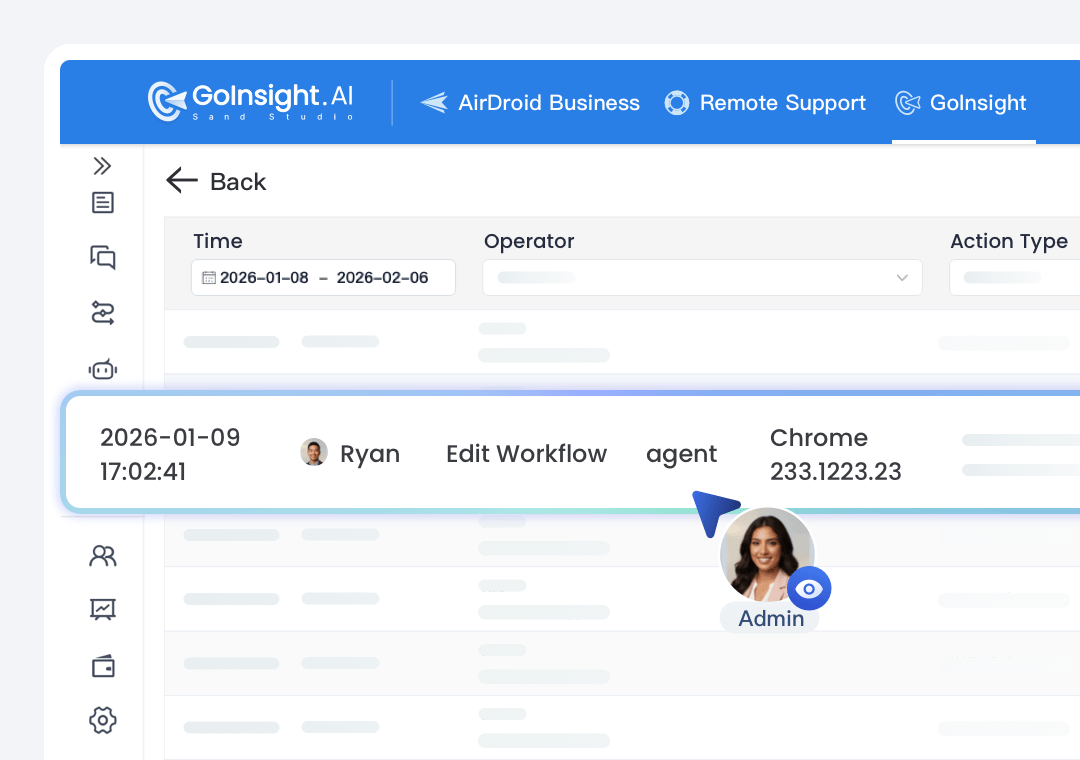
How teams work using GoInsight.AI
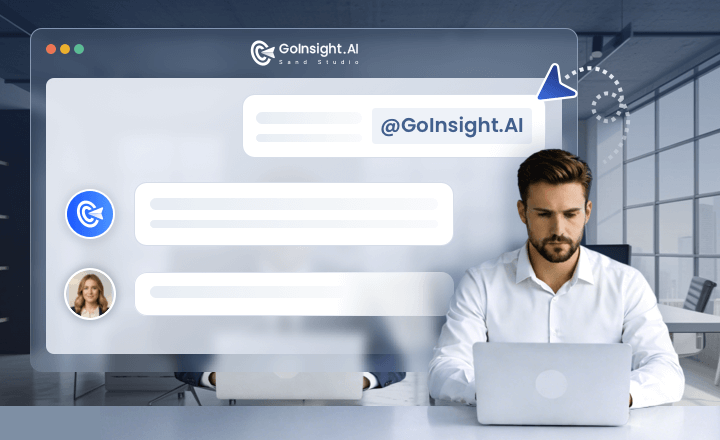
In the Collaboration Workspace, the customer support team @AI pulls context from CRM, ticketing, and logs, and triggers diagnostics or remediation workflows.
Then, product and engineering can join the conversation to solve the problem on the same thread with actions and decisions captured in an auditable timeline.
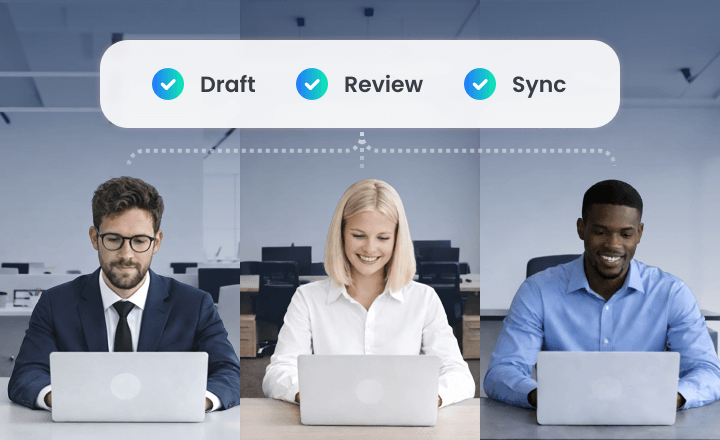
In the Workspace for each project, the PM can ask AI to draft milestones, risks, and owners for the project, and let the team refine during the conversation.
After that, trigger a workflow to sync the plan to Jira/PM tools and mirror status updates back into the Workspace as cards for further review and follow-up.
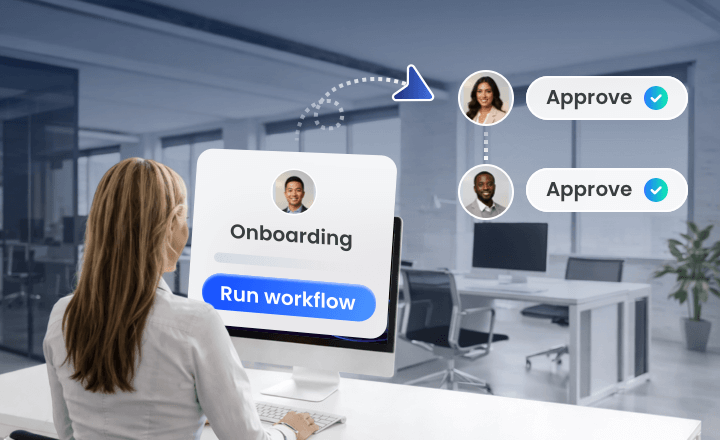
HR initiates onboarding with basic info, and triggers the workflow to create required accounts and tickets across HR and IT systems. Then, in the same Workspace, managers and IT confirm items in the same thread.
After that, the workflow updates information in the backend systems and the Workspace for auditing.
Try GoInsight.AI, Level Up Your Team
Bring your team, systems, and AI into one place—then turn ideas into governed work.