
GoInsight.AI vs. Dify
AI-Powered Collaboration Workbench vs. Open-Source AI Apps Builder
- Both GoInsight.AI and Dify try to put AI power into users' hands.
- Dify is a platform for developers to build AI apps and agents.
- GoInsight.AI aims to turn AI into a capability for every team through collaboration.

- You want most general employees use AI and workflows to solve real problems in daily work.
- Your team or company needs to embed AI reasoning into end-to-end workflows.
- Your business needs cross-systems and cross-team workflows and collaboration.
- You want AI apps and workflows run under governance.
- You have a developer or AI engineering team who will own the AI apps.
- Your main priority is to build AI apps and agents as part of your product or internal tools.
- You need rapid prototyping and deployment of AI workflows without heavy back-end setup.
GoInsight.AI vs. Dify at a glance
 |  | |
|---|---|---|
| Primary focus | Business-centric flows and collaboration | App-focus model |
| LLM integration | Yes, multi-model support. | Yes, multi-model support. |
| Retrieval-augmented Generation (RAG) | Built-in knowledge base + RAG support for context-aware workflows. | Integrated RAG engine and dataset management for knowledge-grounded AI responses. |
| AI-driven application builds | AI workflows, chatbots, and assistants. | AI apps/agents, and assistants. |
| Human-in-the-loop (HITL) | Native support for human oversight and checkpoints within workflows. | Human steps are mostly handled in front-end logic or external tools. |
| Multi-agent coordination | Designed to integrate multiple AI agents and roles into workflows. | Support agentic workflows and AI agents within app logic. |
| Workflow complexity | Workflows with more comprehensive for higher system complexity. | Focus on lighter automation. |
| AI application Deployment | Export workflows as executable actions inside enterprise systems. | Deploy via API into products and services. No end-to-end enterprise deployment. |
| Integration scope | Broad enterprise systems. | AI app ecosystem + plugins. |
| Usage scenarios | Enterprise-grade and real business world scenarios. | Single AI app scenarios. |
| Collaboration pattern | Allow multi-member + multi-Al + multi-system collaboration in the shared workspace. | Focus on the Al app/agent itself; multi-user collaboration occurs in external tools. |
| Governance of AI | Enterprise-grade governance with built-in auditability, role-based access control, etc. | Provides app-level permissions and environment separation. |
| AI cost and usage measurement | Built-in analytics provide visibility into token consumption by workflow, department, user, and workspace. | Provides app-level permissions and environment separation. |
From smart answers to business actions
GoInsight.AI embeds AI deeply into end-to-end business processes and turns AI insights into automated actions across systems.
In GoInsight.AI, AI nodes (LLM, RAG, agents) are native operators insides business workflows for systems to process data, make decisions, and trigger actions.
Dify focuses on AI applications workflows and agents, and the models, RAG, and tools power reasoning and responses in each app rather than broader enterprise systems.
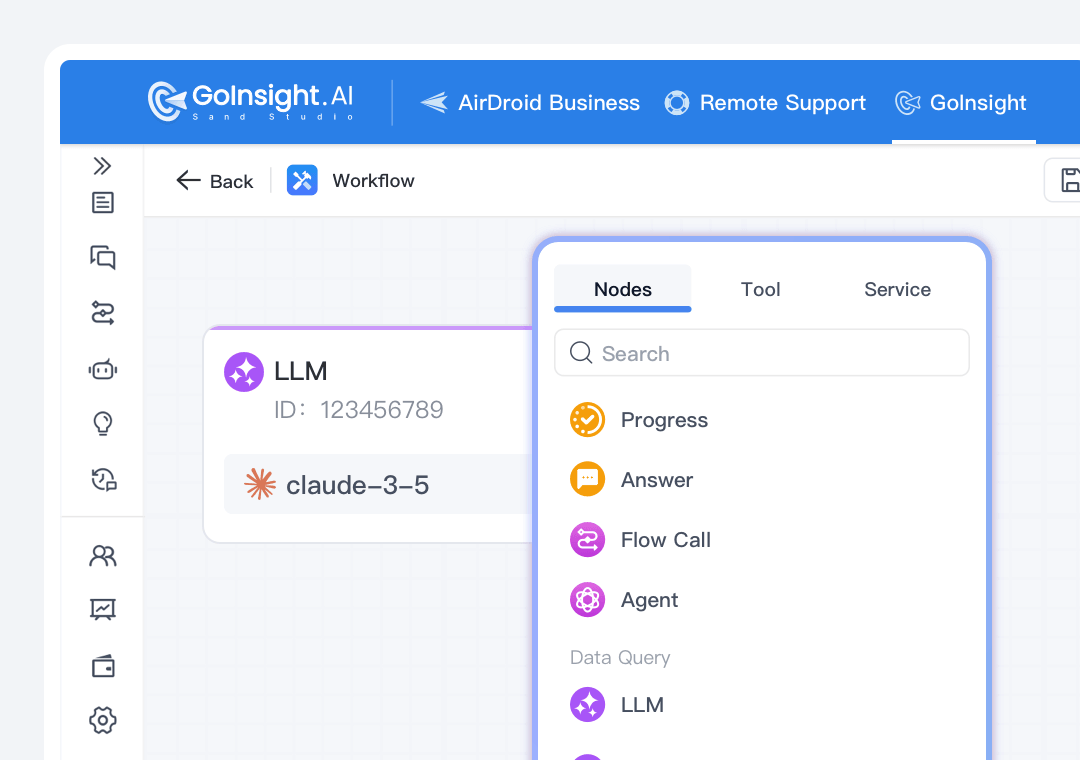
GoInsight.AI provides built-in connectors, HTTP and API supports to make AI workflows integrate with CRM, ERP, ticketing, databases, and more. A workflow can carry AI reasoning and concrete business actions across systems.
Dify integrates data souces and models for AI apps, but connecting those apps to enterprise systems actions often requires custom development.
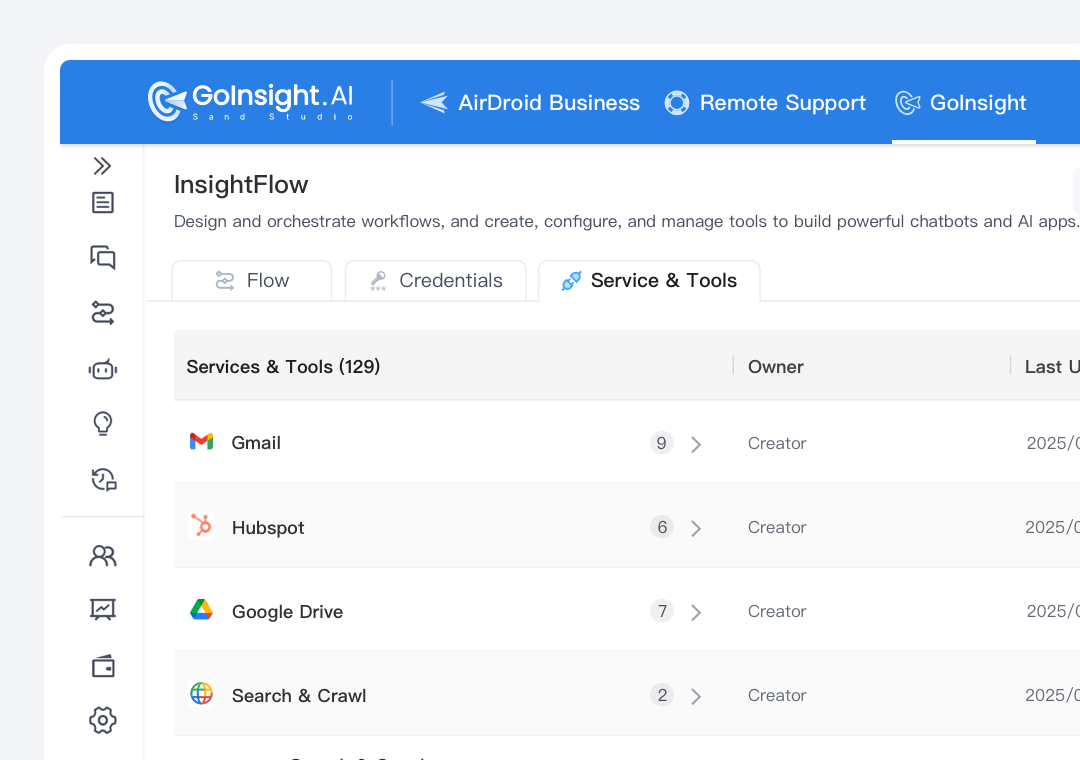
In GoInsight.AI, workflows can be published and executed by general employees based on specific business needs or triggered automatically per business logic.
In Dify, AI apps and agents are primarily deployed with API accessibility. Action automation is centered around the app context.
Measurable and governed AI capabilities
ROI and governance are important for businesses when AI drives decisions. That's why GoInsight.AI emphasizes the ability to measure and monitor AI use.
GoInsight.AI provides organization-level analytics on usage and token spend by workflow, department, and user, connecting AI activity to specific business processes to see what results AI really achieves.
Dify offers a dashboards with calls, errors, latency, and token usage, but based on per AI app and workflow only, not mapped to enterprise processes.
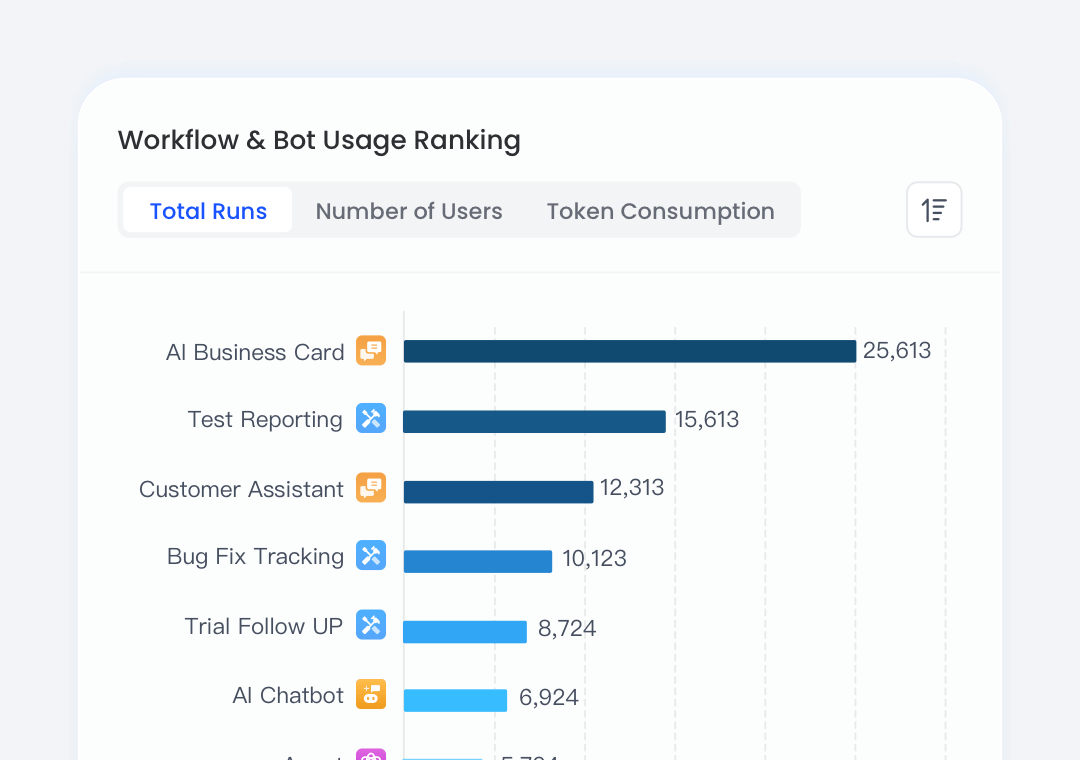
With GoInsight.AI, you can track AI consumption across your entire organization with detailed breakdowns by workflow and team. It supports budgets, alerts, and usage caps, allowing you to align AI expenses with business values and adjust strategies proactively.
In Dify, you can check usage and traffic by app and workflow, but budget monitoring might need external monitoring tools or gateways.
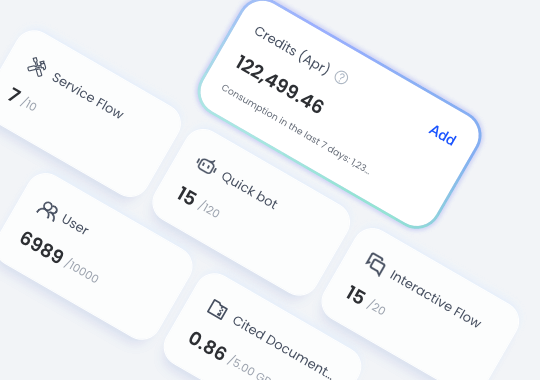
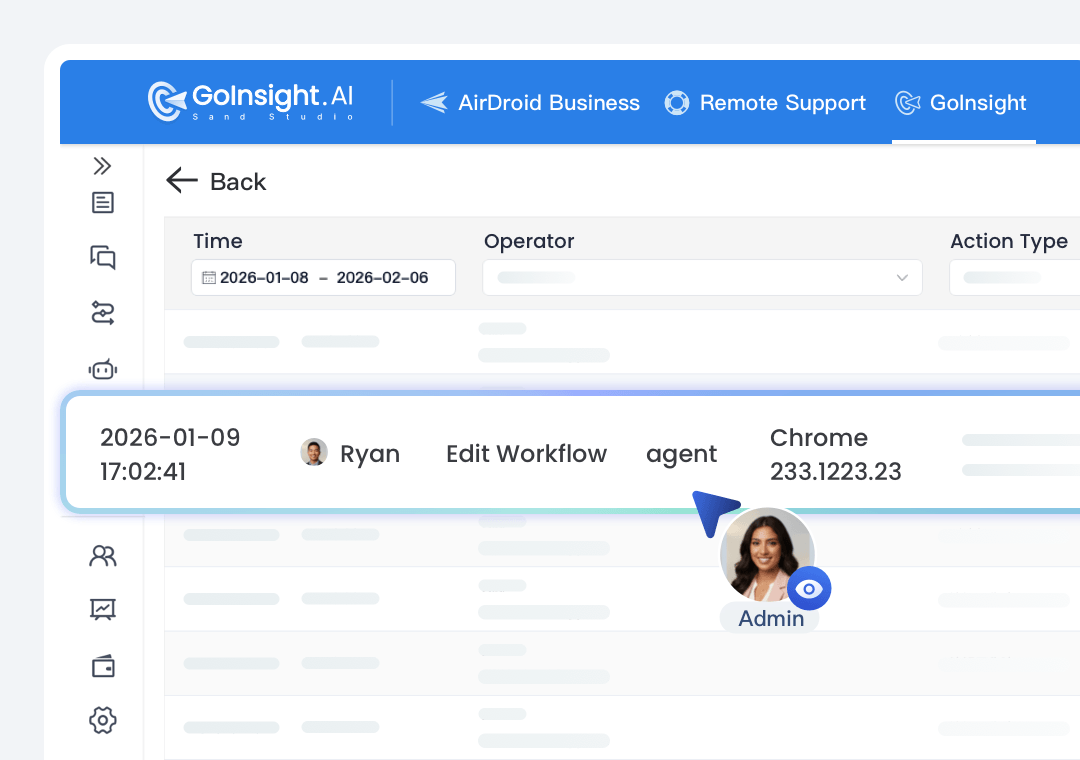
GoInsight.AI implements governance as a concrete system. You can set global policies and enforce resource-level ACLs for workflows, tools, agents, knowledge bases, etc., and check the full audit log to ensure accountability and compliance of AI usage.
Dify provides app-level permissions, environment separation, and API key control, but fine-grained business policies are usually implemented in surrounding systems.
From personal effort to organizational productivity
GoInsight.AI stands from the perspective of the enterprise and real business, allowing anyone to collaborate with others, AI, and workflows in a shared workspace.
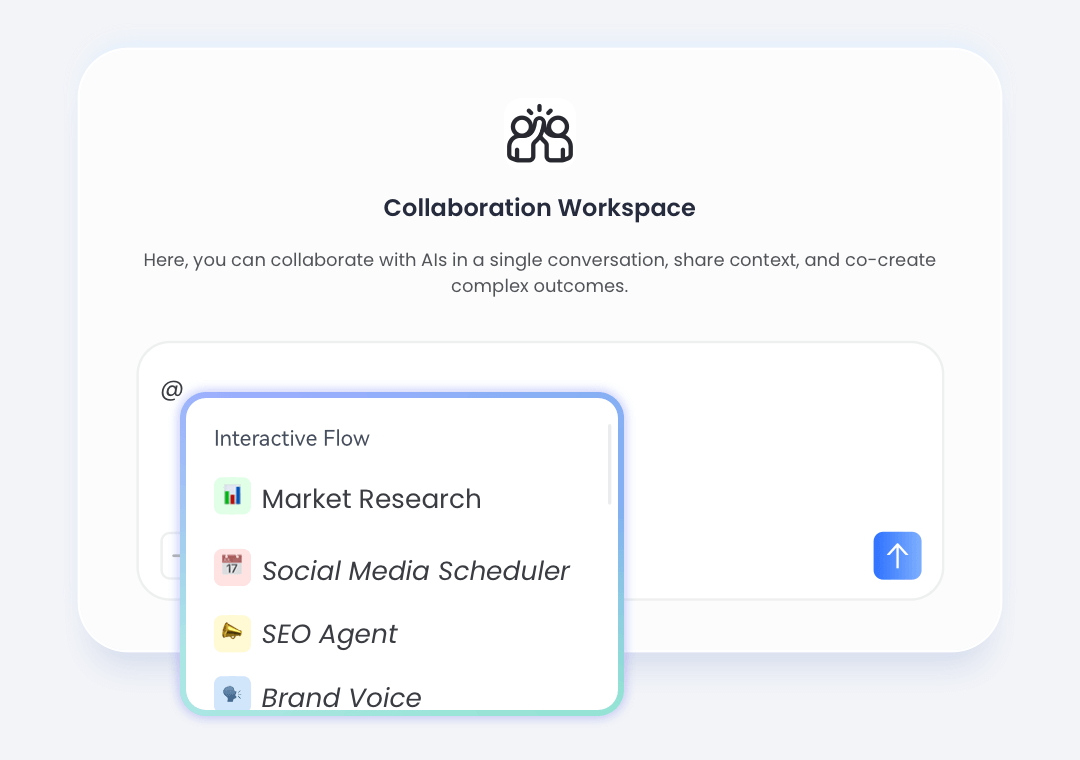
The Collaboration Workspace in GoInsight.AI enables every team member to participate in workflows. Teams can discuss and refine ideas with shared context, and invoke workflows directly from chat, turning planning into real-time execution.
In Dify, collaboration primarily centers on app building between engineers and developers, most users only consume results through app interfaces.
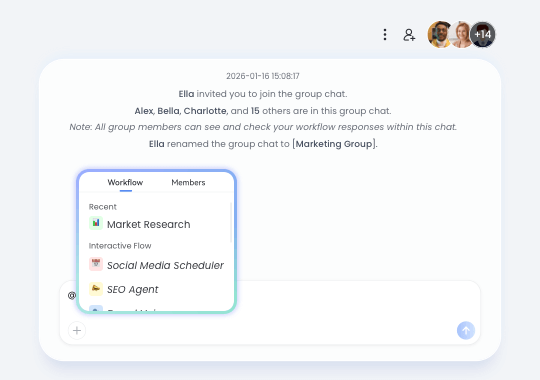
In GoInsight.AI, workflows and AI apps can be published as cards and commands for most members to launch workflows and complete tasks via @ mentions in chats. Thus, workflows created by a few are not isolated personal tools anymore, the teams can benefit from them.
Dify offers apps sharing and team member roles in a workspace, but apps and knowledge are accessible within that space only.
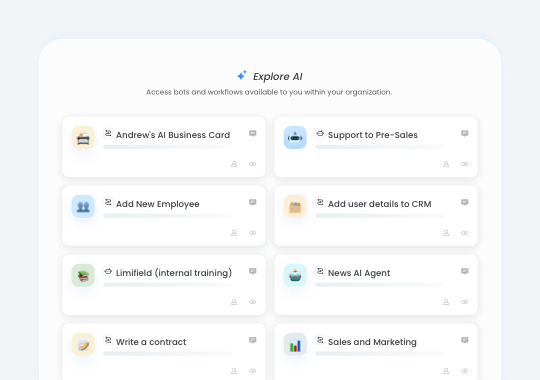
In GoInsight.AI, data, AI outputs, workflow execution, and human decisions live in the same shared workspace, preserving full business context from discussion to action.
In Dify, workflows run inside applications or APIs, while discussions, approvals, and follow-ups typically happen in separate tools.
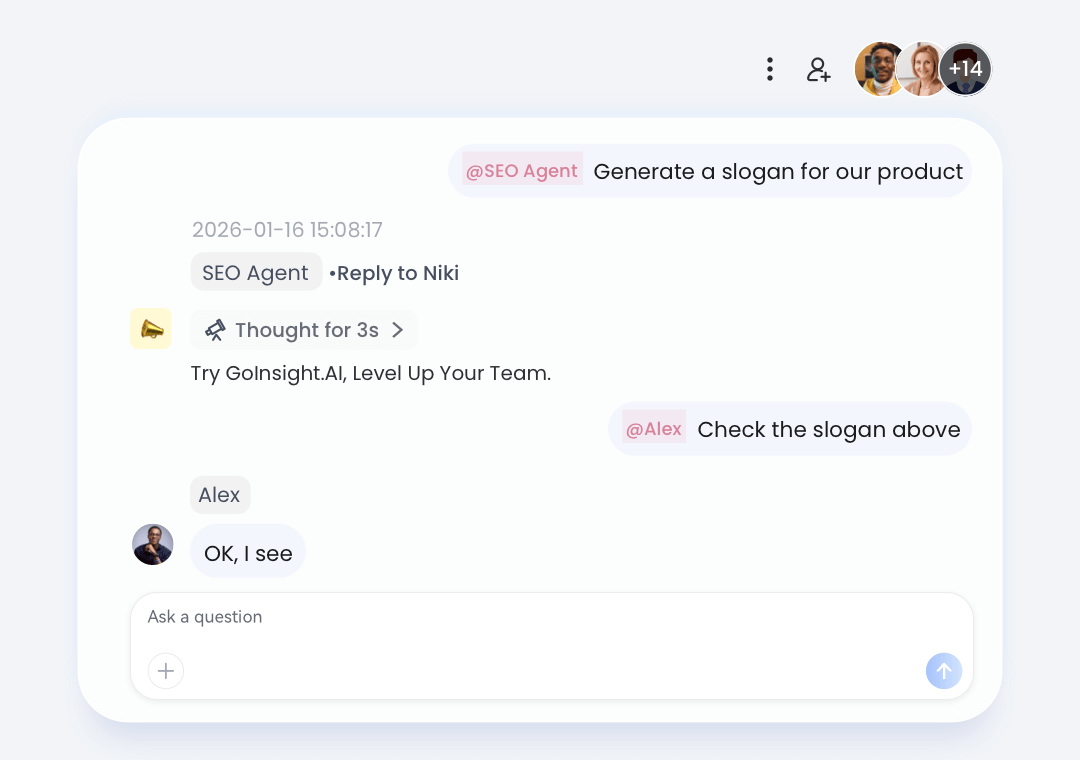
How teams work using GoInsight.AI
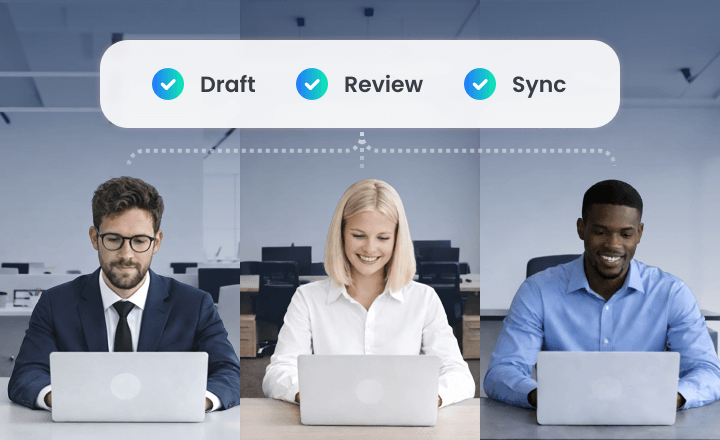
In the Workspace for each project, the PM can ask AI to draft milestones, risks, and owners for the project, and let the team refine during the conversation.
After that, trigger a workflow to sync the plan to Jira/PM tools and mirror status updates back into the Workspace as cards for further review and follow-up.
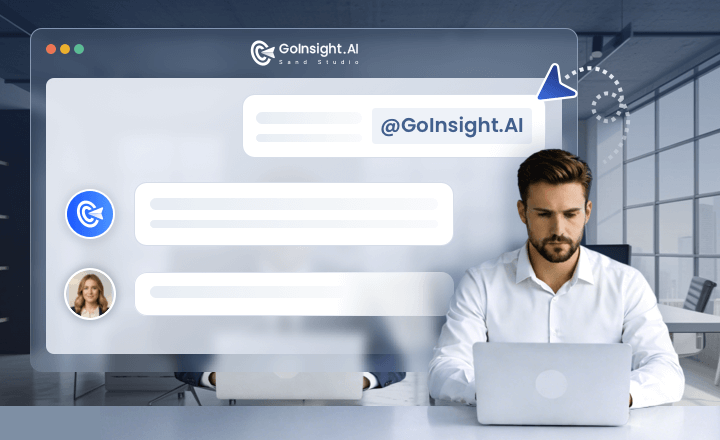
In the Collaboration Workspace, the customer support team @AI pulls context from CRM, ticketing, and logs, and triggers diagnostics or remediation workflows.
Then, product and engineering can join the conversation to solve the problem on the same thread with actions and decisions captured in an auditable timeline.
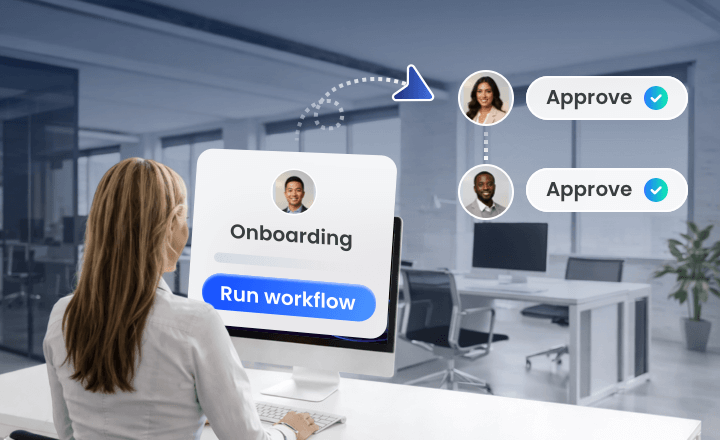
HR initiates onboarding with basic info, and triggers the workflow to create required accounts and tickets across HR and IT systems. Then, in the same Workspace, managers and IT confirm items in the same thread.
After that, the workflow updates information in the backend systems and the Workspace for auditing.
Try GoInsight.AI, Level Up Your Team
Bring your team, systems, and AI into one place—then turn ideas into governed work.