
Overview
Manually hunting for fresh, inspiring quotes and lighthearted programming jokes wastes time and breaks your flow. This workflow automates the entire process: fetching, cleaning, formatting, and emailing daily content directly to your inbox, delivering motivation and humor without lifting a finger.
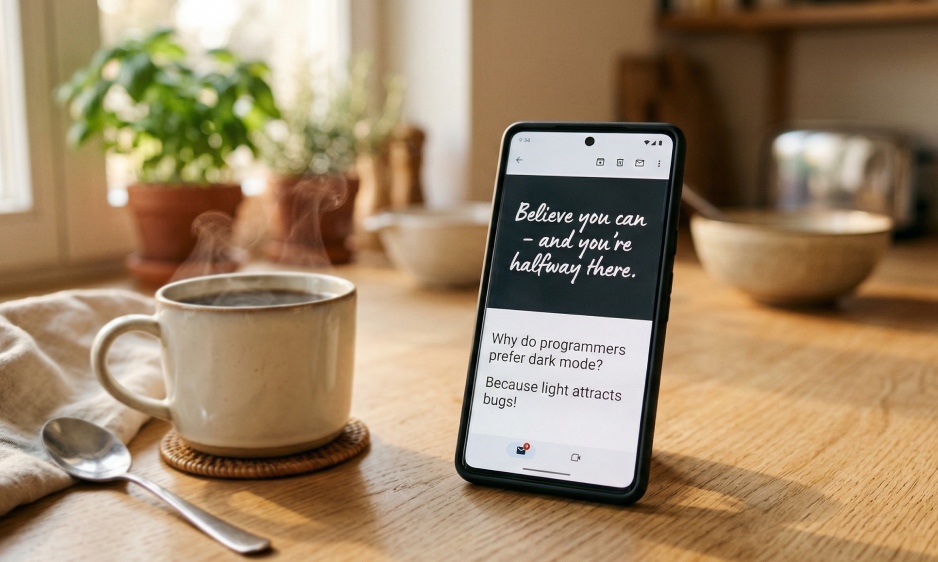
Generated by AI
The Impact
- Automate Inspiration Delivery. Get fresh quotes and jokes emailed daily without manual effort.
- Integrate and Beautify. Raw API data is transformed into clean, reader-friendly emails.
- Boost Team Morale. Share fun, uplifting content automatically to enhance team communication.
- Save Content Creation Time. Generate ready-to-use material for blogs or social channels instantly.
Who This Is For
- Individuals who want daily motivation and humor delivered hassle-free.
- Team Leaders aiming to foster a positive and engaging team culture.
- Content Creators seeking quick, fresh material for blogs or social media posts.
- Developers interested in practical API chaining and AI text processing examples.
How It Works
- Fetch Quote
- The workflow sends an HTTP GET request to zenquotes.io, retrieving a random English quote and its author in JSON.
- Fetch Joke
- It then requests a single-part programming joke from jokeapi.dev, also in JSON format.
- AI Integration & Beautification
- An LLM extracts the quote content, author, and joke, formatting them into a polished Markdown email body.
- Send Email
- The formatted content is emailed via the Gmail tool to the user-specified address with the subject "Daily Quote and Joke Sharing."
- End
- After sending, the workflow returns the email sending status and ends.
What You'll Need
Before using this template, make sure you have:
- A Gmail account authorized via the Send Email node to send emails on your behalf.
- Internet access to call public APIs zenquotes.io and jokeapi.dev for fetching content.
How to Use
- Step 1. Configure Credentials
- Step 2. Start the Workflow
- Step 3. (Optional) Set up Scheduling
- Step 4. Monitor Execution
Authorize and link your Gmail account in the Send Email node to enable outbound emails.
Click "Run" and enter the recipient email in the ToEmail parameter to receive the daily message.
Publish the workflow as a trigger and schedule it (e.g., 8 AM daily) for automatic delivery.
Check the workflow output for the email sending status to confirm successful delivery.
FAQs
How does the workflow get the daily quote and joke?
It sends HTTP GET requests to zenquotes.io for quotes and jokeapi.dev for programming jokes, retrieving JSON data.
How is the raw data turned into a readable email?
An LLM extracts the key quote and joke content from the JSON and formats it into a clean, Markdown-styled email body.
Can I automate daily sending without manual runs?
Yes, by publishing the workflow as a trigger and scheduling it to run at your preferred time each day.
What email service does this use for sending?
It uses your authorized Gmail account through the Send Email node to send the composed emails.


